Put a photo on a white background
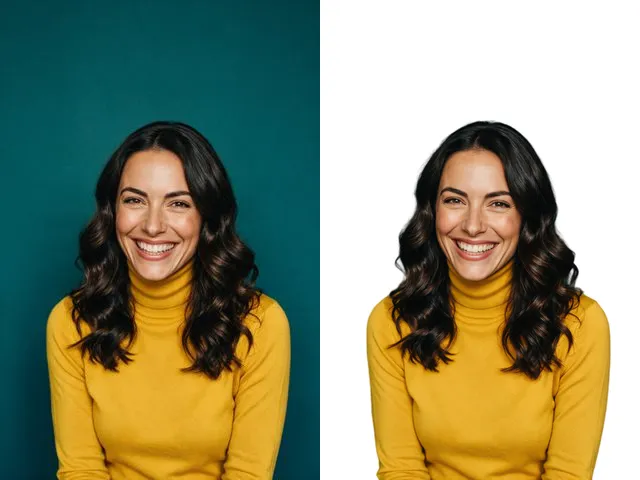
Swap a busy background for a flat white one, the way marketplace listings and ID photo rules usually ask for.
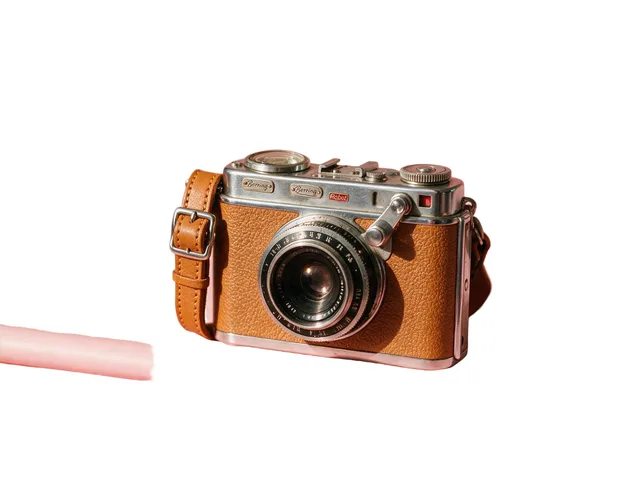
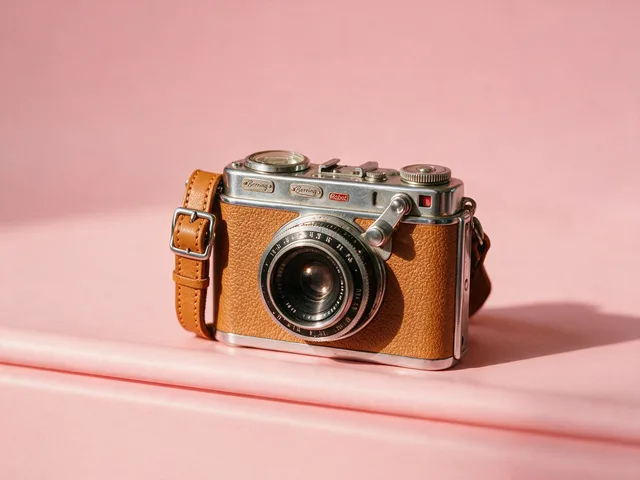
Try it
No photo chosen yet.
Drop a photo here
or
JPG, PNG, or WebP, up to 25 MB and 30 megapixels.
Free to try without an account. Signed in, a run costs 1 credit.
How it works
- Add a photo: drag it onto the uploader or pick one from your device.
- The subject is cut out, then composited onto a flat white backdrop in one pass.
- Look at the result, then download it or run another photo through.
These models reconstruct rather than recover: they produce a plausible version of what was probably there, so results vary with the source photo. Run it again or try a different image if the first pass misses.
What to expect
Two steps in a single run: the subject is cut out, then dropped straight onto flat white, so you never handle a transparent file. That fits marketplace listings, catalog rows, and any rule that says plain backdrop. The cut is still the part that can go wrong, and white is unforgiving about it: a pale wall behind a white shirt gives the model almost no boundary to find, and a soft outline shows against white more than against anything else. Any shadow the subject cast on the old background leaves with it, so objects can look like they are floating, which for a listing photo is usually what you want.
Best results: A subject that contrasts with its current background, evenly lit, with nothing important cropped off the edge of the frame.
Common questions
- Will this pass a passport or visa photo check?
- It gives you the plain white backdrop those rules ask for, which is one requirement of several. Head size, framing, expression, and shadows are still yours to get right, so check the specification for the country you are applying to before submitting.
- Why is the result a JPEG rather than a PNG?
- Once the backdrop is flat white there is no transparency left to preserve, and JPEG is a fraction of the size for a photograph. Use the Background Remover if you need a PNG with a real alpha channel.
- How white is the background?
- It is a single flat white across the whole backdrop, so the image sits on a white page or a white listing card with no visible box around it. Highlights on the subject are left alone, so a white shirt still reads as a shirt.
- What happens to the shadow under my product?
- A shadow cast onto the old background goes with it, which can leave the object looking like it is floating. Add a soft shadow in an editor if you want it grounded.
- The edges look soft where my subject is pale. Why?
- The cut depends on contrast, and a light subject against a light background gives it very little to work with. Reshooting against something darker helps most, and for a portrait the Face Cut Out model usually finds a cleaner outline.
Be photographed, any way you like
Save your photographs once, then every look becomes a photograph of you.










Related tools
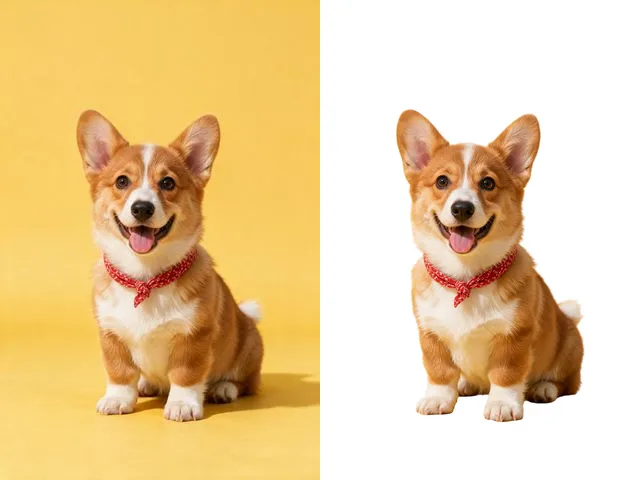 BeforeAfterBackground RemoverUpload an image and get the subject cut out on a transparent background, ready to drop onto anything else.
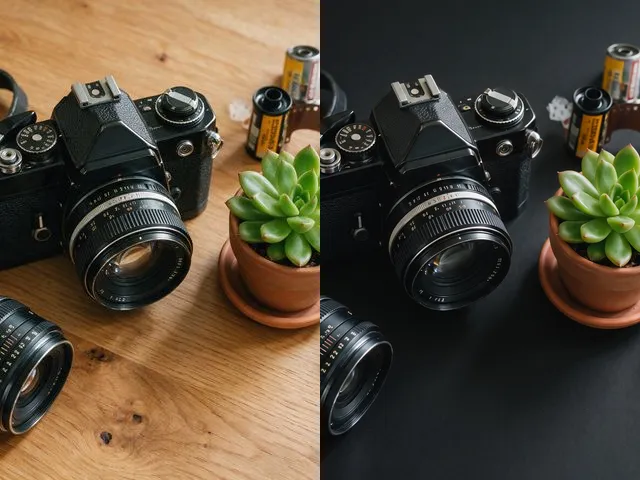 BeforeAfterBlack Background MakerDrop the subject onto flat black, which is what most product shots and profile crops want behind them.
 BeforeAfterFace Cut OutIsolate a head and shoulders portrait from its background, with the hair and jaw edges kept clean.
 BeforeAfterImage EnhancerSharpen detail, clean up noise, and even out a flat looking photo, without changing what is in the frame.