Turn a photo into a pencil sketch
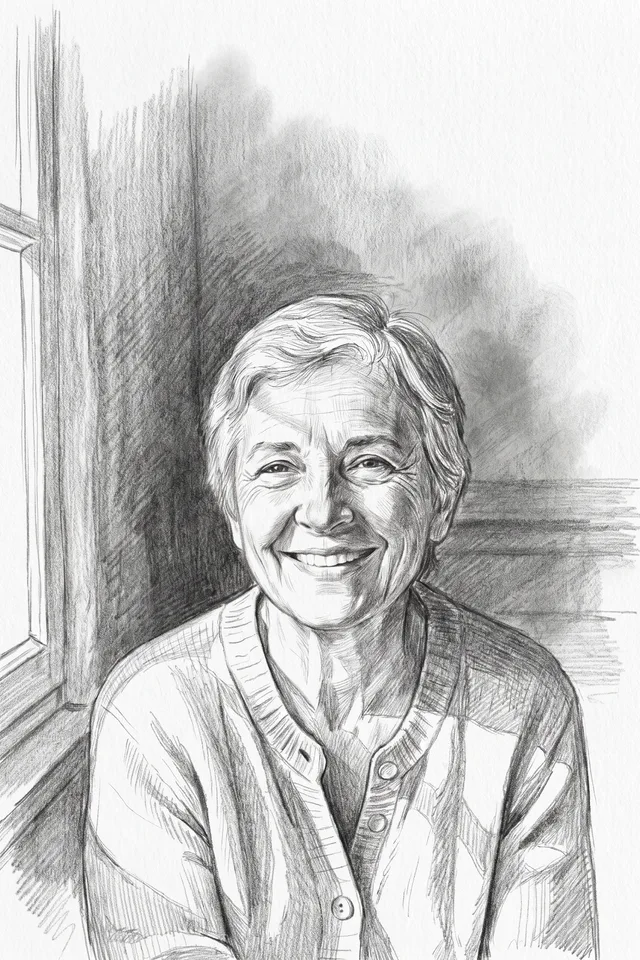
Get a graphite drawing of your photo, with visible strokes and soft shading instead of pixels.
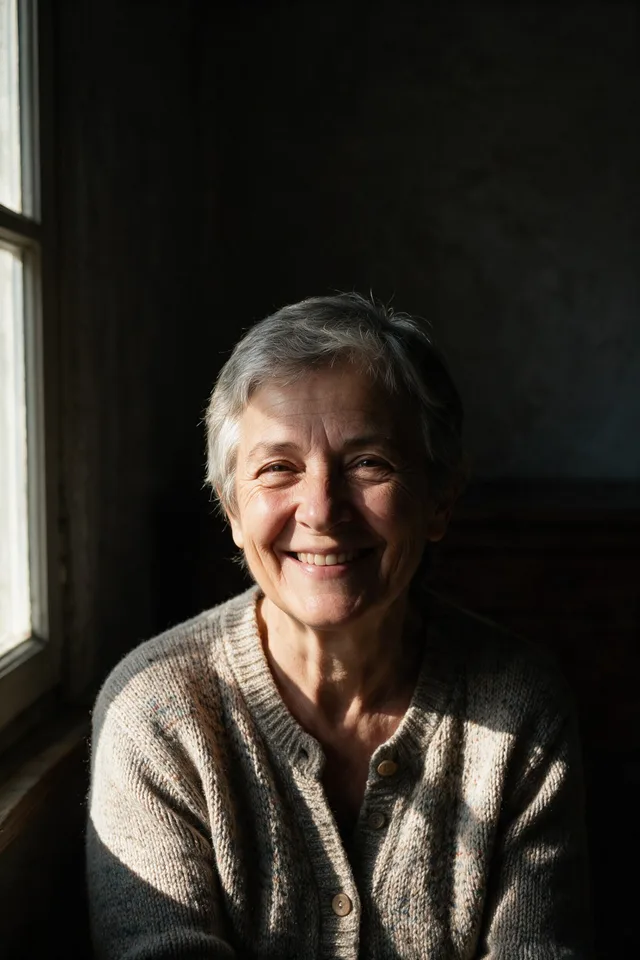
Try it
No photo chosen yet.
Drop a photo here
or
JPG, PNG, or WebP, up to 25 MB and 20 megapixels.
Free to try without an account. Signed in, a run costs 4 credits.
Sign up free for High qualityHow it works
- Add a photo: drag it onto the uploader or pick one from your device.
- The model redraws your photo in graphite on white paper, keeping its composition.
- Look at the result, then download it or run another photo through.
These models reconstruct rather than recover: they produce a plausible version of what was probably there, so results vary with the source photo. Run it again or try a different image if the first pass misses.
What to expect
A drawing rather than a photo effect: instead of running edge detection over your file and calling the result a sketch, the model draws the scene again, which is why the strokes follow the form rather than the noise. Portraits and single subjects work best, and strong side lighting helps, because the shading has something to describe. Very busy scenes lose their smallest details, since a pencil drawing simply has fewer marks available than a photograph has pixels. The result is monochrome by design; if you want the drawing coloured in afterwards, the coloring page tool is the one that leaves clean areas to fill.
Best results: A photo with a clear subject and some contrast in the light, so the shading has form to follow.
Common questions
- Is this a filter or a redraw?
- A redraw. Filters trace the edges already in your file, which is why they look mechanical. This draws the scene again, so the strokes follow the shapes rather than the noise.
- Can I get it in colour?
- No, it is graphite by design. Coloured pencil is a different look and would need its own tool.
- Will it look hand drawn?
- That is what it aims at: visible strokes and paper. Look closely and the giveaway is usually the consistency of the shading, which is more even than a hand would manage.
- Does it work on landscapes and buildings?
- Yes, though architecture is where it is weakest: straight lines that must stay straight are exactly what a drawn line tends to bend.
- What size do I get back?
- The dimensions you uploaded. The result is resized back after the model works at around one megapixel.
Be photographed, any way you like
Save your photographs once, then every look becomes a photograph of you.










Related tools
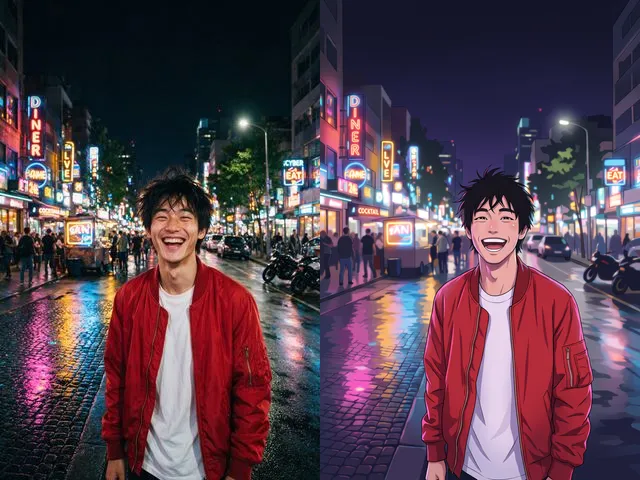 BeforeAfterPhoto to AnimeRedraw a photograph as an anime illustration, with the pose and the framing you already have.
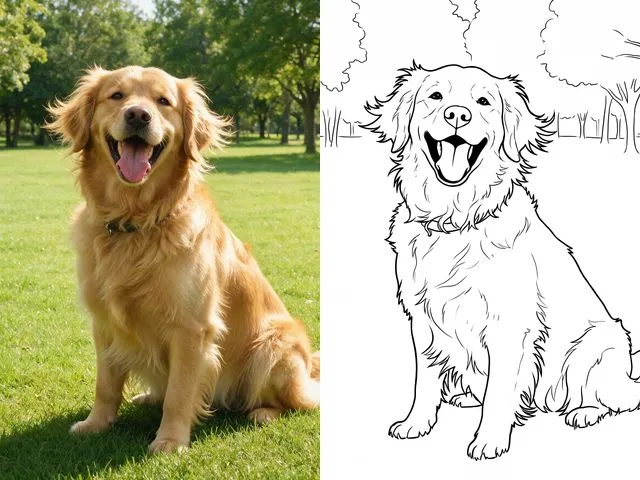 BeforeAfterColoring PageMake a printable colouring page from a photo: bold black outlines, white space, nothing else.
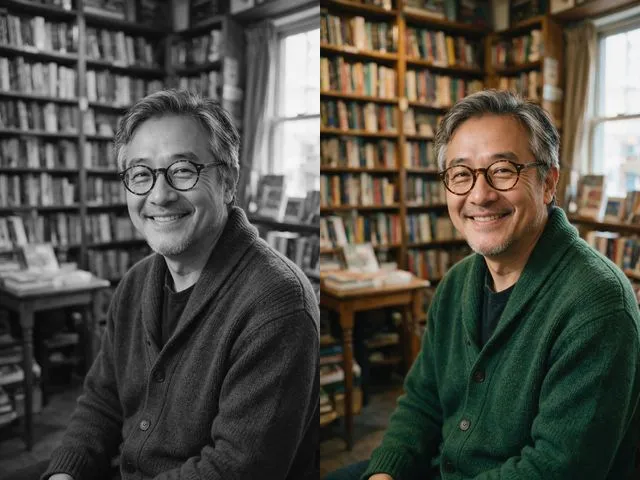 BeforeAfterPhoto ColorizerAdd natural, period plausible color to a monochrome photo, with skin tones kept believable.
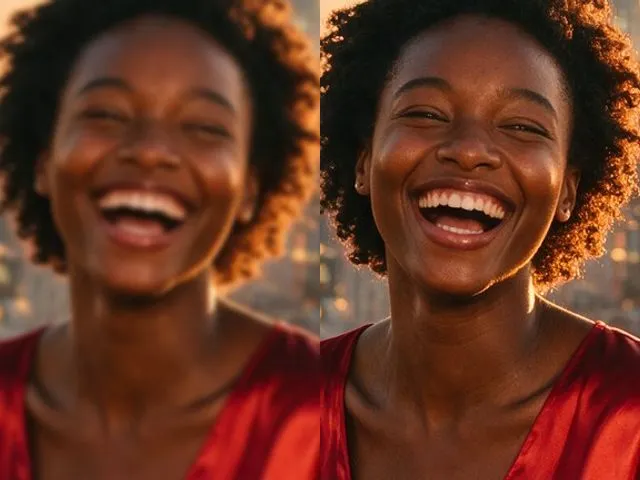 BeforeAfterImage EnhancerSharpen detail, clean up noise, and even out a flat looking photo, without changing what is in the frame.