Add a natural smile to a photo
Turn a stiff expression into a relaxed, natural smile, without touching anything else in the photo.
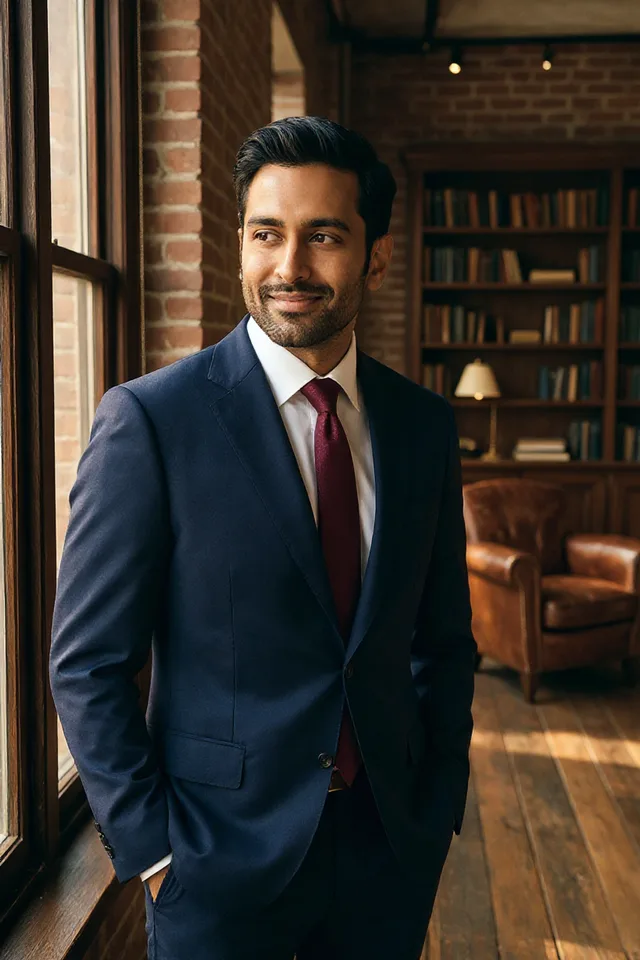
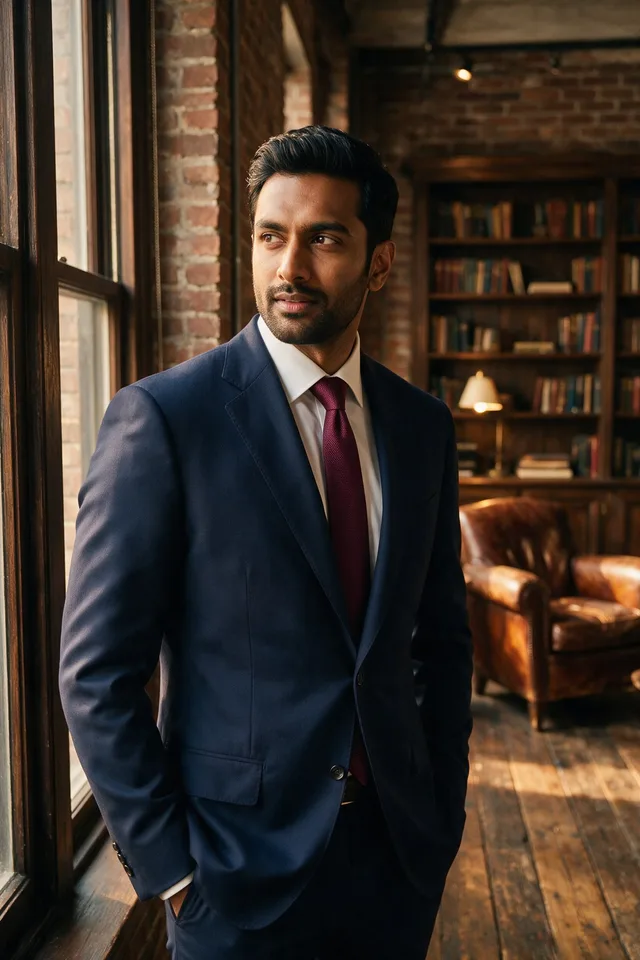
Try it
No photo chosen yet.
Drop a photo here
or
JPG, PNG, or WebP, up to 25 MB and 20 megapixels.
Free to try without an account. Signed in, a run costs 4 credits.
Sign up free for High qualityHow it works
- Add a photo: drag it onto the uploader or pick one from your device.
- An editing model adjusts the mouth and the muscles around it, leaving the rest of the face alone.
- Look at the result, then download it or run another photo through.
These models reconstruct rather than recover: they produce a plausible version of what was probably there, so results vary with the source photo. Run it again or try a different image if the first pass misses.
What to expect
A real smile is not just a mouth. It moves the cheeks and narrows the eyes, and an edit that changes only the lips reads as a mask, which is the thing that makes edited smiles unsettling. This asks for a closed lip smile on purpose: inventing teeth that belong to somebody is the single most obvious way this kind of edit goes wrong, and a closed smile is both more believable and more flattering on most faces. It works best on a face that is already relaxed and lit from the front. A tight, tense expression gives the model less to move, and a face in profile gives it less to work with than one turned towards the camera.
Best results: A front facing portrait with a neutral or slightly tense expression, evenly lit.
Common questions
- Will it give me teeth that are not mine?
- No. It asks for a closed lip smile, deliberately. Generated teeth are the clearest tell that a photo has been edited, and they never quite belong to the person wearing them.
- Does it change the rest of my face?
- It should not, and the instruction says so explicitly. A smile does move the cheeks and the skin around the eyes, because a real one does, but the face shape, eyes, skin, and hair stay as they were.
- Is it obvious that the photo was edited?
- On a good input, usually not. On a poorly lit photo or one taken from an angle, sometimes yes: the mouth is the part of a face people read most closely, so the bar is high.
- Can I use it on somebody else's photo?
- Only with their consent. Changing somebody's expression is putting a feeling on their face that they did not have, which is a different thing from fixing the lighting. Our acceptable use policy requires consent for edits to other people.
- Will it work on a group photo?
- It tends to change the most prominent face rather than everybody, so it is not the right tool for the classic problem of one person not smiling in a group.
- Does the photo come back at the same size?
- Yes. Editing models return about one megapixel whatever they are given, so we resize the result back to the dimensions you uploaded.
Be photographed, any way you like
Save your photographs once, then every look becomes a photograph of you.










Related tools
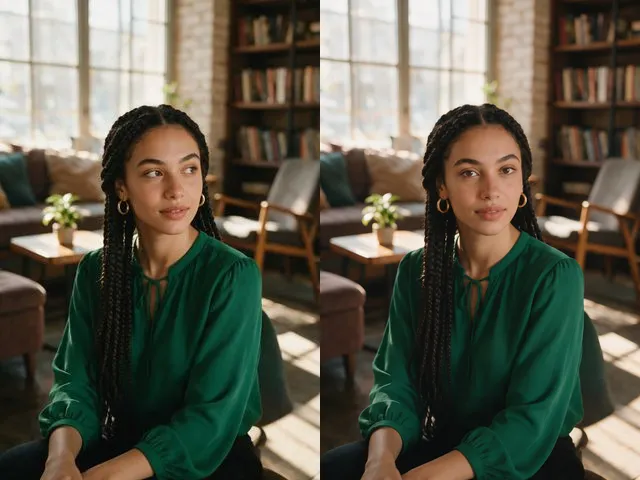 BeforeAfterEye Contact CorrectionNudge the eyes to look into the camera, without moving the head or changing their color.
 BeforeAfterOpen Eyes in PhotoFix the one shot where somebody blinked, without retaking it or living with it.
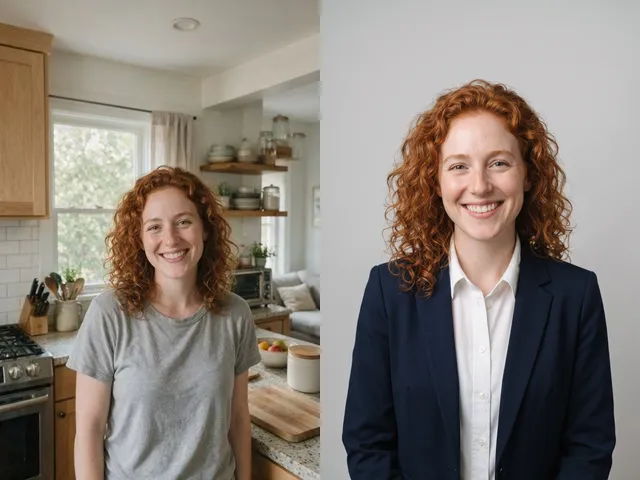 BeforeAfterAI HeadshotPut a decent photo of yourself in business clothes against a clean studio backdrop, without booking a photographer.
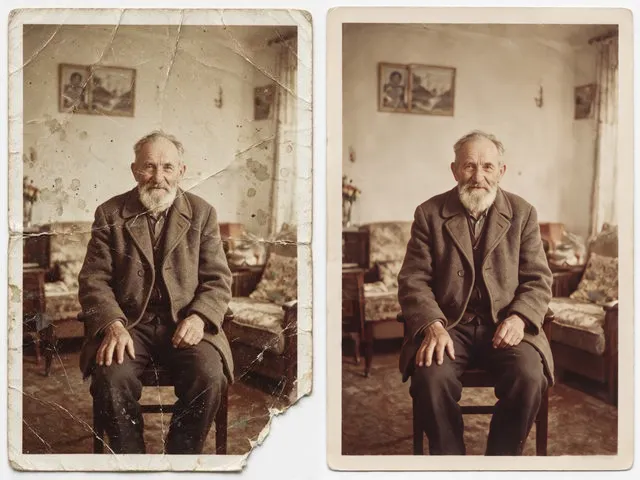 BeforeAfterOld Photo RestorationRepair the scratches, tears, creases, and fading in a scanned print, keeping the people exactly as they are.