See a face older or younger
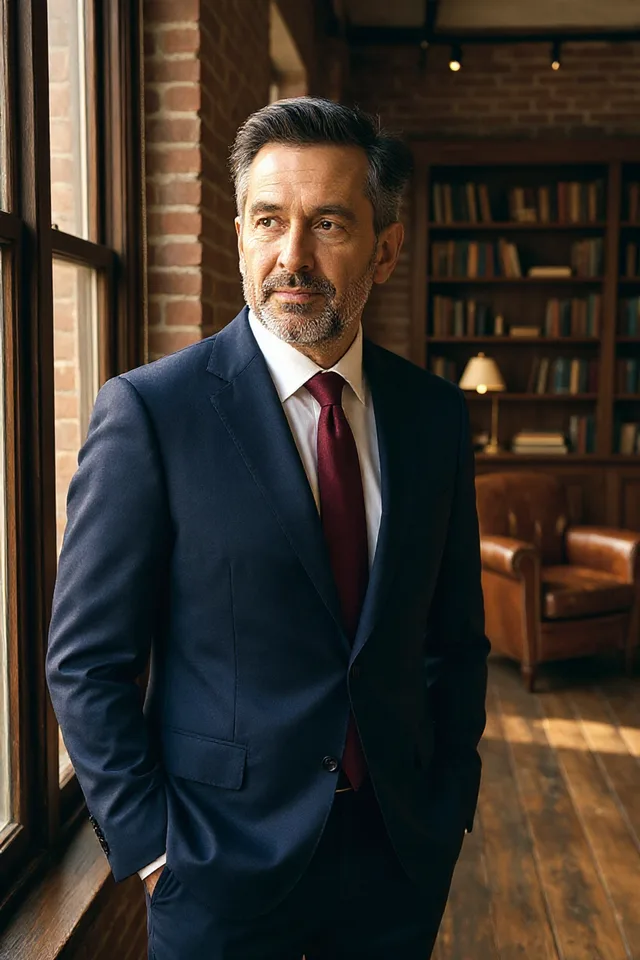
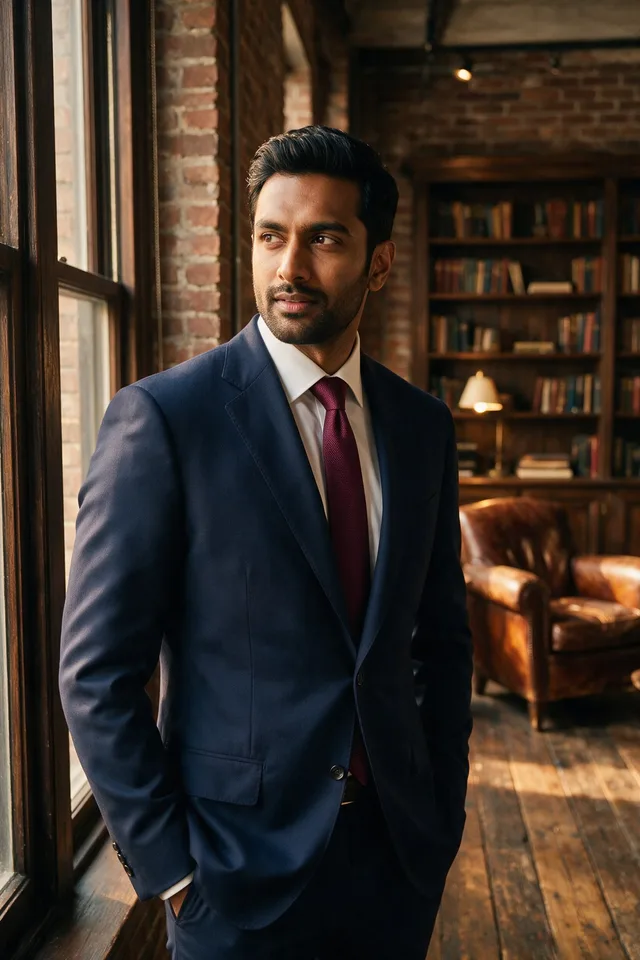
Age a portrait forward or back by about twenty years, and keep it recognisably the same person.
Try it
No photo chosen yet.
Drop a photo here
or
JPG, PNG, or WebP, up to 25 MB and 20 megapixels.
Free to try without an account. Signed in, a run costs 4 credits.
Sign up free for High qualityHow it works
- Add a photo: drag it onto the uploader or pick one from your device.
- You pick a direction, and an editing model ages the whole face together rather than one part of it.
- Look at the result, then download it or run another photo through.
These models reconstruct rather than recover: they produce a plausible version of what was probably there, so results vary with the source photo. Run it again or try a different image if the first pass misses.
What to expect
Ageing a face badly means changing one thing: adding wrinkles to otherwise young skin, or smoothing skin while the hair and the jaw stay put. Faces do not age in parts, so the instruction asks for the skin, the hair, the eyes, and the set of the jaw to move together, and for the result to still be believably the same person rather than a different one. Two directions are offered, older and younger, and neither names a number of years, because a specific age is a claim about a specific person that no model can keep. It works best on a clear front facing portrait. Treat the result as a sketch of a direction rather than a photograph of your future.
Best results: A clear, well lit, front facing portrait of one person.
Common questions
- How far does it go?
- Roughly a couple of decades either way. We do not offer an exact age, because a picture labelled as somebody at a specific age is a claim we cannot stand behind.
- Will it still look like me?
- That is what it is asked for: the same person at a different age, not a different person. It is more convincing on a sharp front facing photo than on an angled or soft one.
- Can it show what a child will look like grown up?
- It will produce something, but do not trust it. Growth changes the underlying bone structure, which is guesswork rather than an edit, and results for children are the least reliable this tool gives.
- Does it change my clothes or the background?
- No. The pose, framing, clothing, and background are all meant to stay exactly as they were, so the only thing that moves is the face.
- Can I use it on somebody else's photo?
- Only with their consent. Showing somebody aged is a picture of them they did not agree to, which our acceptable use policy covers.
Be photographed, any way you like
Save your photographs once, then every look becomes a photograph of you.










Related tools
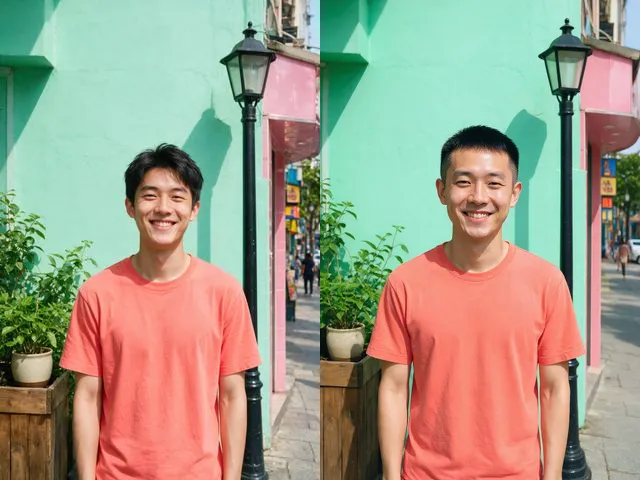 BeforeAfterHairstyle ChangerSee yourself with a buzz cut, a bob, a fringe, or long hair, in the same photo and the same colour you have now.
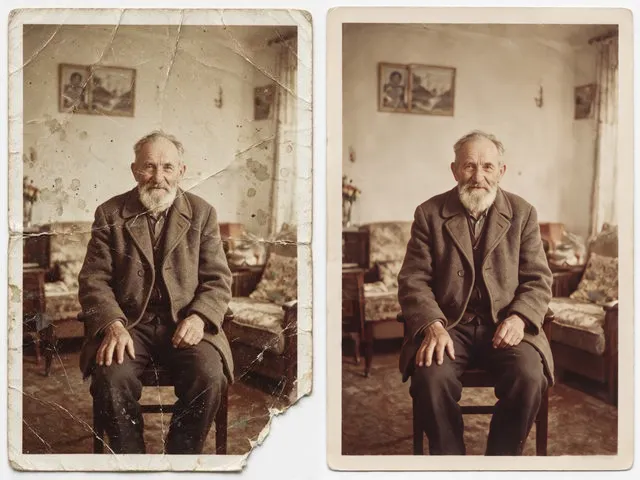 BeforeAfterOld Photo RestorationRepair the scratches, tears, creases, and fading in a scanned print, keeping the people exactly as they are.
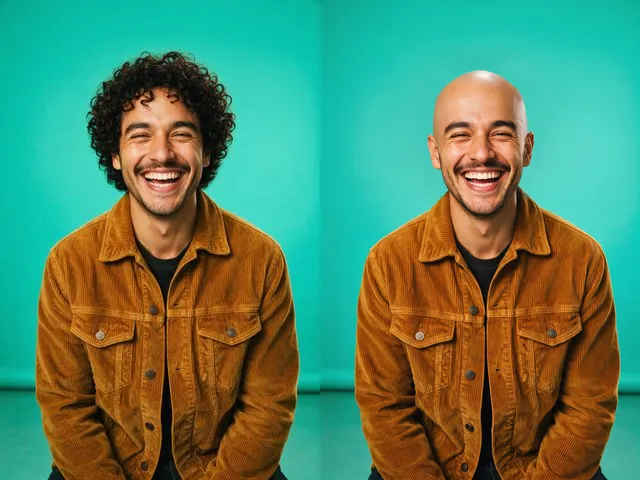 BeforeAfterBald FilterPreview a shaved head version of a photo, keeping the same face, skin tone, and lighting.
 BeforeAfterSmile FilterTurn a stiff expression into a relaxed, natural smile, without touching anything else in the photo.