Upscale an image without the mush
Enlarge a small photo and rebuild the detail that a plain resize would smear into soft blocks.
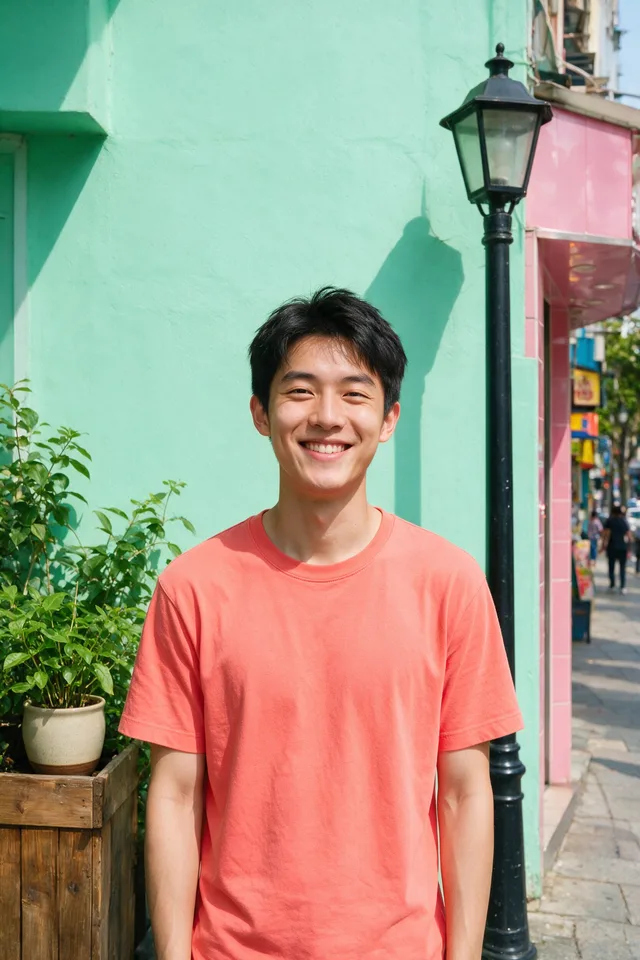
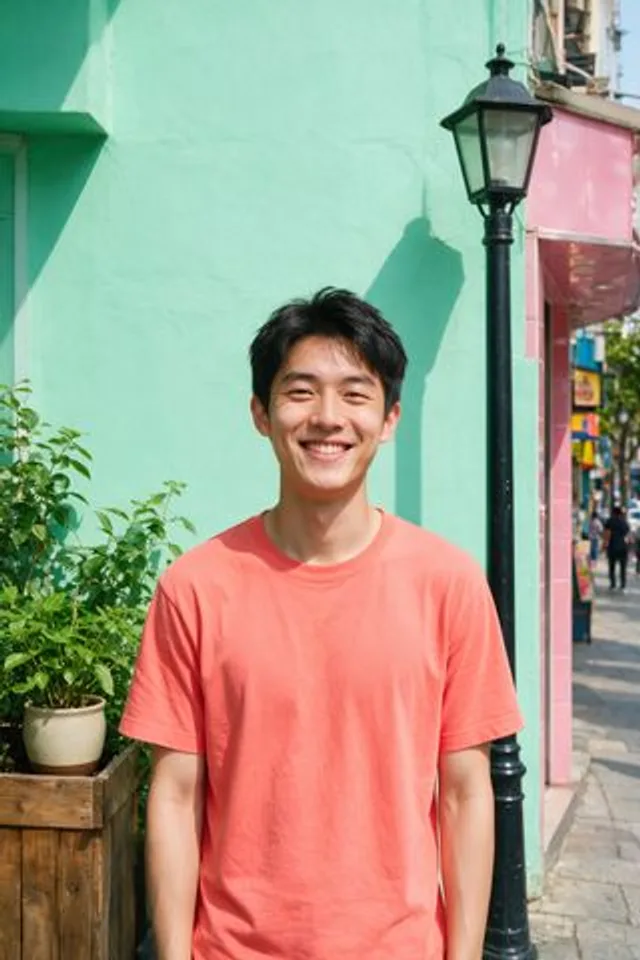
Try it
No photo chosen yet.
Drop a photo here
or
JPG, PNG, or WebP, up to 25 MB and 12 megapixels.
Free to try without an account. Signed in, a run costs 2 credits.
How it works
- Add a photo: drag it onto the uploader or pick one from your device.
- An upscaling model redraws the image at a larger size, inventing texture where a resize would only stretch pixels.
- Look at the result, then download it or run another photo through.
These models reconstruct rather than recover: they produce a plausible version of what was probably there, so results vary with the source photo. Run it again or try a different image if the first pass misses.
What to expect
A generative upscaler redraws the photo larger rather than stretching it, which is why brick, fabric, foliage, and skin come back with convincing texture instead of soft blocks. Redraws is the whole trade, though: that texture is invented to be consistent with what was there, not recovered from it. Small text, number plates, logos, and distant faces are where invention gives itself away, because a plausible letter is still the wrong letter. There is a ceiling on how large an input it accepts, since enlarging an already big file costs far more than enlarging a small one, so feed it the small photo you actually need bigger.
Best results: A small or moderately sized image that is reasonably sharp for its size, since enlargement amplifies any softness already in it.
Common questions
- Does it recover detail that was never in the photo?
- No, and any tool claiming otherwise is describing invention. It adds texture that fits what is already visible, which reads as detail at normal viewing size and as a guess when you pixel peep.
- Can it make a blurry number plate or sign readable?
- No, and it is worth being blunt about it: the model will produce sharp, confident, wrong characters. Never treat an upscaled photo as evidence of what a sign or plate said.
- Is there a limit on the input size?
- Yes. Files go up to 25 MB in JPG, PNG, or WebP, and this tool caps input megapixels lower than the others because the work scales with the output, not the input. The uploader shows the current limit before it sends anything.
- Should I upscale or enhance?
- Upscale when you need more pixels, enhance when the size is fine and the quality is not. If the source is soft as well as small, run Unblur Image first so you are not enlarging the blur.
- How long does an upscale take?
- Usually somewhere in the range of 10 to 60 seconds, and it sits at the slower end of that as the requested output gets larger.
- Does it work on screenshots, logos, and line art?
- It is tuned for photographs. Flat graphics and screenshots containing text tend to come back with softened or subtly altered lettering, so a vector redraw is the better route for artwork.
Be photographed, any way you like
Save your photographs once, then every look becomes a photograph of you.










Related tools
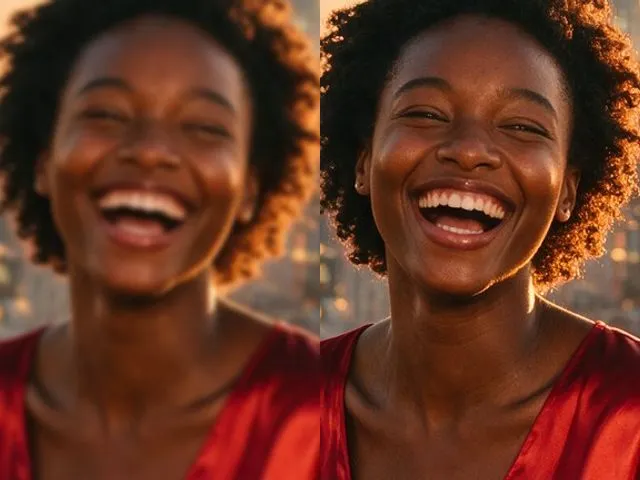 BeforeAfterImage EnhancerSharpen detail, clean up noise, and even out a flat looking photo, without changing what is in the frame.
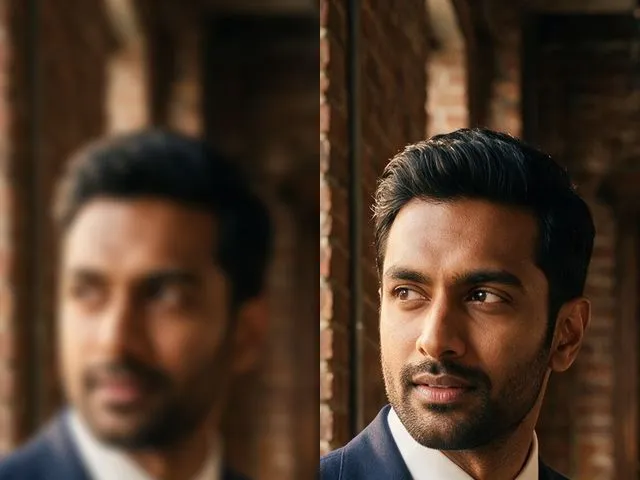 BeforeAfterUnblur ImagePull detail back out of a soft or slightly out of focus shot, with faces handled more carefully than the rest.
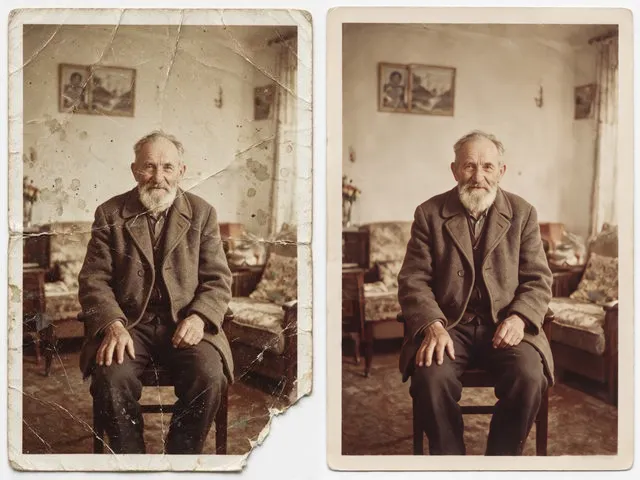 BeforeAfterOld Photo RestorationRepair the scratches, tears, creases, and fading in a scanned print, keeping the people exactly as they are.
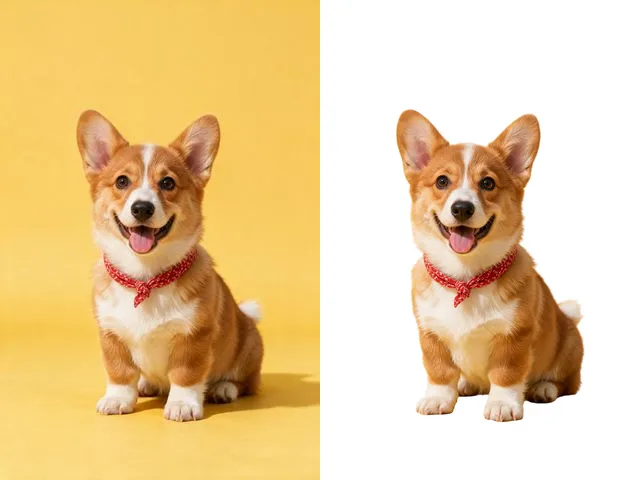 BeforeAfterBackground RemoverUpload an image and get the subject cut out on a transparent background, ready to drop onto anything else.