Turn a photo into a cartoon
Redraw a photograph as a friendly cartoon, with bold outlines and flat colour, and still recognisably the same person.
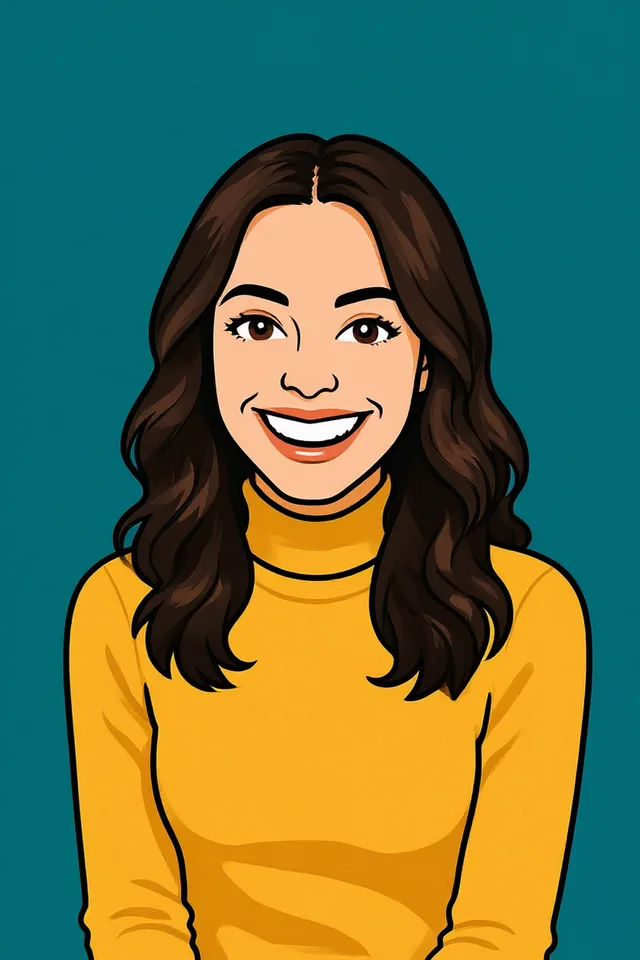
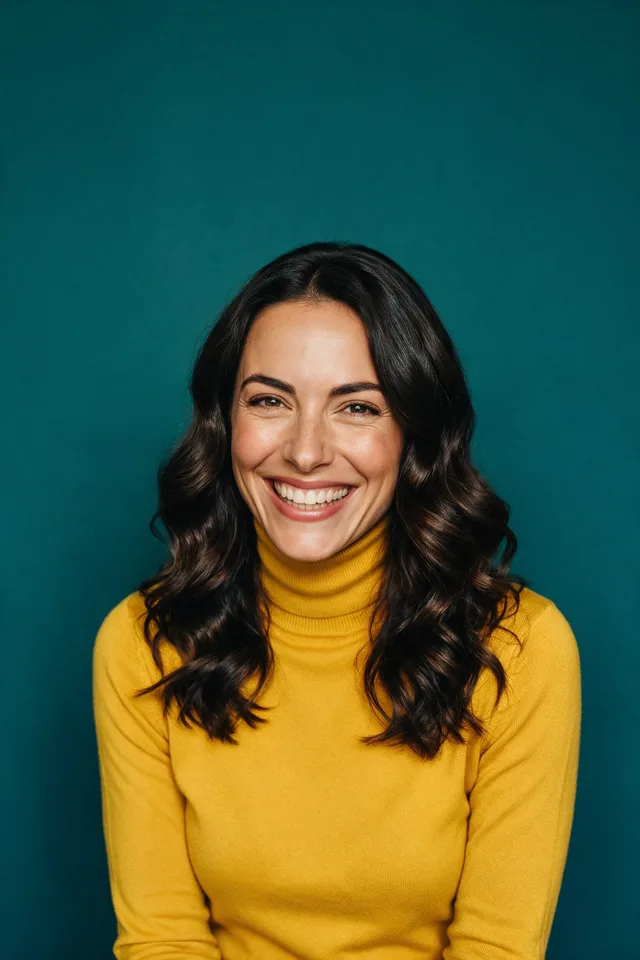
Try it
No photo chosen yet.
Drop a photo here
or
JPG, PNG, or WebP, up to 25 MB and 20 megapixels.
Free to try without an account. Signed in, a run costs 4 credits.
Sign up free for High qualityHow it works
- Add a photo: drag it onto the uploader or pick one from your device.
- An editing model redraws the picture as an illustration, keeping the pose, the framing, and the face.
- Look at the result, then download it or run another photo through.
These models reconstruct rather than recover: they produce a plausible version of what was probably there, so results vary with the source photo. Run it again or try a different image if the first pass misses.
What to expect
Cartooning is a redraw rather than a filter, which is why it survives being printed on a mug and a posterise effect does not. The model keeps the pose, the clothing, and the arrangement of a face while replacing photographic detail with clean shapes and flat colour, so the result reads as a drawing of somebody rather than a photograph with an effect over it. Faces come out best when they are large in the frame and lit from the front. Group shots, small distant faces, and busy backgrounds all lose detail the drawing has nowhere to put, and a heavily patterned shirt often turns into a simpler pattern.
Best results: A clear, well lit photo with the face reasonably large in the frame and not in deep shadow.
Common questions
- Will it still look like me?
- Usually yes, in the way a caricature does: the pose, hairstyle, clothing, and the arrangement of your features carry over. Exact likeness is not the goal of a cartoon and no cartooning tool achieves it.
- How is this different from the anime tool?
- Anime has its own visual grammar: cel shading, particular eye shapes, a particular palette. This is the western cartoon look, rounder and flatter, closer to an animated sitcom than to animation from Japan. Try both, they cost the same.
- Can I use it on a photo of more than one person?
- You can, and it works, but faces that are small in the frame come back less recognisable than a single portrait does. Crop to the people you care about first if you can.
- Does it work on pets?
- Yes, and dogs and cats tend to come out well, because the shapes that make an animal recognisable are exactly the shapes a cartoon keeps.
- What happens to the background?
- It is redrawn too, simplified into flatter shapes. A busy background becomes a suggestion of one rather than a detailed drawing.
- Can I print it?
- Yes. The result comes back at the size you uploaded, and flat colour with clean outlines is the easiest thing there is to print well.
Be photographed, any way you like
Save your photographs once, then every look becomes a photograph of you.










Related tools
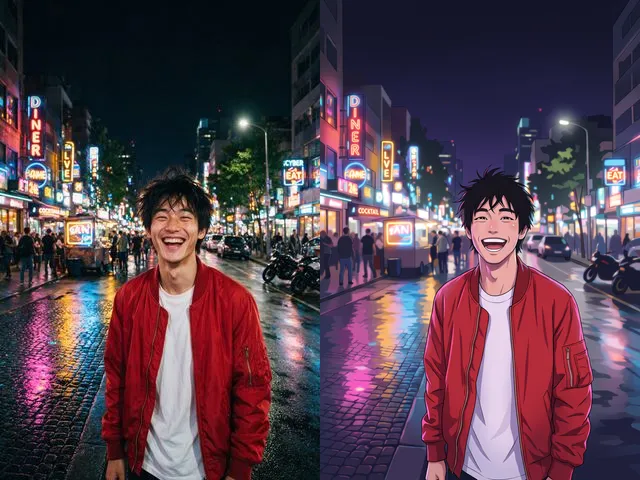 BeforeAfterPhoto to AnimeRedraw a photograph as an anime illustration, with the pose and the framing you already have.
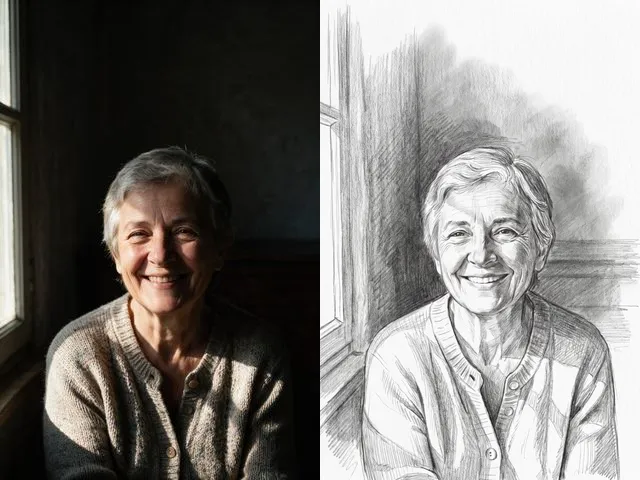 BeforeAfterPencil SketchGet a graphite drawing of your photo, with visible strokes and soft shading instead of pixels.
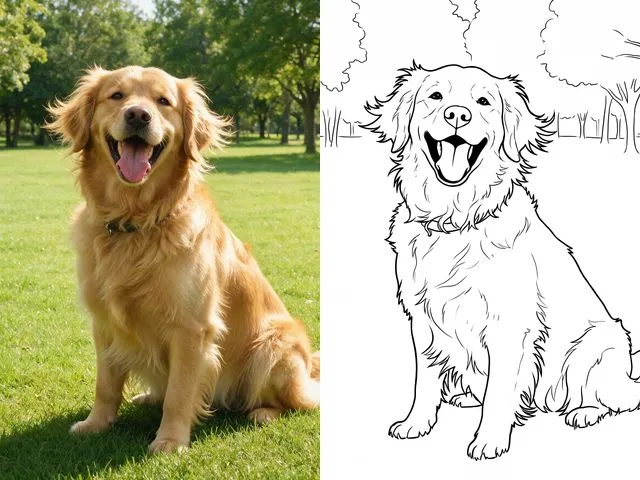 BeforeAfterColoring PageMake a printable colouring page from a photo: bold black outlines, white space, nothing else.
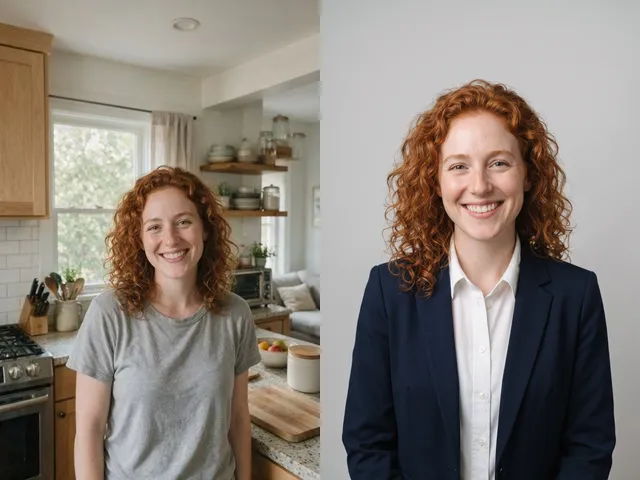 BeforeAfterAI HeadshotPut a decent photo of yourself in business clothes against a clean studio backdrop, without booking a photographer.