Brighten a dark photo
Lift a photo that came out too dark, recovering the detail hiding in the shadows.
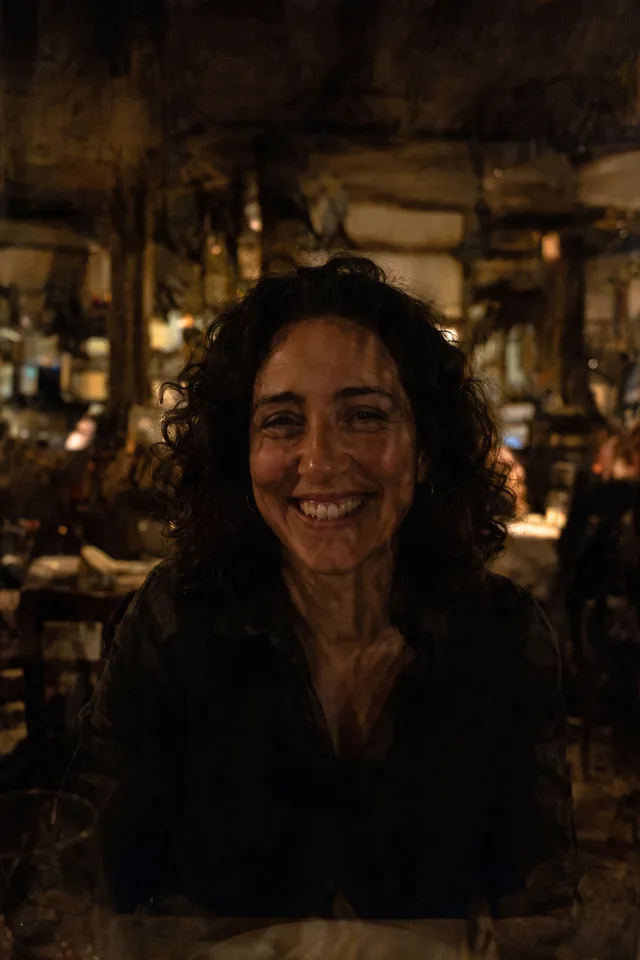
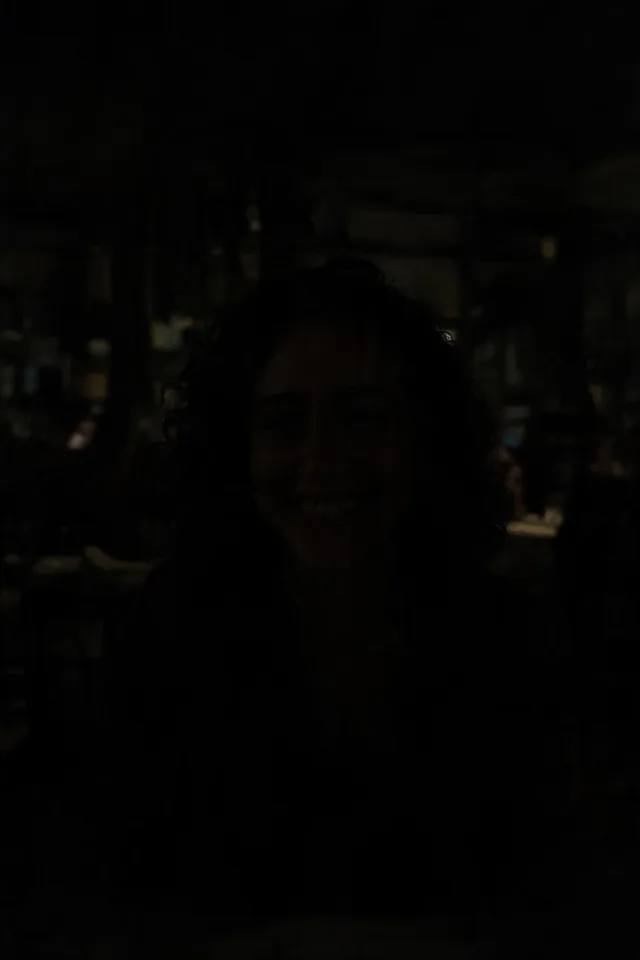
Try it
No photo chosen yet.
Drop a photo here
or
JPG, PNG, or WebP, up to 25 MB and 20 megapixels.
Free to try without an account. Signed in, a run costs 4 credits.
Sign up free for High qualityHow it works
- Add a photo: drag it onto the uploader or pick one from your device.
- The model lifts the shadows and rebalances the exposure without washing out the colour.
- Look at the result, then download it or run another photo through.
These models reconstruct rather than recover: they produce a plausible version of what was probably there, so results vary with the source photo. Run it again or try a different image if the first pass misses.
What to expect
The tool for a photo taken indoors, at dusk, or against a bright window, where the subject came out as a silhouette. It lifts the dark areas and rebalances the whole frame rather than simply raising brightness, which is why it does not leave the grey, flat look that dragging a slider gives you. What it cannot do is invent what the sensor never captured: an area that is genuinely black in the file has no detail to recover, and the model will fill it with something plausible rather than something true. Noise is the other limit, since dark photos are usually noisy and lifting them lifts the noise too. If the result is bright but grainy, run it through the enhancer afterwards.
Best results: An underexposed photo that is dark but not black, where you can still make out the subject.
Common questions
- Can it rescue a completely black photo?
- No. If an area is black in the file there is nothing recorded there to recover, and what comes back is invented rather than revealed. It works on photos that are too dark, not on photos that are empty.
- Will it change the colours?
- It aims to keep them natural and to keep the mood of the scene. A photo lit by one warm lamp should still look warm afterwards, just readable.
- My result is bright but grainy. Why?
- Dark photos are noisy, and lifting the shadows lifts the noise with them. Running the result through Image Enhancer afterwards is the usual fix.
- How is this different from editing exposure myself?
- A slider multiplies everything, which lifts the shadows and the noise and flattens the picture. This rebalances the frame, so the bright parts stay where they were while the dark parts come up.
- What size do I get back?
- The dimensions you uploaded, since the result is resized back after the model works at around one megapixel.
Be photographed, any way you like
Save your photographs once, then every look becomes a photograph of you.










Related tools
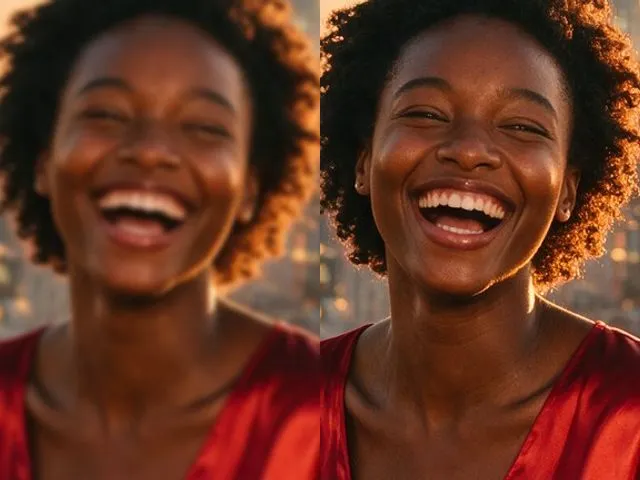 BeforeAfterImage EnhancerSharpen detail, clean up noise, and even out a flat looking photo, without changing what is in the frame.
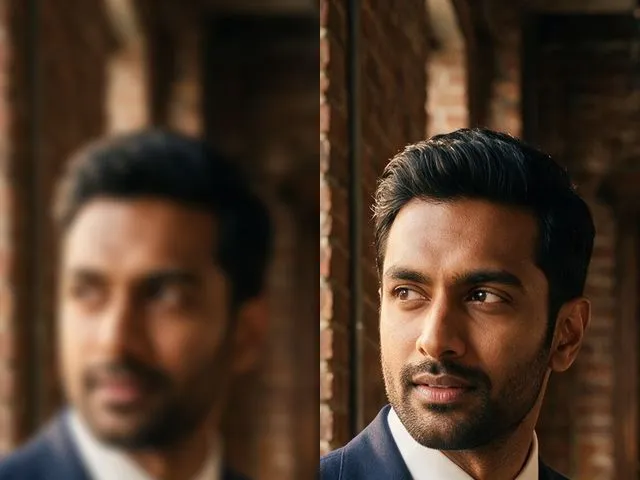 BeforeAfterUnblur ImagePull detail back out of a soft or slightly out of focus shot, with faces handled more carefully than the rest.
 BeforeAfterPhoto ColorizerAdd natural, period plausible color to a monochrome photo, with skin tones kept believable.
 BeforeAfterImage UpscalerEnlarge a small photo and rebuild the detail that a plain resize would smear into soft blocks.