Remove, replace, or blur a background
Decide what sits behind your subject: nothing at all, a flat colour, somewhere else entirely, or the same place out of focus.
All of these start by separating your subject from what is behind it, and then differ in what they put back. Four hand the cutout over on transparency, flat white, or flat black. One replaces the scene with somewhere else, one puts the original scene back out of focus for the portrait mode look, and one works inside the photo instead: you paint over something and the model fills the gap with what was probably behind it. The subject itself is left alone throughout, which is why these suit listings, profile pictures, and cleaning up a shot you cannot take again.
7 tools
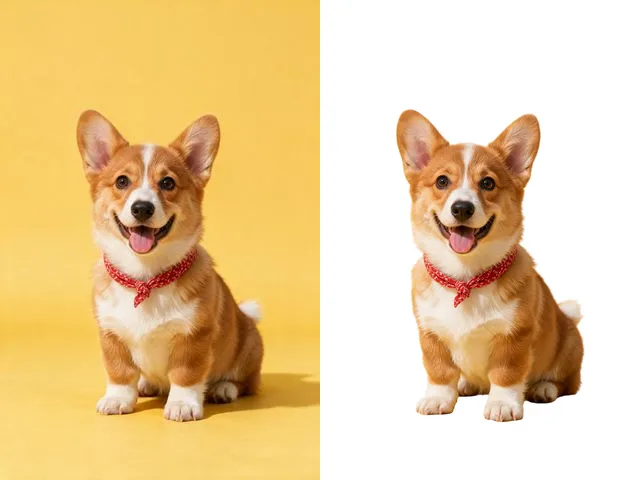 BeforeAfterBackground RemoverUpload an image and get the subject cut out on a transparent background, ready to drop onto anything else.
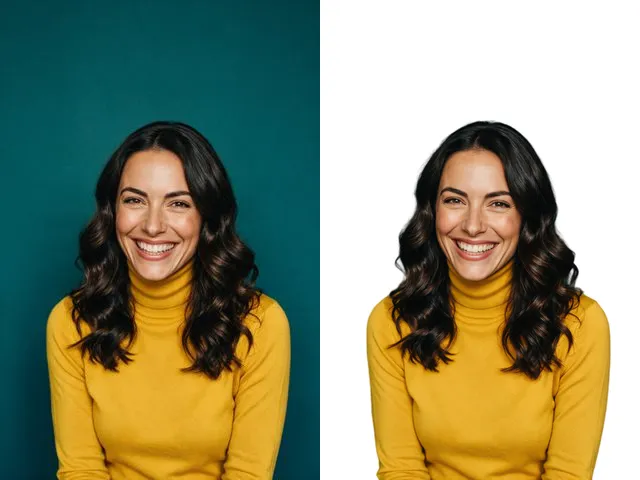 BeforeAfterFace Cut OutIsolate a head and shoulders portrait from its background, with the hair and jaw edges kept clean.
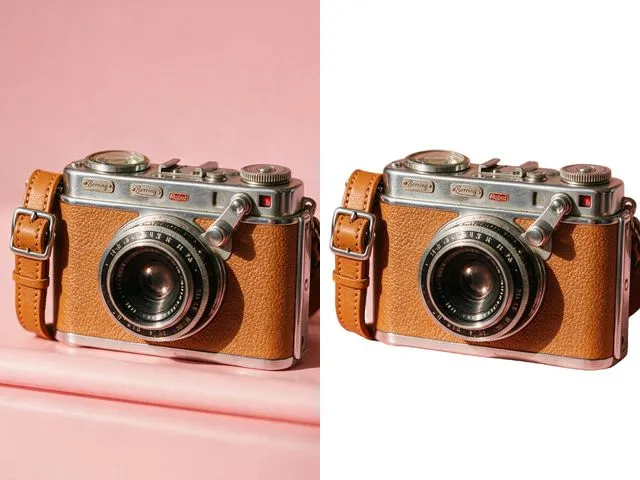 BeforeAfterWhite Background MakerSwap a busy background for a flat white one, the way marketplace listings and ID photo rules usually ask for.
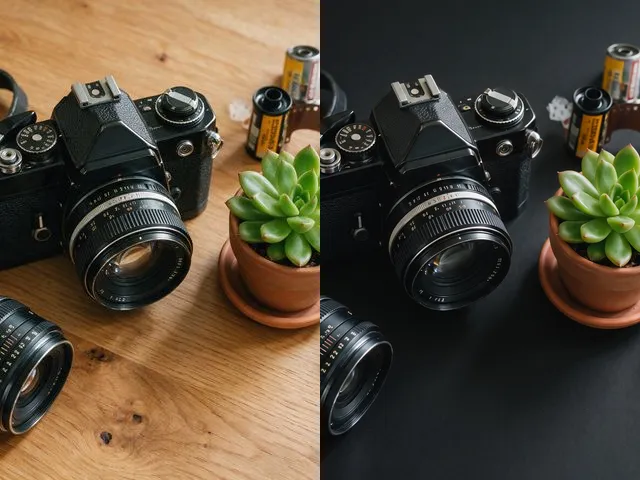 BeforeAfterBlack Background MakerDrop the subject onto flat black, which is what most product shots and profile crops want behind them.
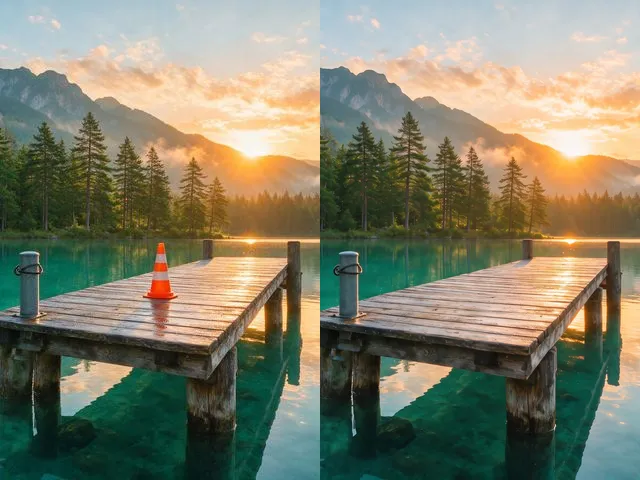 BeforeAfterObject and People EraserMark what you want gone and the model fills the space with what should have been behind it.
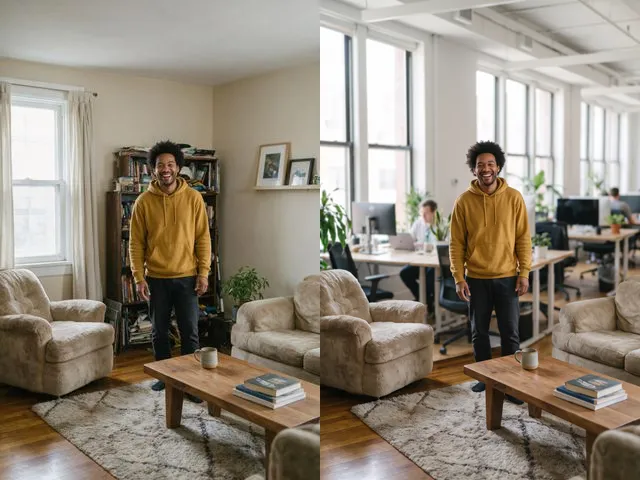 BeforeAfterBackground ChangerKeep your subject and put them somewhere else: a studio, an office, a park, or a beach.
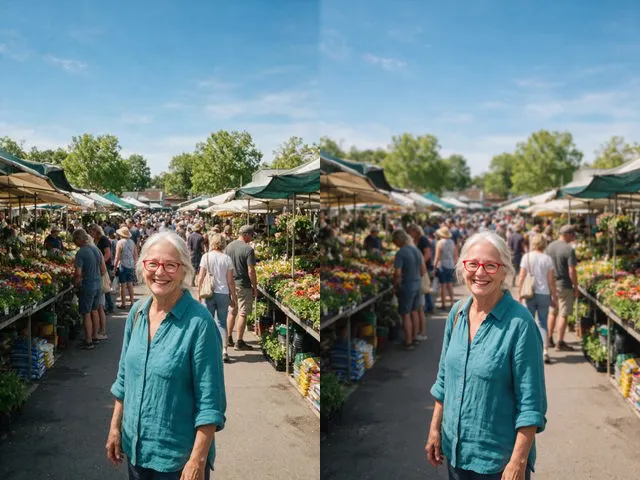 BeforeAfterBackground BlurGet the portrait mode look on a photo that was taken without it: subject sharp, everything behind it soft.