




PhotoTools.ai
Free to try, no account

AI photo tools that each do one thing

Restore an old photograph, cut out a subject, sharpen something soft, or bring colour to black and white. Pick the tool, upload a photo, and get the result back in under a minute.

  • Free to try
  • No account needed
  • Photos deleted after 7 days
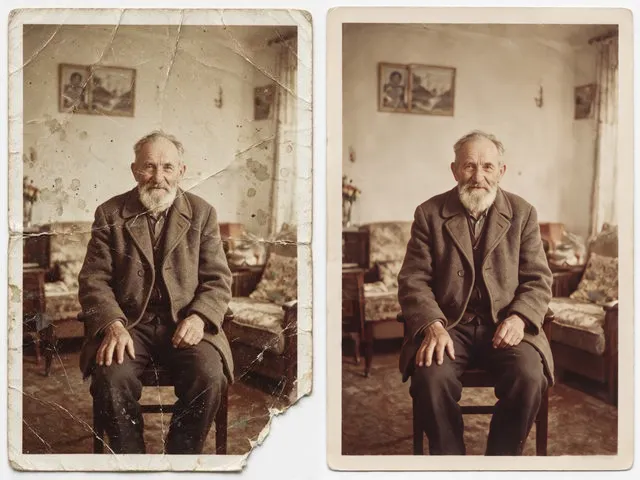
A black and white portrait, colorized
A black and white portrait, colorized. Drag, or use the arrow keys, to compare before and after.

Drag the line

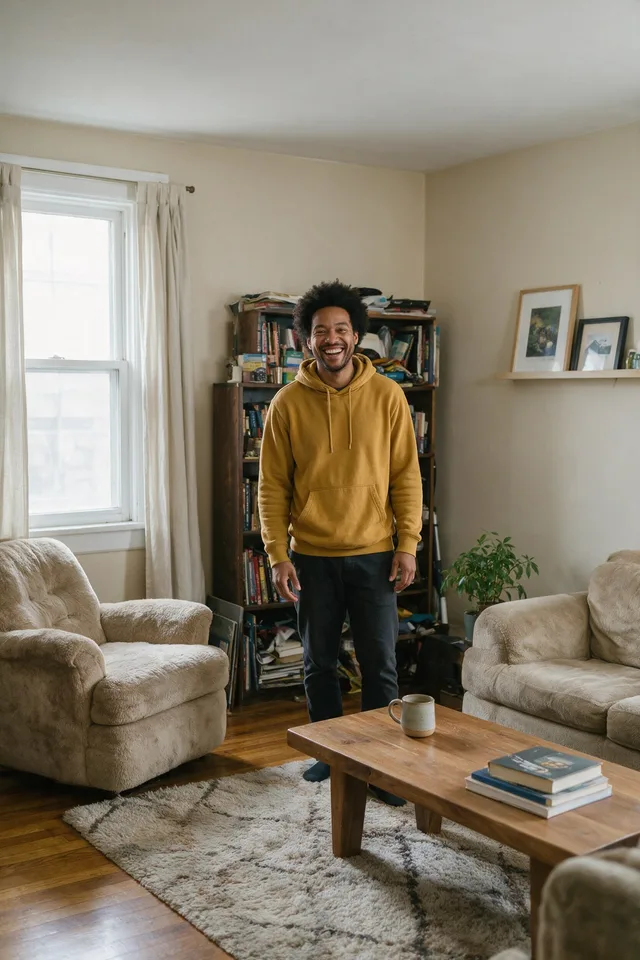
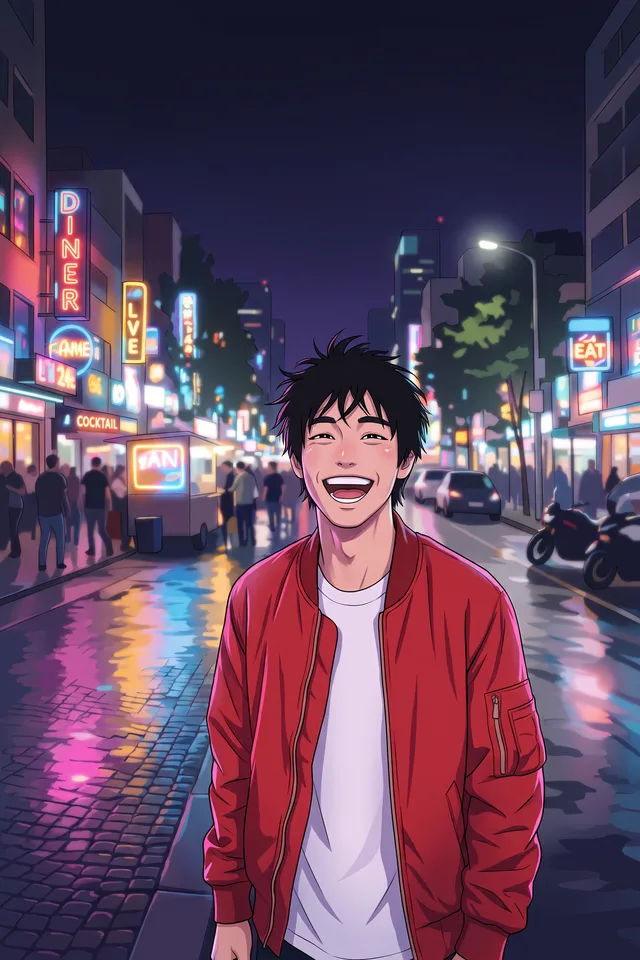
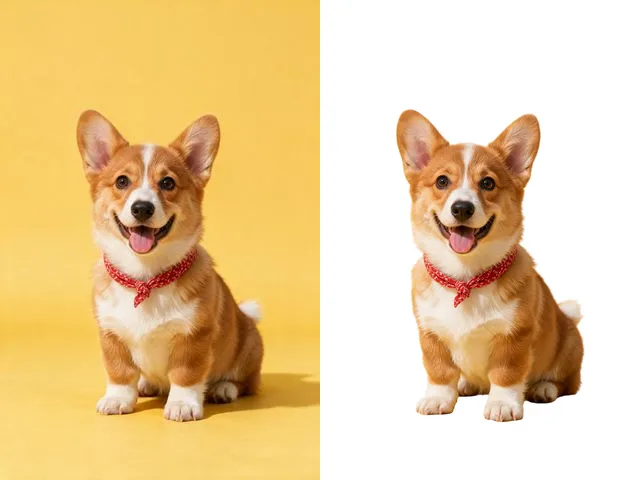
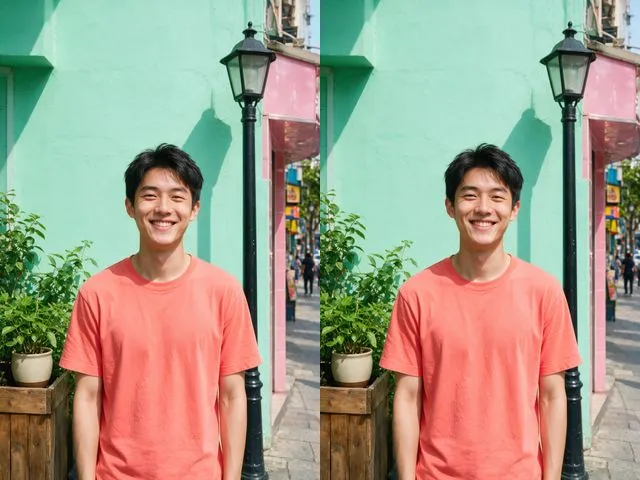
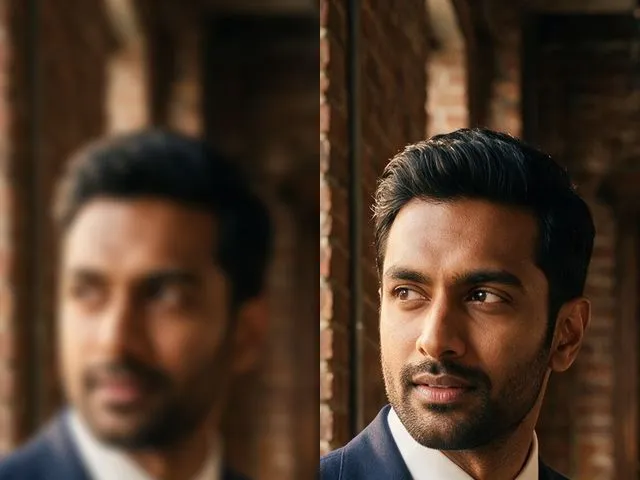
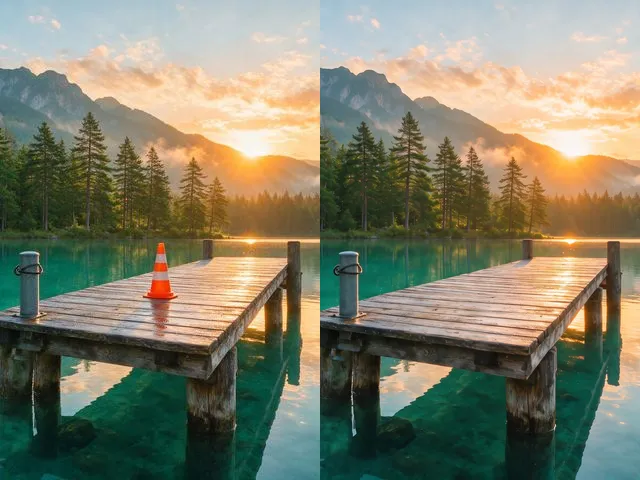
Three of the twenty four, picked because they do completely different things to a picture. Grab the handle on any of them.

Whatever the photo needs

Five shelves. Each one collects the tools that answer the same broad question, so you can start from the problem instead of the product name.

How it works

  1. Pick a tool.Each one is built around a single job rather than buried in a menu.
  2. Upload a photo.JPG, PNG, or WebP, up to 25 MB. No account needed to try it.
  3. Download the result.Most tools finish in ten to thirty seconds.

These are generative models: they produce a plausible version of what was probably there rather than recovering information the file no longer holds. Results vary with the source photo, and running the same image again can give a different answer.

Before you upload anything

What happens to my photos?

Your upload and your result are deleted automatically: seven days after a signed out run, thirty when you are signed in. A scheduled sweep empties the storage and then the records that point at it, so it happens whether or not anybody asks.

How good are the results?

Good enough to be worth a minute, and not magic. These are generative models: they rebuild a plausible version of what was probably there rather than recovering something the file still holds. A slightly weak photo lifts much further than a badly broken one, and running the same image twice can give two different answers.

What if the result is not good?

Run it again. These models do not produce the same answer twice, so a second pass on the same file often lands better, and it costs you nothing while the tools are free. If two passes both miss, the source is usually the limit rather than the model: try a larger or sharper copy of the same photo.

What can I upload?

JPG, PNG, or WebP, up to 25 MB and 20 megapixels. That covers what a phone or a camera produces. A HEIC straight off an iPhone needs converting first, which most phones will do when you share or export the photo.

How long does it take?

Usually well under a minute. The page shows you what is happening and you can leave the tab open; nothing is lost if you look away. The heavier tools, the ones that redraw a whole image rather than fixing part of one, take the longest.

Can I use these on a photo of someone else?

Use them on your own photos, or with the consent of the person in them. The portrait tools in particular produce a picture of somebody that was never taken, which is a thing to be careful with rather than a thing to be clever with.