Turn a photo into a professional headshot
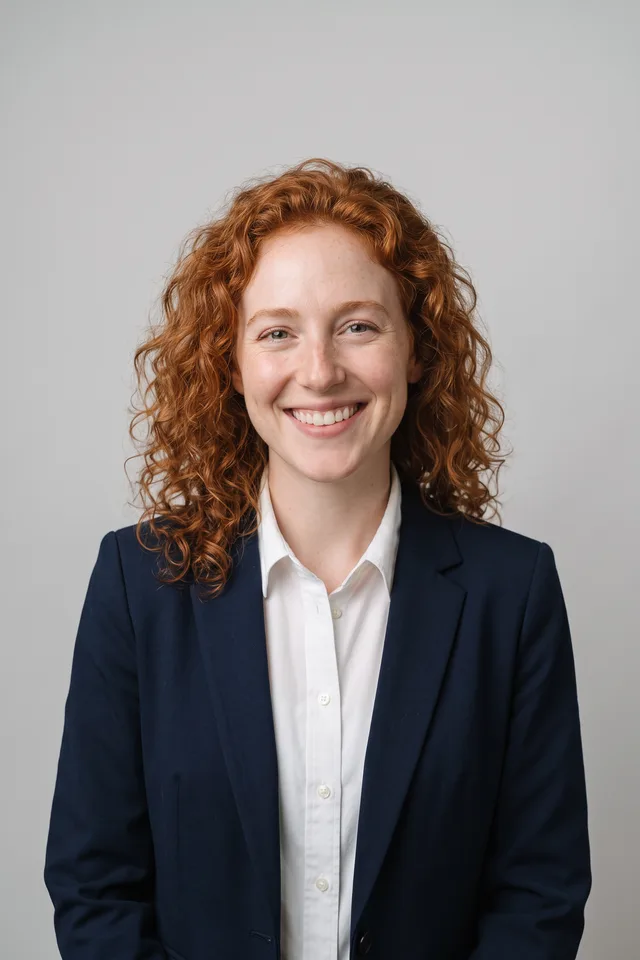
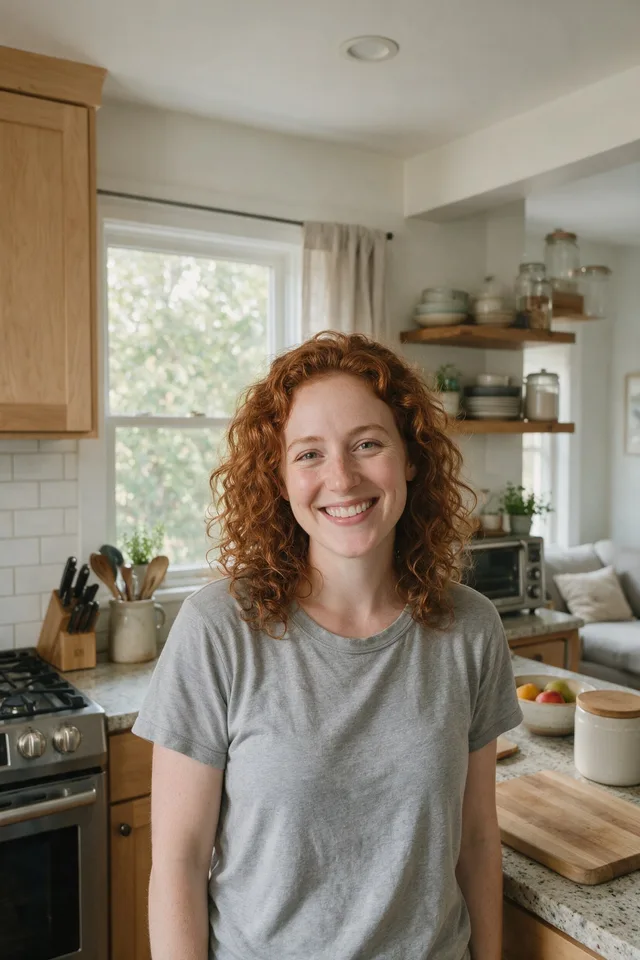
Put a decent photo of yourself in business clothes against a clean studio backdrop, without booking a photographer.
Try it
No photo chosen yet.
Drop a photo here
or
JPG, PNG, or WebP, up to 25 MB and 20 megapixels.
Free to try without an account. Signed in, a run costs 4 credits.
Sign up free for High qualityHow it works
- Add a photo: drag it onto the uploader or pick one from your device.
- The model restyles your clothing and backdrop into studio work while holding your face as it is.
- Look at the result, then download it or run another photo through.
These models reconstruct rather than recover: they produce a plausible version of what was probably there, so results vary with the source photo. Run it again or try a different image if the first pass misses.
What to expect
This is the tool people reach for when a profile needs to look professional by tomorrow. It works on the frame around you rather than on you: the clothing becomes business wear, the background becomes an evenly lit studio, and the instruction it runs holds your face, hair, skin tone, and age fixed. That last part is where honesty matters, because an editing model will always drift a little. Check the result against your original before you use it somewhere that matters, particularly around the eyes and jaw, and run it again if the person looking back is not quite you. A clear, front facing photo in even light drifts least. A low light phone snap at arm's length drifts most, and no headshot tool fixes a face that was never sharp in the file.
Best results: A sharp, front facing photo from the chest up, in even light, with your whole head inside the frame.
Common questions
- Will it still look like me?
- That is what it is instructed to do, and it is also the thing worth checking. Editing models drift, most visibly around the eyes and jawline. Compare the result with your original, and if it is not quite you, run it again or start from a sharper photo.
- Can I choose the outfit or the backdrop?
- Not in this version. It aims at conventional business clothing and a neutral studio backdrop, which is what most people want a headshot for.
- Is it honest to use this on LinkedIn?
- That is your call to make, and it is worth making deliberately. It is an edited photograph of you rather than a photograph of you, and some employers and platforms have their own rules about that.
- Does it work on more than one person?
- It is built for one person in the frame. A group photo will confuse it, and the fix is to crop to one person first.
- What size do I get back?
- The same dimensions you uploaded. The editing model works at around one megapixel internally and the result is resized back, so it matches your original size without gaining detail.
Be photographed, any way you like
Save your photographs once, then every look becomes a photograph of you.










Related tools
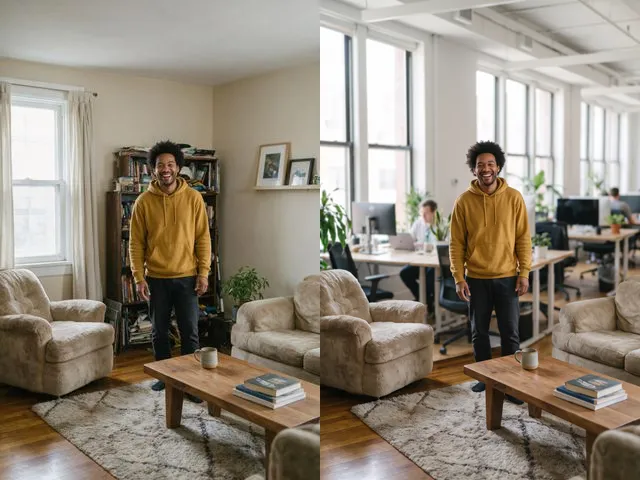 BeforeAfterBackground ChangerKeep your subject and put them somewhere else: a studio, an office, a park, or a beach.
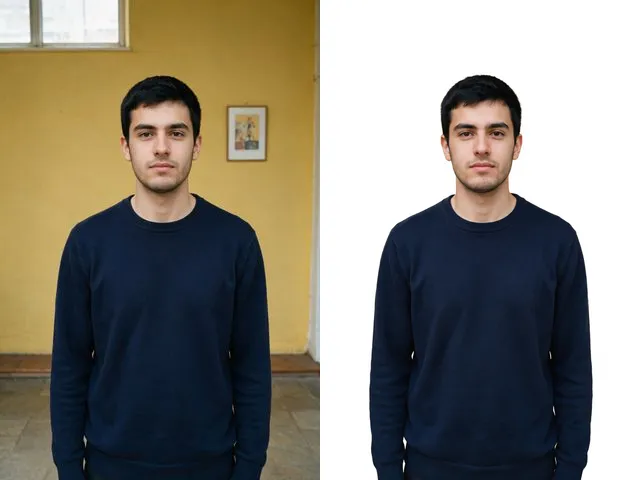 BeforeAfterPassport PhotoTake the photo you already have and give it the flat white background that every ID application asks for.
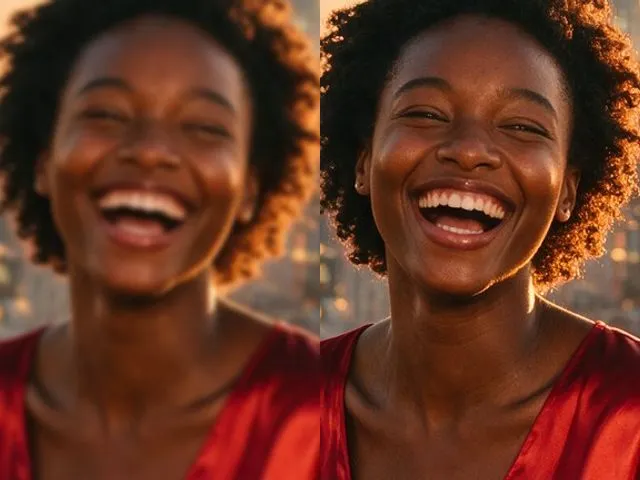 BeforeAfterImage EnhancerSharpen detail, clean up noise, and even out a flat looking photo, without changing what is in the frame.
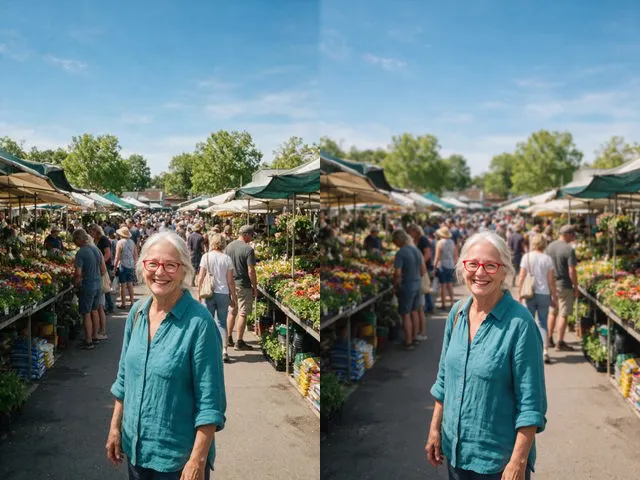 BeforeAfterBackground BlurGet the portrait mode look on a photo that was taken without it: subject sharp, everything behind it soft.