Make a photo bigger, sharper, or wider
Add size, add bite, or add frame, without the soft mush a plain resize leaves behind.
Three jobs that get mistaken for each other. The upscaler multiplies the dimensions and redraws detail to fill them; the enhancer stays at the size you have and works on noise, softness, and compression damage; the expander leaves your photo alone and invents more scene around its edges until it fills a new shape. All three add texture that was never in the file, which is why they lift a slightly weak photo much further than a badly broken one.
5 tools
 BeforeAfterImage UpscalerEnlarge a small photo and rebuild the detail that a plain resize would smear into soft blocks.
 BeforeAfterImage EnhancerSharpen detail, clean up noise, and even out a flat looking photo, without changing what is in the frame.
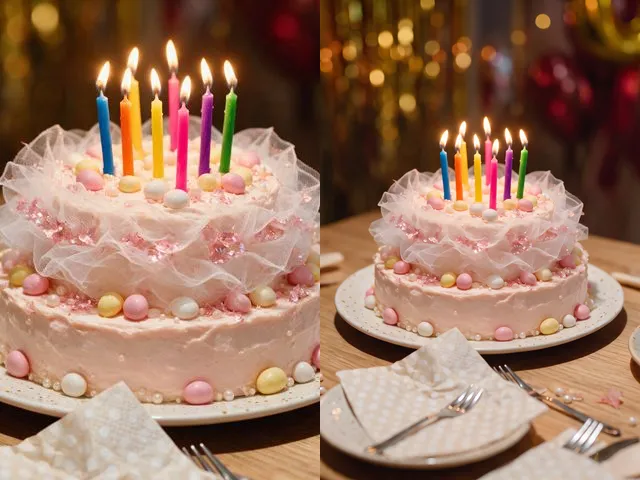 BeforeAfterPhoto ExpanderWiden a crop that is too tight, or refit a photo to a square, a story, or a print without cutting anything out.
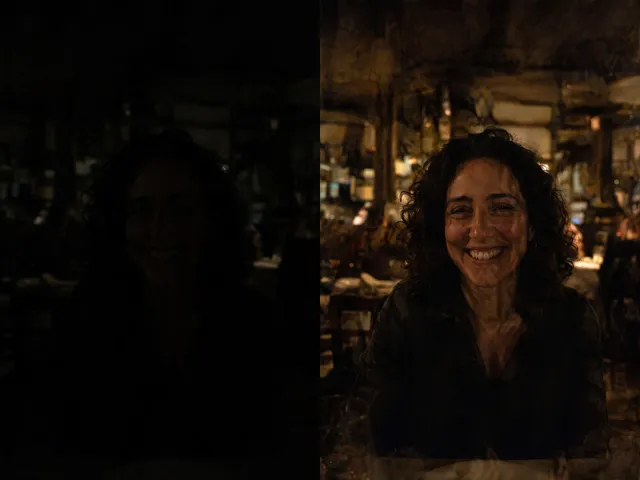 BeforeAfterBrighten PhotoLift a photo that came out too dark, recovering the detail hiding in the shadows.
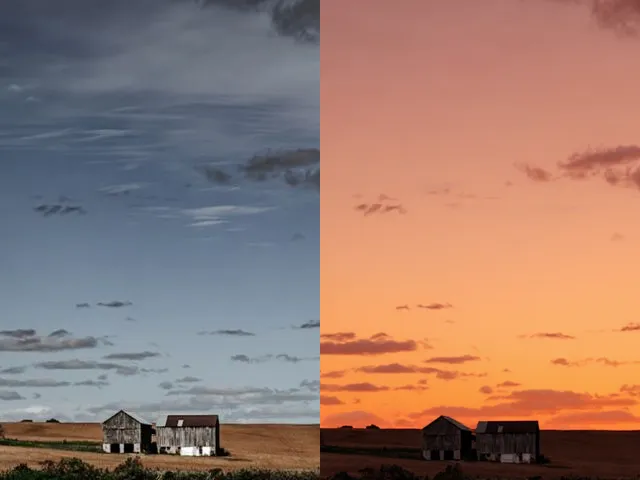 BeforeAfterSky ReplacementSwap a washed out sky for blue, a sunset, storm clouds, or stars, with the light on the ground changed to match.