Unblur a photo
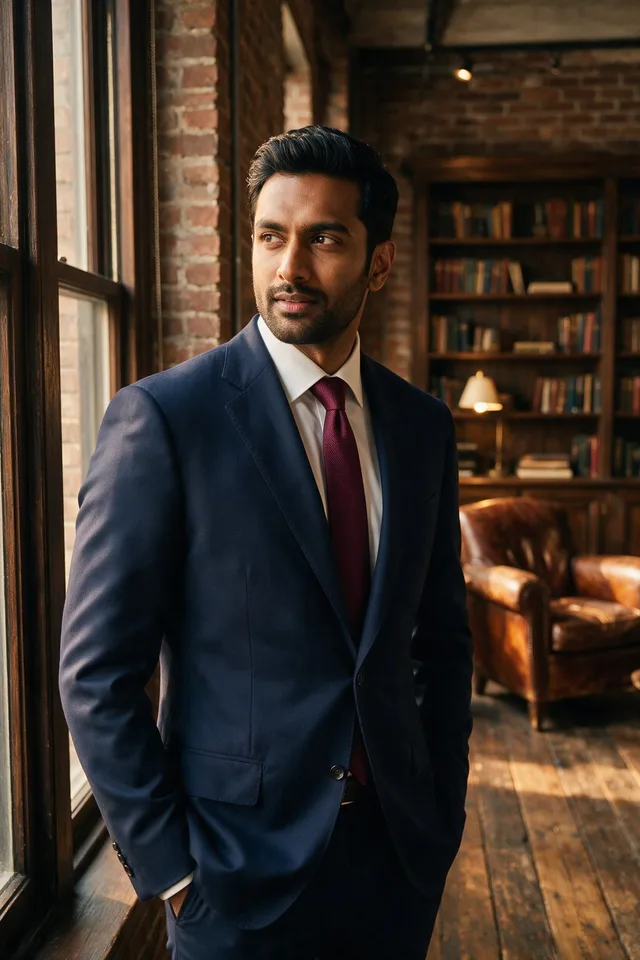
Pull detail back out of a soft or slightly out of focus shot, with faces handled more carefully than the rest.
Try it
No photo chosen yet.
Drop a photo here
or
JPG, PNG, or WebP, up to 25 MB and 20 megapixels.
Free to try without an account. Signed in, a run costs 2 credits.
How it works
- Add a photo: drag it onto the uploader or pick one from your device.
- A restoration model rebuilds edges and facial detail that motion or focus blur smeared out.
- Look at the result, then download it or run another photo through.
These models reconstruct rather than recover: they produce a plausible version of what was probably there, so results vary with the source photo. Run it again or try a different image if the first pass misses.
What to expect
A face aware restoration model rebuilds the edges and features that softness smeared away. Portraits are where it is strongest, because it holds a specific idea of what eyes, teeth, and hairlines look like, so a slightly soft face tightens up convincingly. A small focus miss, mild camera shake, and the mush of an old over compressed JPEG all respond well. What it cannot do is undo heavy motion blur, where the subject is a streak across the frame, or recover a face that is only a few dozen pixels wide; those come back sharp but subtly not the same person. It also works at the size it was given, so if what you actually want is a bigger file, unblur first and then run the Image Upscaler.
Best results: A photo that is soft rather than smeared, with the subject large enough in the frame to still be recognizable.
Common questions
- Can it fix motion blur?
- Slight camera shake, often yes. A subject streaked across the frame, no: that detail is not in the file to recover, so the model builds a sharp guess instead.
- Does it make the image bigger?
- No, it deliberately returns the same dimensions. Use the Image Upscaler when you want more pixels, and run this first if the source is also soft.
- Why does the face come back looking like a different person?
- Facial restoration rebuilds features from a general idea of a face, not from the pixels alone. The smaller and softer the face, the larger the share that is invention, which is how a very blurred face returns sharp but slightly off.
- Will it sharpen the background as well?
- It passes over the whole frame with faces getting the most attention, so a deliberately blurred background can come back a little crisper. Check the result if the bokeh was the point of the shot.
- The subject is out of focus but the background is sharp. Can it help?
- Often, yes, because it works on whatever is soft rather than on the frame as a whole. If the focus landed a long way off the subject, the detail was never recorded and what comes back is closer to invention than to a fix.
- Do I need an account?
- Not to see what it does: a run without an account gives you a real result to judge. Signing in is what gets you the full size download, and the cost per run is shown above the uploader.
Be photographed, any way you like
Save your photographs once, then every look becomes a photograph of you.










Related tools
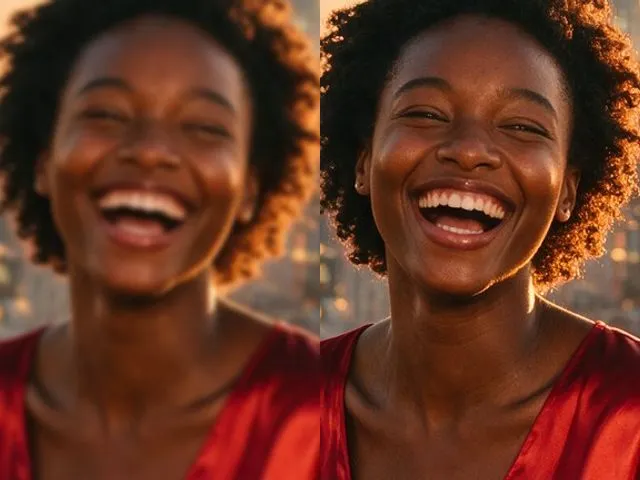 BeforeAfterImage EnhancerSharpen detail, clean up noise, and even out a flat looking photo, without changing what is in the frame.
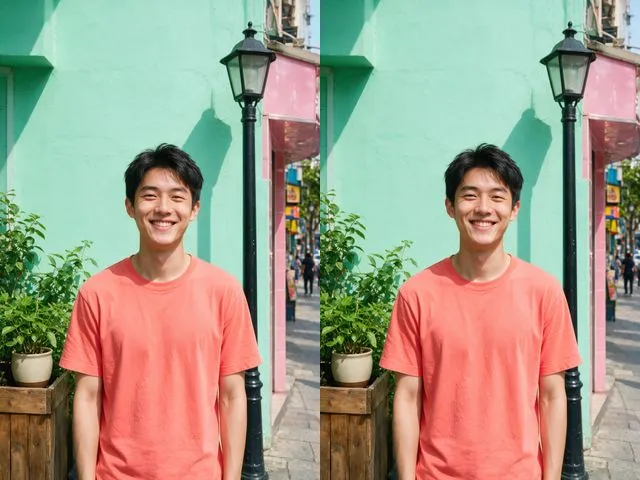 BeforeAfterImage UpscalerEnlarge a small photo and rebuild the detail that a plain resize would smear into soft blocks.
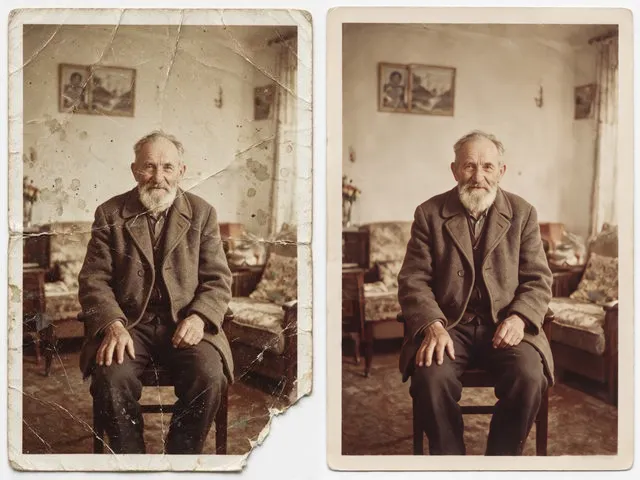 BeforeAfterOld Photo RestorationRepair the scratches, tears, creases, and fading in a scanned print, keeping the people exactly as they are.
 BeforeAfterPhoto ColorizerAdd natural, period plausible color to a monochrome photo, with skin tones kept believable.