Cut a face out of a photo
Isolate a head and shoulders portrait from its background, with the hair and jaw edges kept clean.


Try it
No photo chosen yet.
Drop a photo here
or
JPG, PNG, or WebP, up to 25 MB and 30 megapixels.
Free to try without an account. Signed in, a run costs 1 credit.
How it works
- Add a photo: drag it onto the uploader or pick one from your device.
- A portrait tuned cutout model traces the person and drops the rest of the frame.
- Look at the result, then download it or run another photo through.
These models reconstruct rather than recover: they produce a plausible version of what was probably there, so results vary with the source photo. Run it again or try a different image if the first pass misses.
What to expect
This runs the portrait weights of the same cutout model the background remover uses, which mostly changes how it treats hair, ears, and a jaw against skin. On a head and shoulders shot in even light the edge is clean enough to composite without touching it up. It is less certain with a hood, a wide brimmed hat, heavy glasses frames, or hair blowing across the face, and it does not pick one person out of a group: it separates people from background, so everybody in the frame tends to come along. A profile works, though a face turned far enough that the ear and hairline merge into the background can lose its edge there.
Best results: One person facing roughly toward the camera, lit from the front, with the whole head inside the frame.
Common questions
- Does it cut out just the face, or the head and shoulders?
- It keeps the person: head, hair, neck, and whatever shoulders are in frame. It is not a face shaped crop, so crop the result down afterwards if that is what you were after.
- What happens with a group photo?
- The model splits people from background, not one person from another, so a group usually comes back as a group. Crop to the person you want before uploading if you need them on their own.
- Is it free to try?
- Yes. You can run a photo without making an account and see the result first; the cost per run, and what a free account adds, are shown above the uploader.
- Can I get the cutout on white instead of transparent?
- Yes, choose transparent, white, or black before you run it. White is the usual pick for profile pictures and ID style crops, and it saves a round trip through an editor.
- Why is there a pale fringe around the hair?
- Edge pixels along a hairline are part subject and part old background, so a bright background leaves light pixels that only show once you place the cutout on something dark. Running it again with the black background option, or nudging the edge in an editor, is the quickest fix.
Be photographed, any way you like
Save your photographs once, then every look becomes a photograph of you.










Related tools
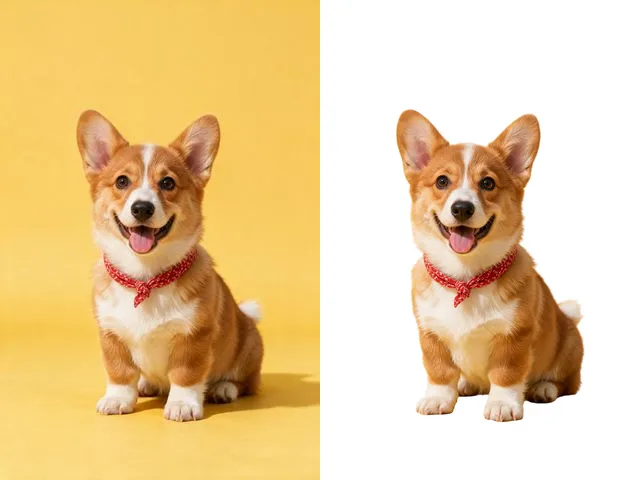 BeforeAfterBackground RemoverUpload an image and get the subject cut out on a transparent background, ready to drop onto anything else.
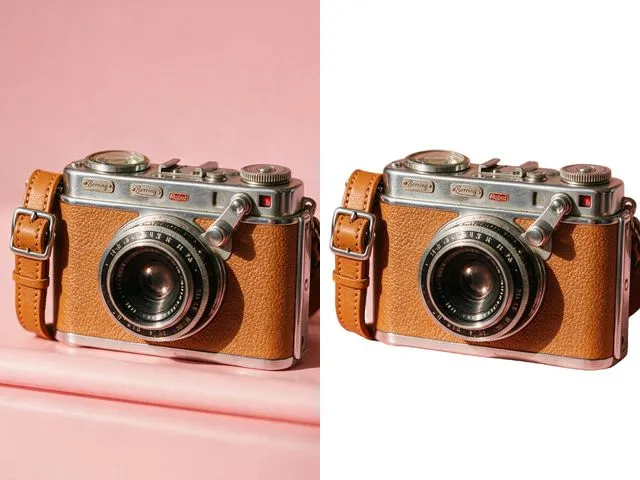 BeforeAfterWhite Background MakerSwap a busy background for a flat white one, the way marketplace listings and ID photo rules usually ask for.
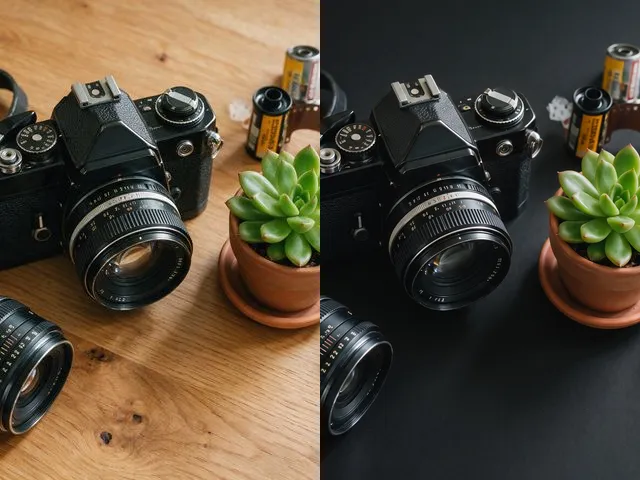 BeforeAfterBlack Background MakerDrop the subject onto flat black, which is what most product shots and profile crops want behind them.
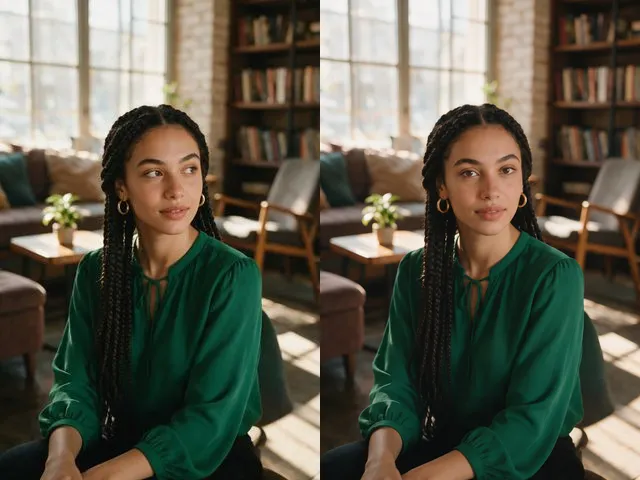 BeforeAfterEye Contact CorrectionNudge the eyes to look into the camera, without moving the head or changing their color.