Put a passport photo on a plain white background
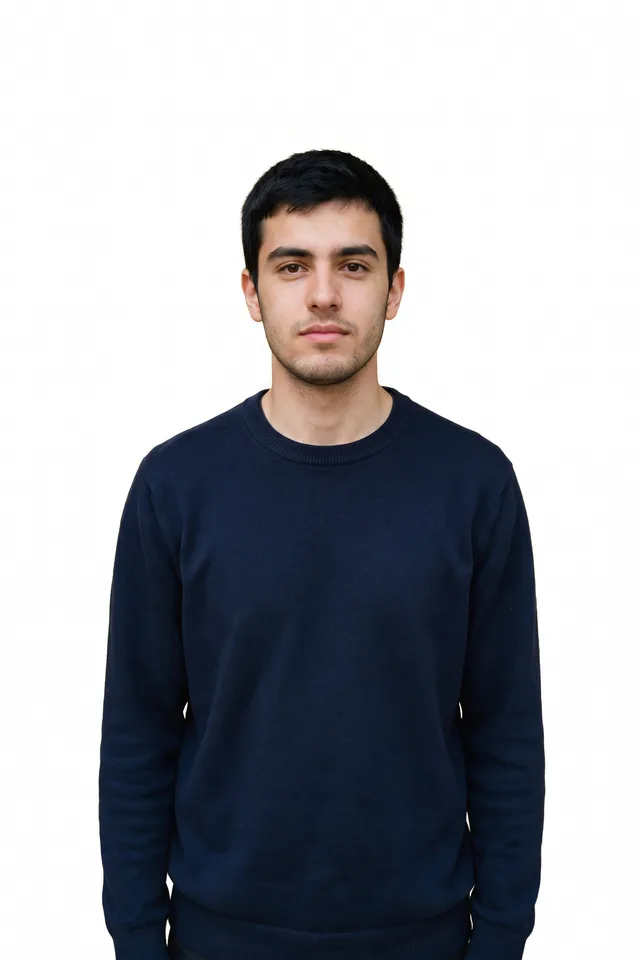
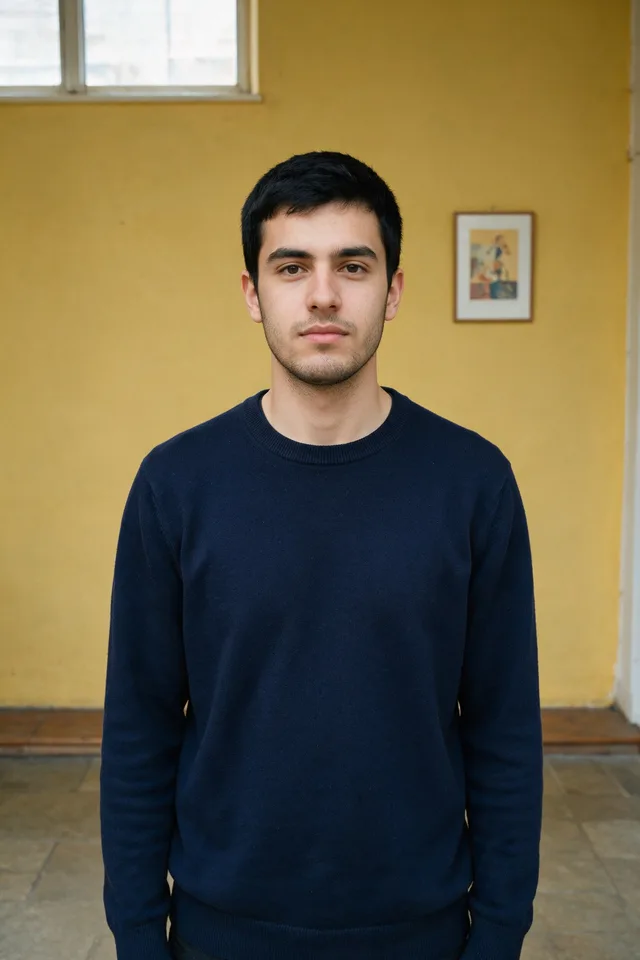
Take the photo you already have and give it the flat white background that every ID application asks for.
Try it
No photo chosen yet.
Drop a photo here
or
JPG, PNG, or WebP, up to 25 MB and 30 megapixels.
Free to try without an account. Signed in, a run costs 1 credit.
How it works
- Add a photo: drag it onto the uploader or pick one from your device.
- A portrait tuned model cuts you out and places you on flat, even white.
- Look at the result, then download it or run another photo through.
These models reconstruct rather than recover: they produce a plausible version of what was probably there, so results vary with the source photo. Run it again or try a different image if the first pass misses.
What to expect
Every country's ID rules agree on one thing and disagree on nearly everything else. They agree that the background must be plain, light, and shadowless, which is precisely the part a photo booth charges for and precisely what this does: a portrait tuned cutout onto flat white, with no shadow behind the head. What they disagree on is the framing, and it is genuinely specific: the print size, how much of the frame your head must fill, the gap above your hair, whether you may smile, whether glasses are allowed at all. This tool does not attempt any of that, and a tool that claimed to would be lying to somebody about to pay a passport fee. Get the background here, then crop to your own country's published template and check the rules on expression and glasses yourself.
Best results: A front facing photo in even light, taken at eye level, with a neutral expression and your whole head and shoulders in frame.
Common questions
- Will this pass an official check?
- The background will be the plain, even white that applications ask for. The framing is up to you: head size, the space above your hair, and the print dimensions differ by country, and this tool does not crop to any of them. Use your government's published template for that part.
- Which countries is it for?
- The background requirement is close to universal, so the tool is useful anywhere. Everything else in the specification is national, which is exactly why the tool stops at the background.
- Can I wear glasses or smile?
- That depends on where you are applying, and the rules changed in several countries recently. Check your own authority's guidance before you use the photo; this tool has no opinion on it.
- Why is the background white and not light grey or blue?
- White is accepted by the widest range of authorities. If yours specifically requires light grey or off white, this is not the right tool for it.
- What file do I get back?
- A JPEG at the dimensions you uploaded, with the background flattened to white.
Be photographed, any way you like
Save your photographs once, then every look becomes a photograph of you.










Related tools
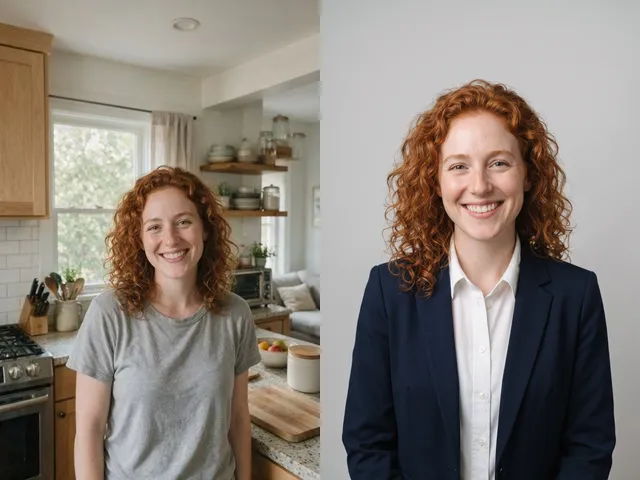 BeforeAfterAI HeadshotPut a decent photo of yourself in business clothes against a clean studio backdrop, without booking a photographer.
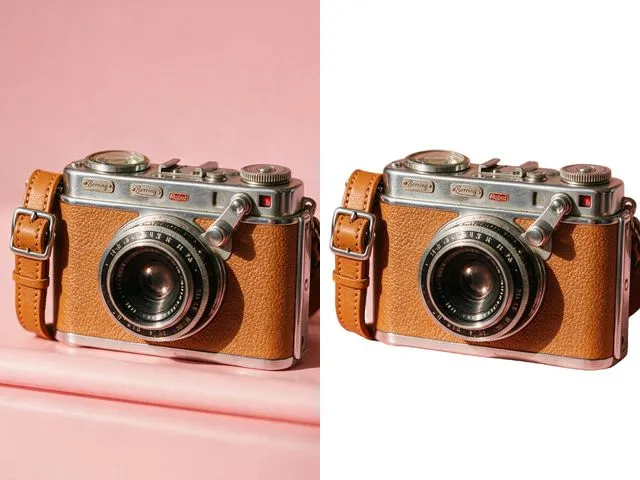 BeforeAfterWhite Background MakerSwap a busy background for a flat white one, the way marketplace listings and ID photo rules usually ask for.
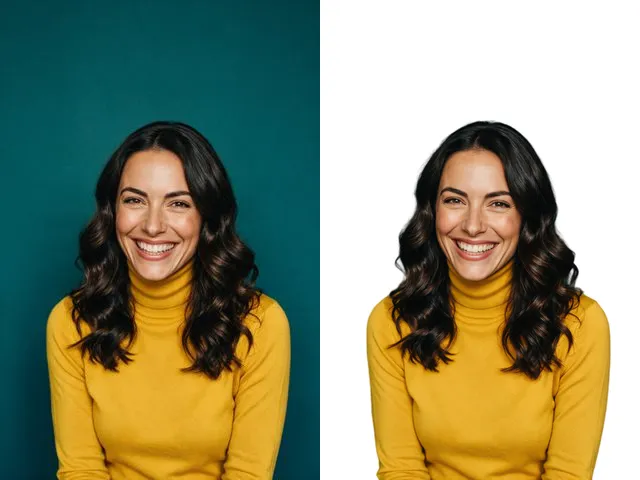 BeforeAfterFace Cut OutIsolate a head and shoulders portrait from its background, with the hair and jaw edges kept clean.
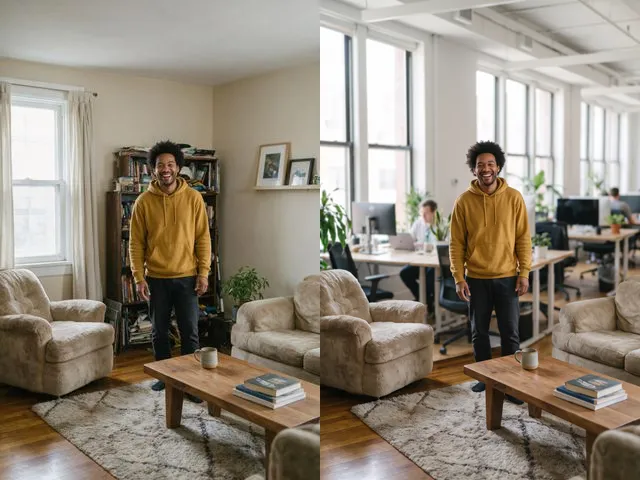 BeforeAfterBackground ChangerKeep your subject and put them somewhere else: a studio, an office, a park, or a beach.