Erase an object or a person from a photo
Mark what you want gone and the model fills the space with what should have been behind it.
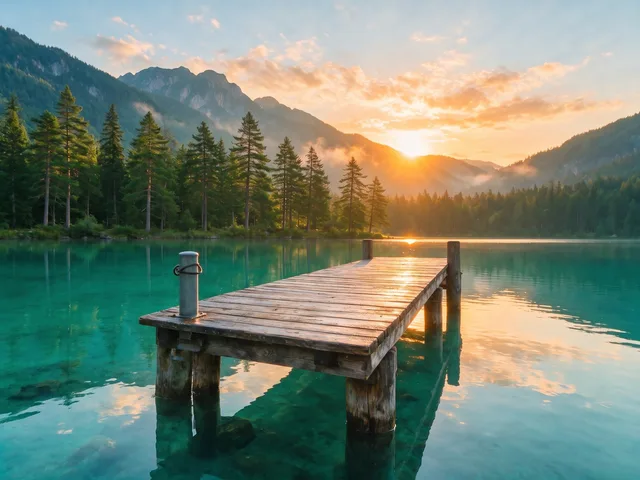
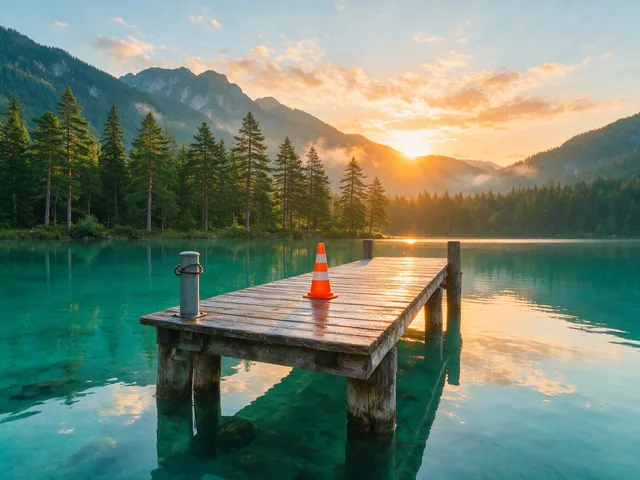
Try it
This tool only changes what you paint over. Pick a photo, brush the thing you want gone, and the rest is left exactly as it was.
No photo chosen yet.
Drop a photo here
or
JPG, PNG, or WebP, up to 25 MB and 20 megapixels.
Free to try without an account. Signed in, a run costs 4 credits.
How it works
- Add a photo: drag it onto the uploader or pick one from your device.
- An inpainting model removes everything under the mask and reconstructs the background it was covering.
- Look at the result, then download it or run another photo through.
These models reconstruct rather than recover: they produce a plausible version of what was probably there, so results vary with the source photo. Run it again or try a different image if the first pass misses.
What to expect
You paint over what you want gone and an inpainting model fills the hole with its best account of what was behind it. It is strongest on small and medium objects sitting on a background that repeats or continues predictably: a bin on a pavement, a stranger on a beach, a sign on a wall, a socket beside a door. It turns speculative when the thing you remove is large, close to the camera, or overlapping something structured such as a face, a doorway, text, or a tiled floor, because the invented geometry then has to line up with everything still visible. Mask generously: a stroke that stops short leaves a rim of the object behind, and the model will blend that rim into the fill rather than treat it as a mistake.
Best results: A photo where the unwanted thing takes up a fairly small part of the frame and the background around it is simple or repeating.
Common questions
- Do I have to select the object myself?
- Yes, you brush a mask over it in the browser before the run starts. There is no automatic find the thing step, which also means nothing disappears that you did not choose.
- How much should I paint over?
- Cover the whole object plus a small margin, including its shadow and any reflection. A missed sliver is the single most common reason a fill comes back looking wrong.
- Can it remove a person from a group photo?
- It can, as long as that person is not overlapping the people you are keeping. Where bodies overlap, the model has to invent the hidden half of somebody you know well, and that is exactly where the result looks off.
- Can I use it to take out a watermark or a logo?
- No. We do not offer watermark, logo, or signature removal, and the eraser is meant for cleaning up photos you own or have permission to edit.
- Why does the filled area look smudged?
- The bigger the mask, the more the model has to invent, and large flat guesses read as smudge. Erasing in two or three smaller passes usually beats one broad stroke.
- How long does a run take?
- Most runs finish in roughly 10 to 60 seconds, depending on the size of the photo and how busy the queue is.
Be photographed, any way you like
Save your photographs once, then every look becomes a photograph of you.










Related tools
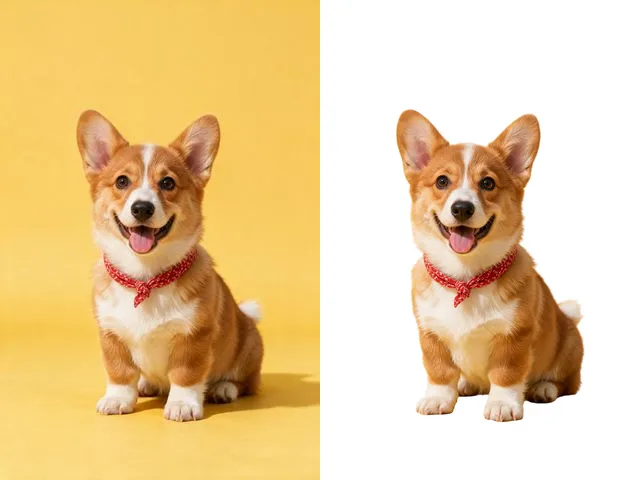 BeforeAfterBackground RemoverUpload an image and get the subject cut out on a transparent background, ready to drop onto anything else.
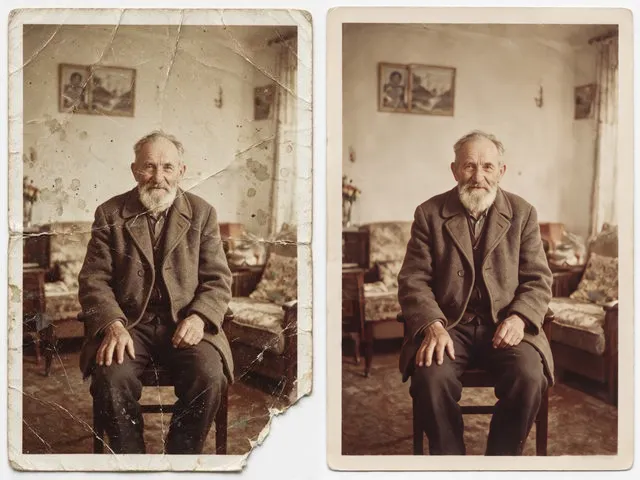 BeforeAfterOld Photo RestorationRepair the scratches, tears, creases, and fading in a scanned print, keeping the people exactly as they are.
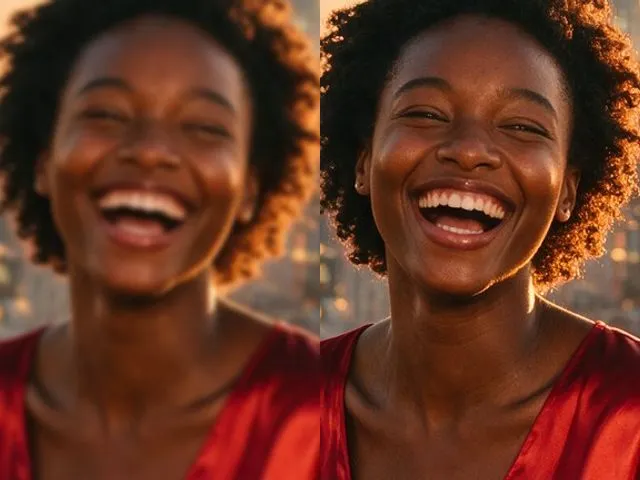 BeforeAfterImage EnhancerSharpen detail, clean up noise, and even out a flat looking photo, without changing what is in the frame.
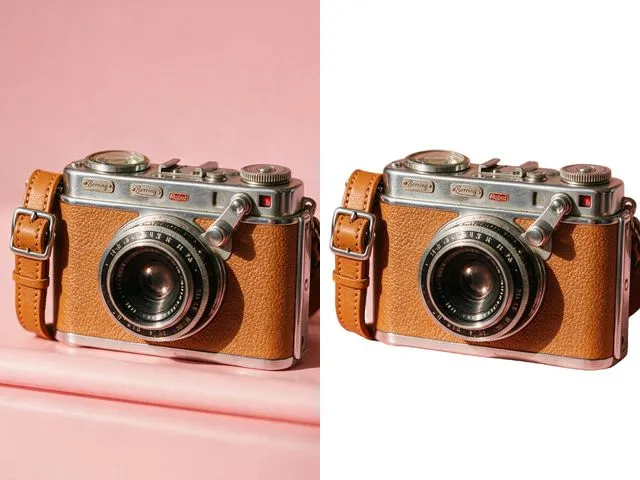 BeforeAfterWhite Background MakerSwap a busy background for a flat white one, the way marketplace listings and ID photo rules usually ask for.