Remove red eye from a photo
Fix the red flash reflection in the eyes and leave the rest of the photo exactly as it was.
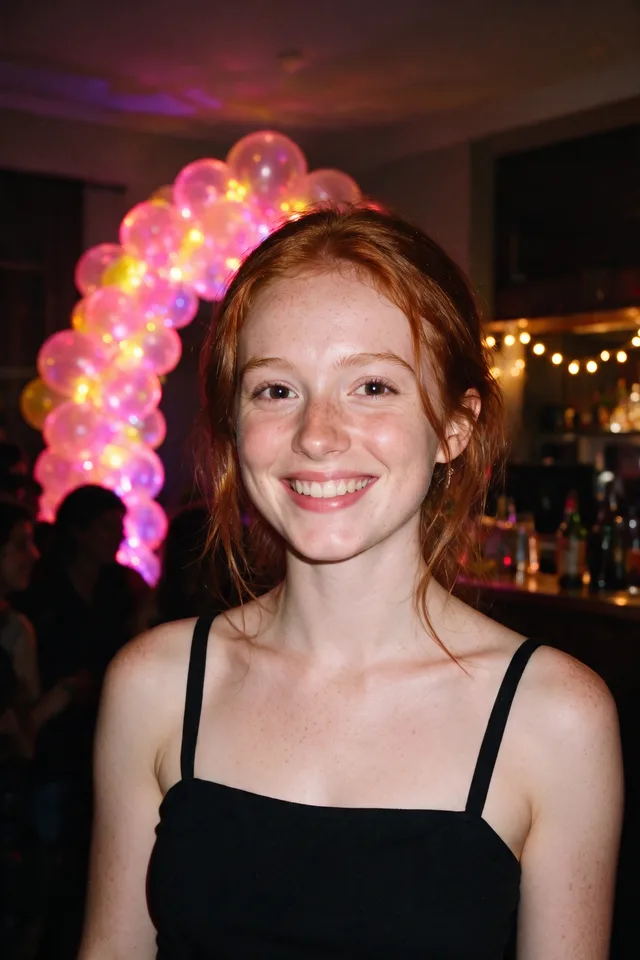
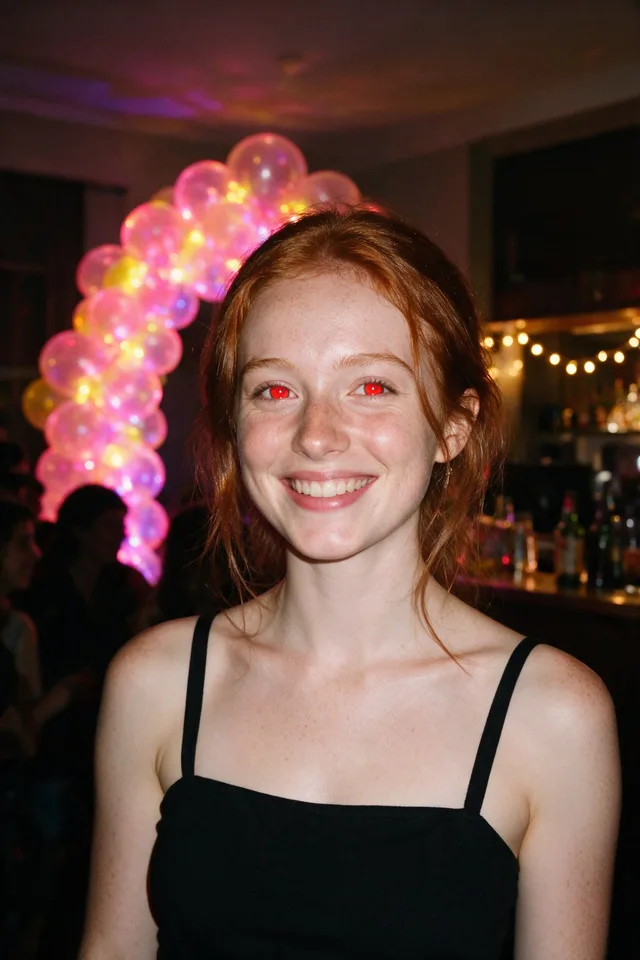
Try it
This tool only changes the pupils you paint over. Pick a photo, brush over each red eye, and the rest of the photo is left exactly as it was.
No photo chosen yet.
Drop a photo here
or
JPG, PNG, or WebP, up to 25 MB and 20 megapixels.
Free to try without an account. Signed in, a run costs 4 credits.
How it works
- Add a photo: drag it onto the uploader or pick one from your device.
- Brush over each red eye. The red inside the pupil is corrected in place, at full resolution, and nothing else in the photo is touched.
- Look at the result, then download it or run another photo through.
These models reconstruct rather than recover: they produce a plausible version of what was probably there, so results vary with the source photo. Run it again or try a different image if the first pass misses.
What to expect
Flash red eye is the back of the retina lit up by a flash sitting close to the lens, and the fix is a colour correction in a few hundred pixels: take the red out of the pupil, keep the bright catchlight, and leave the iris and everything around it alone. That is what this tool does, on your photo's own pixels, at its full size. No model repaints the eye, so the iris stays the colour it was, the eye stays the shape it was, and the photo comes back as sharp as it went in. What it needs from you is where the eyes are. Finding a red pupil by colour alone is not safe, because lips, red clothing and small lights pair up the same way, so you paint a dab over each eye and only the red under your brush is corrected. A rough dab is fine; it does not have to be precise. Two cases go less smoothly. Animal eyeshine, the green or yellow glow you get from a cat or a dog, is a different effect and is not red, so there is nothing here to find. And a pupil that came out pink or orange rather than red, from a weak flash or a heavy edit, may be corrected only partly.
Best results: A flash photo where the pupils have come out red. Any size and any number of people; you brush each eye you want fixed.
Common questions
- Do I have to be precise with the brush?
- No. Paint a rough dab that covers the pupil and a little around it. The tool looks for the red inside what you painted and corrects only that, so the lashes, skin and iris under the brush are left as they were.
- Does it work on pet eyes?
- Usually not. The green or yellow eyeshine animals get is a different effect from human red eye and is not red, so there is nothing for the tool to correct. It will not damage the photo either; the eye is simply left as it was.
- Will it change my eye color?
- No. The iris around the pupil is not touched, only the red reflection inside it, and the bright catchlight that makes an eye look alive is kept. Nothing about the eye is redrawn.
- Does the rest of the photo stay identical?
- Yes. Only the pixels inside the pupils you brushed change. The photo does not pass through a model and is not resized, so it comes back at the same dimensions and the same sharpness it went in with.
- What do I upload, and what comes back?
- JPG, PNG, or WebP up to 25 MB. A JPG comes back as a high quality JPG and anything else as a PNG, at the size you uploaded.
Be photographed, any way you like
Save your photographs once, then every look becomes a photograph of you.










Related tools
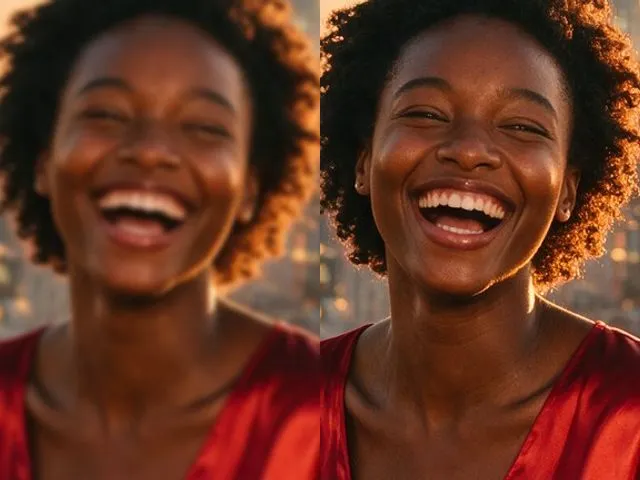 BeforeAfterImage EnhancerSharpen detail, clean up noise, and even out a flat looking photo, without changing what is in the frame.
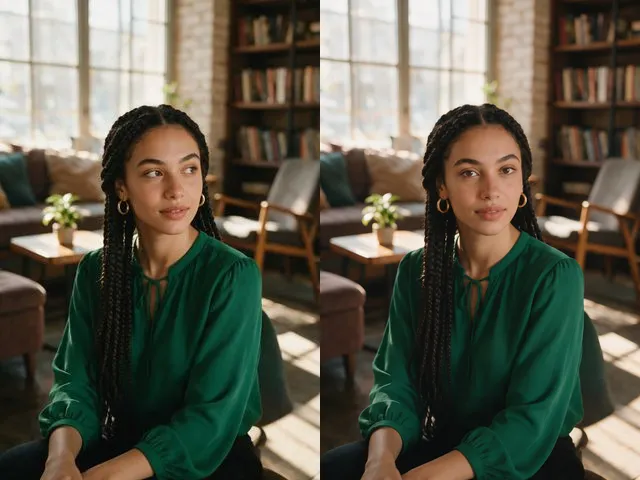 BeforeAfterEye Contact CorrectionNudge the eyes to look into the camera, without moving the head or changing their color.
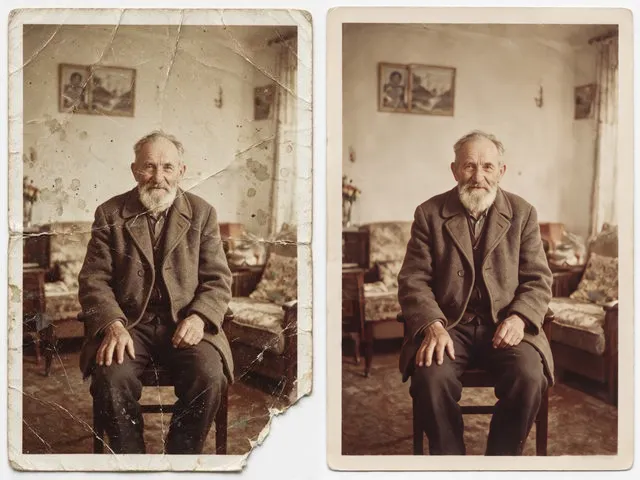 BeforeAfterOld Photo RestorationRepair the scratches, tears, creases, and fading in a scanned print, keeping the people exactly as they are.
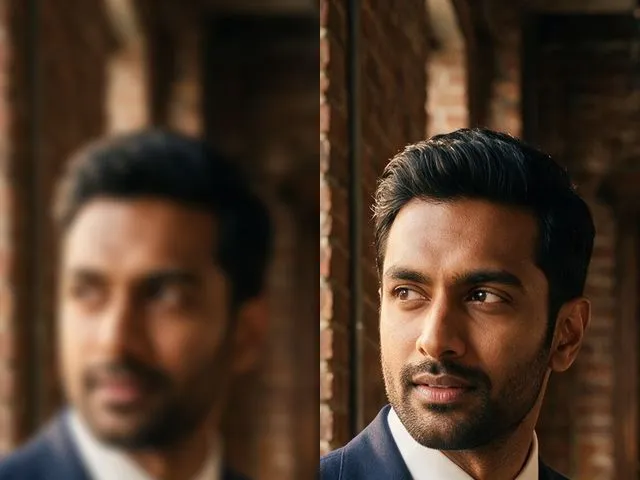 BeforeAfterUnblur ImagePull detail back out of a soft or slightly out of focus shot, with faces handled more carefully than the rest.