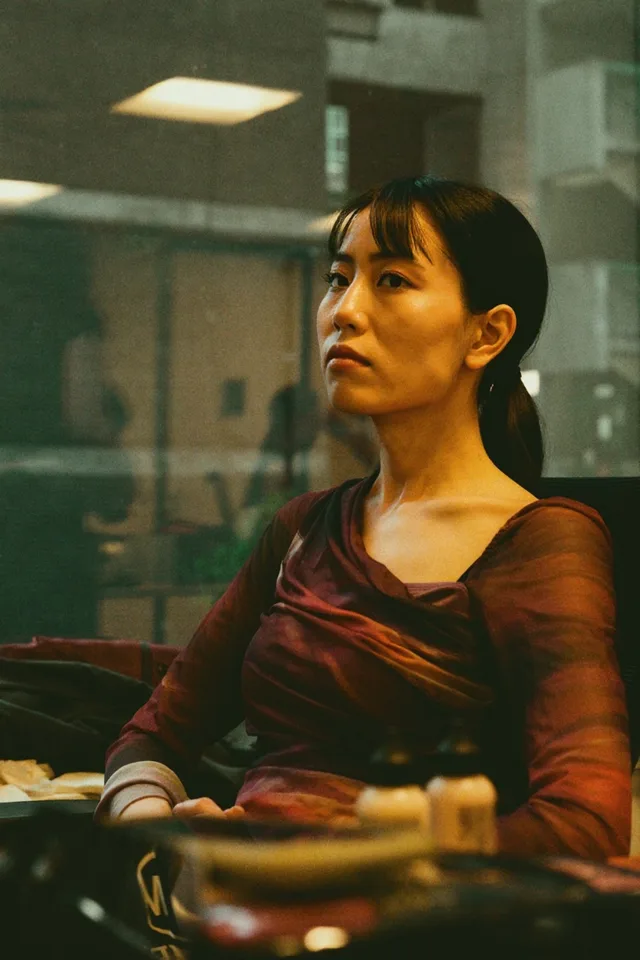
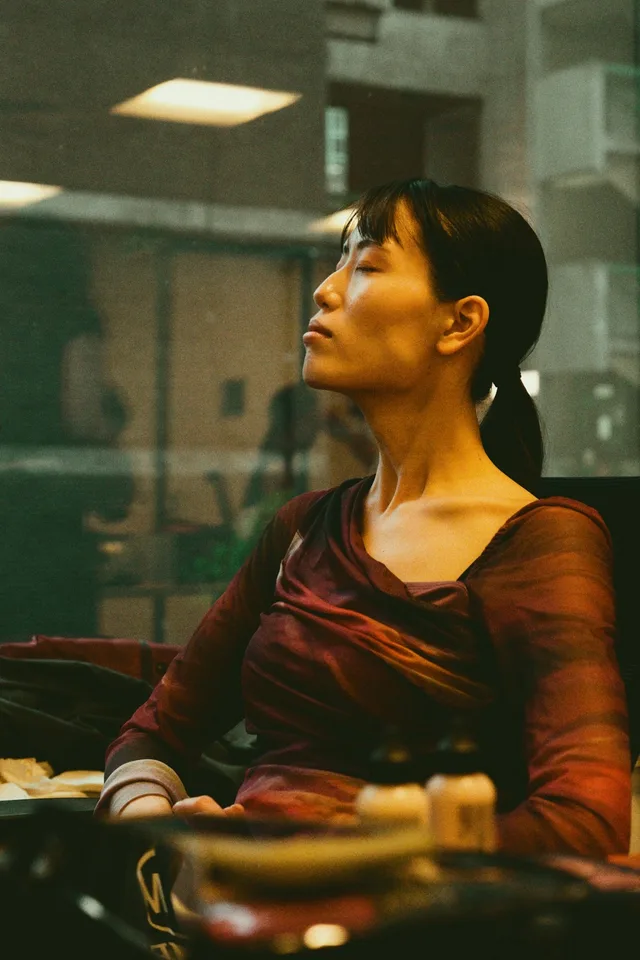
Open closed eyes in a photo
Fix the one shot where somebody blinked, without retaking it or living with it.
Try it
No photo chosen yet.
Drop a photo here
or
JPG, PNG, or WebP, up to 25 MB and 20 megapixels.
Free to try without an account. Signed in, a run costs 4 credits.
Sign up free for High qualityHow it works
- Add a photo: drag it onto the uploader or pick one from your device.
- An editing model opens the closed eyes and matches them to the rest of the face.
- Look at the result, then download it or run another photo through.
These models reconstruct rather than recover: they produce a plausible version of what was probably there, so results vary with the source photo. Run it again or try a different image if the first pass misses.
What to expect
The blink is the oldest problem in photography and the one that ruins the picture you only got one of. What the model does here is genuinely reconstruction: a closed eye hides the iris, the shape of the lid, and where the person was actually looking, so all three come from the rest of the face rather than from the pixels. On a clear, front facing portrait that reconstruction is convincing. On a small face in a group shot, or a half blink caught mid movement, it is more obviously a guess, and the eye colour in particular is the model's best inference rather than a fact it can read. It is worth checking the result at full size before you keep it.
Best results: A sharp, front facing photo with the face reasonably large in the frame and the eyes fully closed rather than mid blink.
Common questions
- Will the eye colour be right?
- It is inferred, not recovered. A closed eye shows no iris at all, so the model picks a colour that suits the face. If yours are an unusual colour, check the result carefully.
- Does it work on a group photo?
- It works best on the most prominent face. Faces that are small in the frame come back less convincingly, because there are fewer pixels to reconstruct from.
- What about a half blink?
- Harder than a full one. A partly closed eye caught mid movement is also usually motion blurred, and the model has to fix two things at once.
- How is this different from the eye contact tool?
- That one moves a gaze that is already open so it meets the camera. This one opens eyes that are shut. Different problems, and reaching for the wrong one gives a poor result.
- Can I use it on a photo of somebody else?
- With their consent, yes, and that is the normal case for a family photo. Our acceptable use policy asks that you only edit photos of people who are happy to be edited.
- Is the result honest enough for a document photo?
- No. A reconstructed eye is not a photograph of your eye, and any application that asks for an unedited photo means it.
Be photographed, any way you like
Save your photographs once, then every look becomes a photograph of you.










Related tools
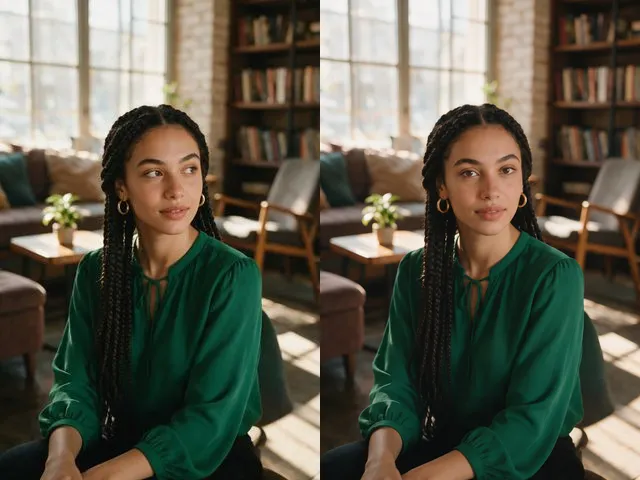 BeforeAfterEye Contact CorrectionNudge the eyes to look into the camera, without moving the head or changing their color.
 BeforeAfterSmile FilterTurn a stiff expression into a relaxed, natural smile, without touching anything else in the photo.
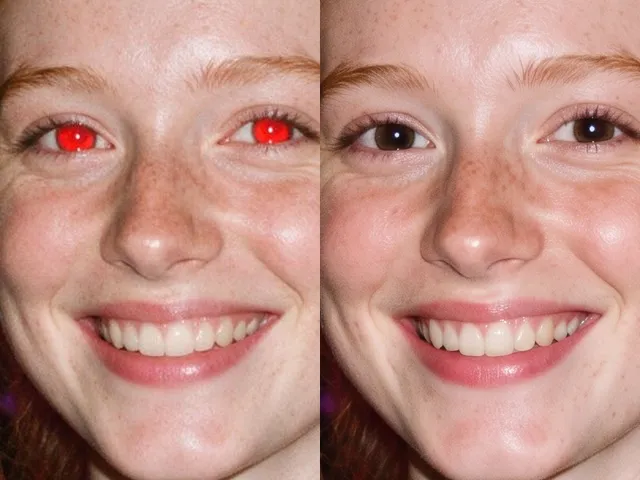 BeforeAfterRed Eye RemoverFix the red flash reflection in the eyes and leave the rest of the photo exactly as it was.
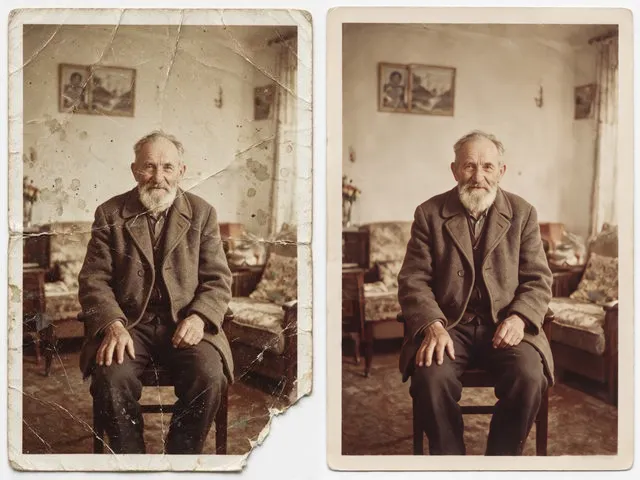 BeforeAfterOld Photo RestorationRepair the scratches, tears, creases, and fading in a scanned print, keeping the people exactly as they are.