Change hair colour in a photo
See yourself blonde, brunette, red, or silver before you commit to a salon appointment.
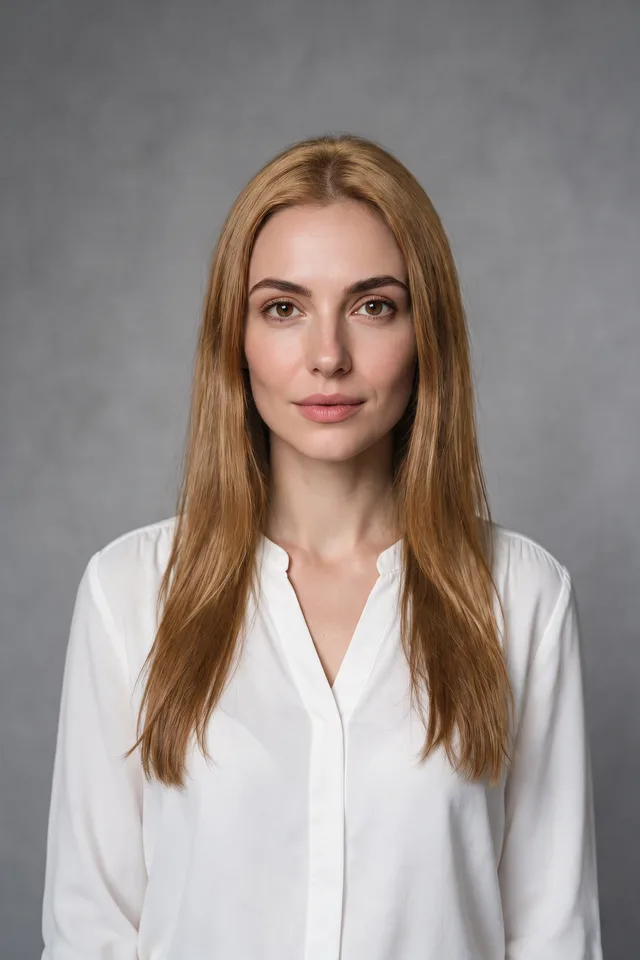
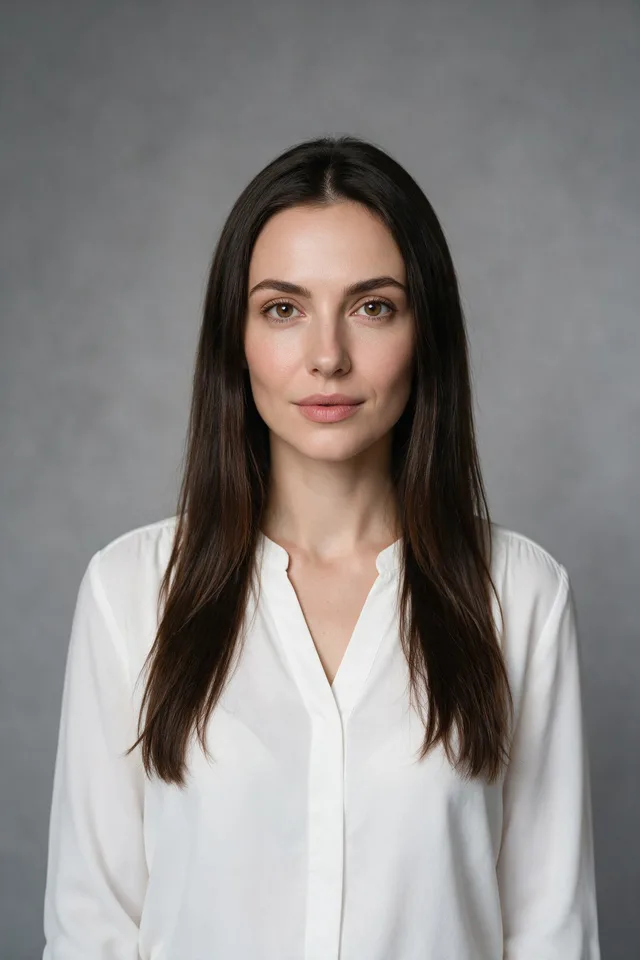
Try it
No photo chosen yet.
Drop a photo here
or
JPG, PNG, or WebP, up to 25 MB and 20 megapixels.
Free to try without an account. Signed in, a run costs 4 credits.
Sign up free for High qualityHow it works
- Add a photo: drag it onto the uploader or pick one from your device.
- The model recolours the hair you have and leaves the cut, the face, and the light alone.
- Look at the result, then download it or run another photo through.
These models reconstruct rather than recover: they produce a plausible version of what was probably there, so results vary with the source photo. Run it again or try a different image if the first pass misses.
What to expect
This recolours rather than restyles: the length, the parting, and the shape of the cut stay as they are, which is what makes it useful for deciding whether to book the appointment. The colours are a short list rather than a text box, described the way a colourist would describe them, because "red hair" and "natural copper red" produce very different pictures and only one of them looks like hair. It is at its best on a clear photo where the hair is well lit and reads against the background. It is least convincing where hair meets a busy background, on very fine flyaway strands, and in shadow, where there was little colour information to change. Dark hair going light is the hardest direction, and the one worth checking closely.
Best results: A well lit photo where the whole head is in frame and the hair stands clear of the background.
Common questions
- Can I pick any colour?
- You pick from the colours listed on the page. That keeps the results looking like hair rather than paint, which is what an open text box tends to produce.
- Will it change my hairstyle?
- It is instructed not to. Length, parting, and cut should come back as they were, with only the colour different. If the style shifts, run it again; results vary between attempts.
- Does it work for going from dark to blonde?
- It is the hardest direction and the one to check most carefully. Dark hair carries little of the detail that light hair shows, so the model has to invent more, and roots and shadows are where it shows.
- Is this what my hair would really look like?
- No. It is a preview, not a prediction. Real colour depends on what your hair is now, how it takes dye, and who is doing it. Take it to a colourist as a picture of what you want, not as a promise of what you will get.
- What size do I get back?
- The same dimensions you uploaded. The editing model works at around one megapixel and the result is resized back, so it matches your original without gaining detail.
Be photographed, any way you like
Save your photographs once, then every look becomes a photograph of you.










Related tools
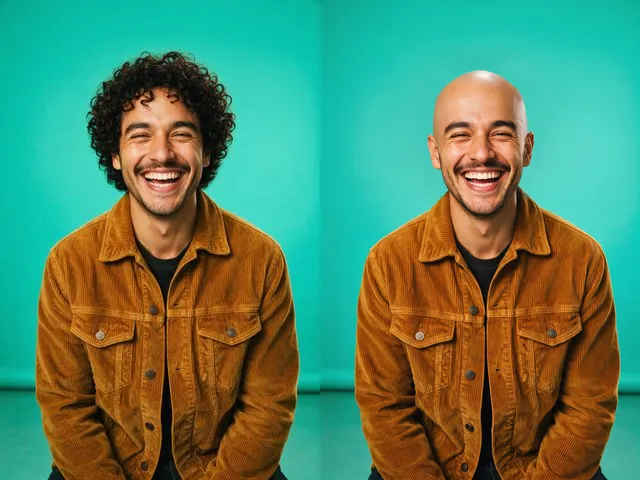 BeforeAfterBald FilterPreview a shaved head version of a photo, keeping the same face, skin tone, and lighting.
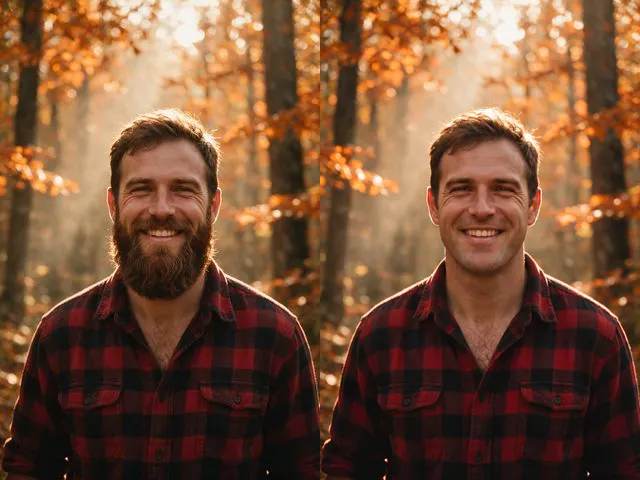 BeforeAfterNo Beard FilterPreview a clean shaven version of a photo, keeping the same face, the same expression, and the same lighting.
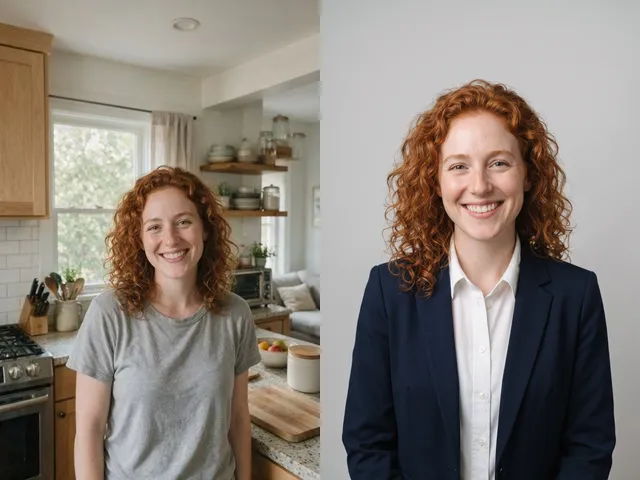 BeforeAfterAI HeadshotPut a decent photo of yourself in business clothes against a clean studio backdrop, without booking a photographer.
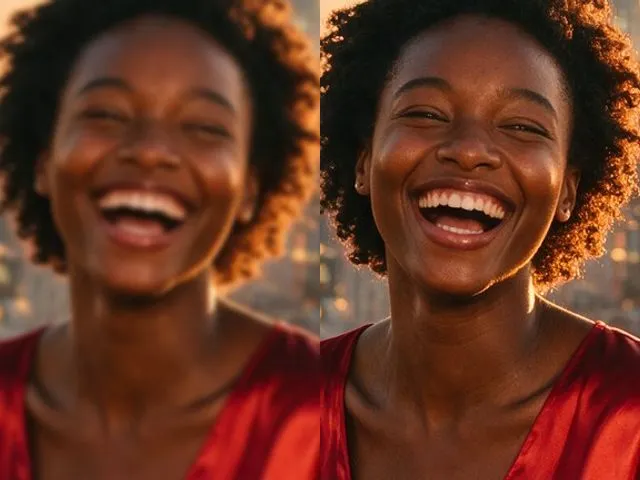 BeforeAfterImage EnhancerSharpen detail, clean up noise, and even out a flat looking photo, without changing what is in the frame.