Replace a flat grey sky
Swap a washed out sky for blue, a sunset, storm clouds, or stars, with the light on the ground changed to match.
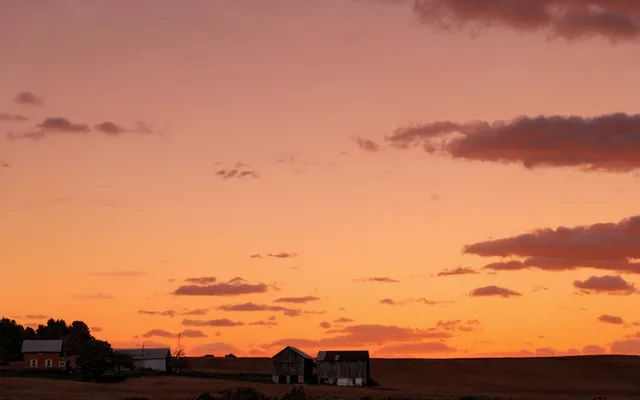
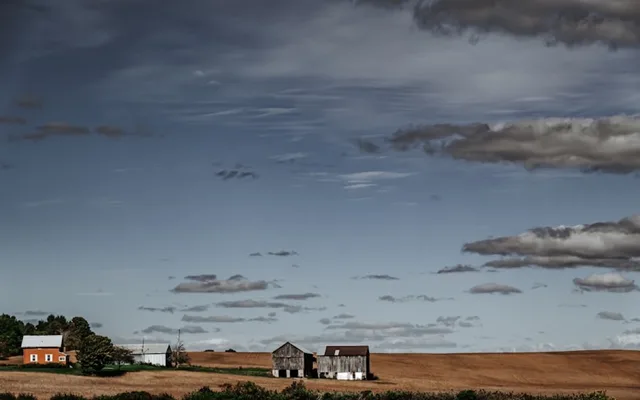
Try it
No photo chosen yet.
Drop a photo here
or
JPG, PNG, or WebP, up to 25 MB and 20 megapixels.
Free to try without an account. Signed in, a run costs 4 credits.
Sign up free for High qualityHow it works
- Add a photo: drag it onto the uploader or pick one from your device.
- You pick a sky, and an editing model replaces everything above the horizon and relights the scene under it.
- Look at the result, then download it or run another photo through.
These models reconstruct rather than recover: they produce a plausible version of what was probably there, so results vary with the source photo. Run it again or try a different image if the first pass misses.
What to expect
A replaced sky gives itself away through light, not through the sky. Paste a sunset over a scene photographed at noon and every shadow on the ground argues with it, which is why composited skies so often look wrong without anybody being able to say why. The instruction here asks for both halves: the new sky, and a relight of the scene so the direction and warmth of the light agree with it. It holds up best on a clear horizon, a landscape, a building, a coastline. It struggles where the sky shows through something complicated, like bare branches, railings, or hair, because those edges are where a sky replacement has always been hard.
Best results: A landscape or building with a clear horizon and a dull or blown out sky.
Common questions
- Which skies can I pick?
- A clear blue sky with light cloud, a warm sunset, heavy storm clouds, or a clear night full of stars.
- Does the rest of the photo change?
- The things in it do not move, but the light on them does change, on purpose. A sunset that leaves the ground lit like midday is the thing that makes a replaced sky look fake.
- What about trees and railings against the sky?
- That is the hard case, and the instruction asks for those gaps to be kept. Fine detail like bare branches or wire is where you are most likely to see the edit.
- Can I use it on a photo with people in it?
- Yes. People, buildings, and everything below the horizon are meant to stay where they are, though a strong relight will change how they are lit.
- Is a night sky realistic?
- It is the least forgiving choice. Turning a daylight photo into a moonlit one means changing every shadow in the frame, so it works on some photos and looks staged on others.
Be photographed, any way you like
Save your photographs once, then every look becomes a photograph of you.










Related tools
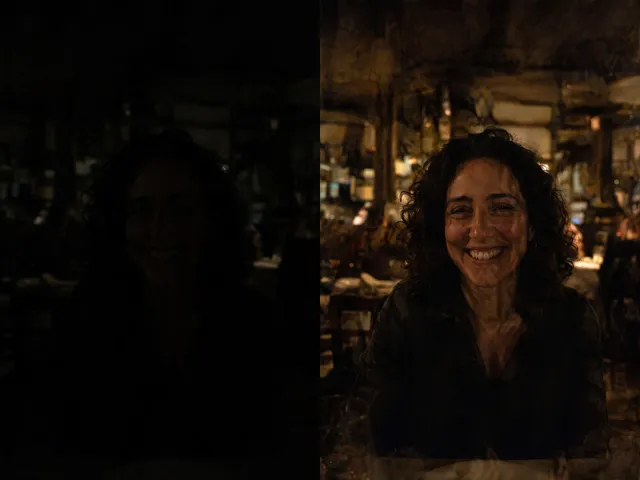 BeforeAfterBrighten PhotoLift a photo that came out too dark, recovering the detail hiding in the shadows.
 BeforeAfterBackground ChangerKeep your subject and put them somewhere else: a studio, an office, a park, or a beach.
 BeforeAfterImage EnhancerSharpen detail, clean up noise, and even out a flat looking photo, without changing what is in the frame.
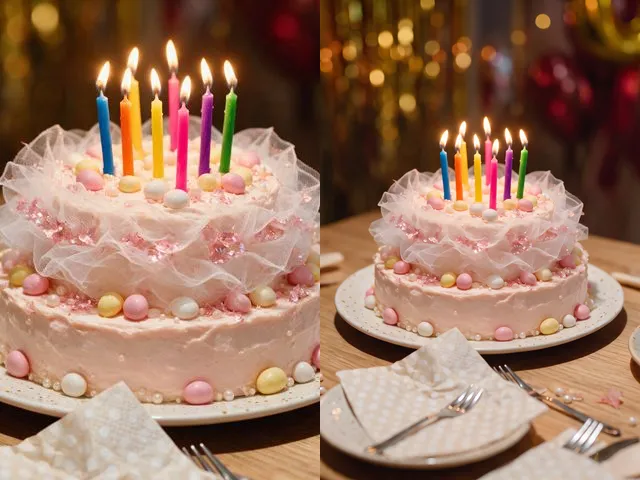 BeforeAfterPhoto ExpanderWiden a crop that is too tight, or refit a photo to a square, a story, or a print without cutting anything out.