Blur the background of a photo
Get the portrait mode look on a photo that was taken without it: subject sharp, everything behind it soft.
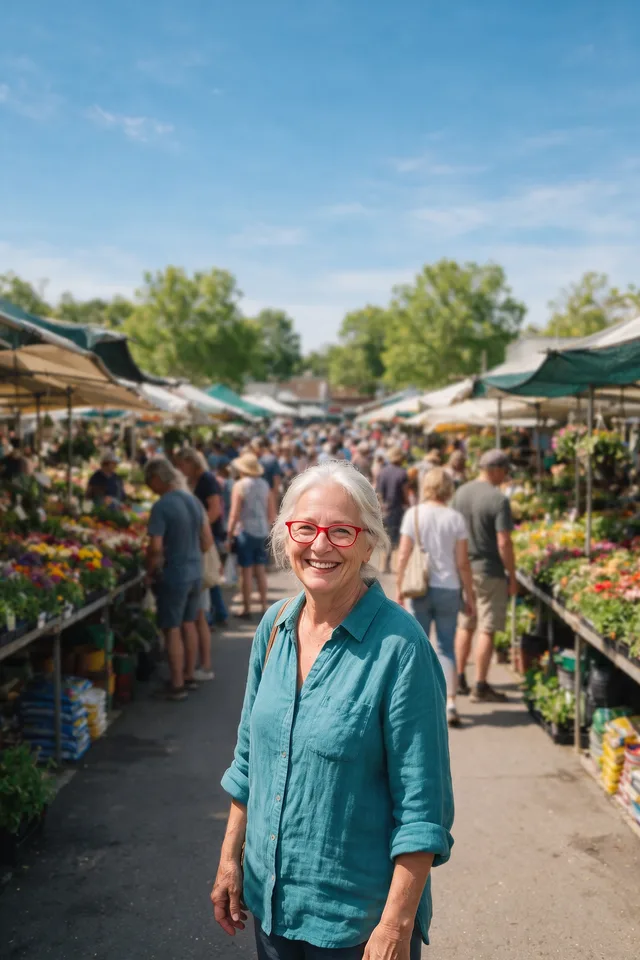
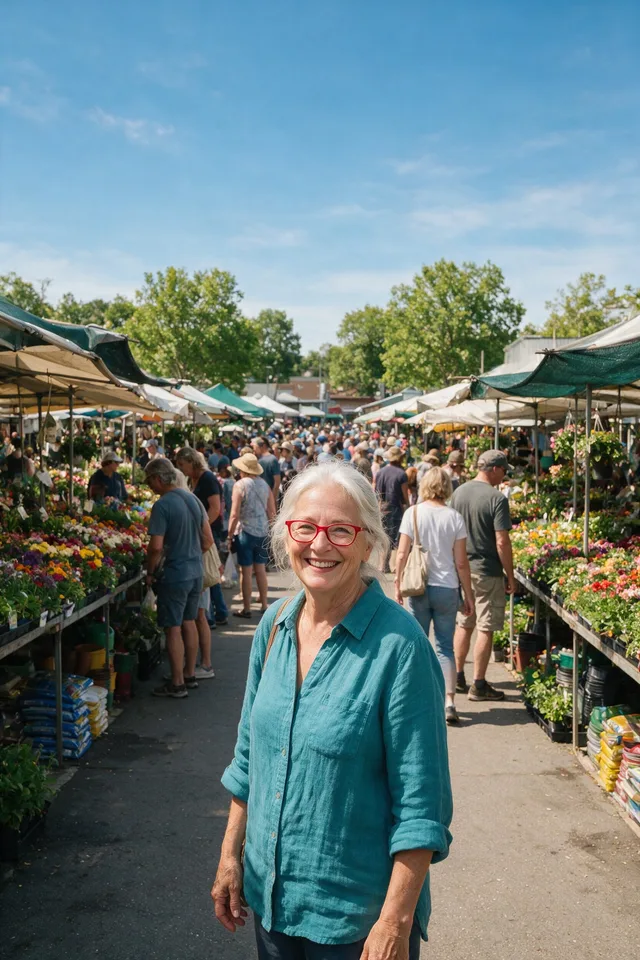
Try it
No photo chosen yet.
Drop a photo here
or
JPG, PNG, or WebP, up to 25 MB and 30 megapixels.
Free to try without an account. Signed in, a run costs 1 credit.
How it works
- Add a photo: drag it onto the uploader or pick one from your device.
- The model traces your subject, then the original photo is put back behind it out of focus.
- Look at the result, then download it or run another photo through.
These models reconstruct rather than recover: they produce a plausible version of what was probably there, so results vary with the source photo. Run it again or try a different image if the first pass misses.
What to expect
A phone in portrait mode does this at the moment of capture with depth information it will never have again. This does it afterwards from the picture alone, which means the result depends entirely on how cleanly your subject can be separated from the scene. On a person or a product with a defined outline it is convincing, and because the backdrop is your own photo rather than a generated one, the result still looks like the place you were standing. The giveaway to look for is depth: a real lens blurs by distance, so the floor near someone's feet stays sharper than the wall behind them, while this blurs everything that is not the subject by the same amount. Fine hair and anything you can see through are the usual edge cases.
Best results: A photo with one clear subject and visible separation between them and what is behind them.
Common questions
- How is this different from portrait mode on a phone?
- A phone measures depth as it takes the picture and blurs by distance. This works from the finished photo, so it separates the subject from everything else and blurs all of it evenly. On most photos the difference is not obvious; on a deep scene, it is.
- Can I control how strong the blur is?
- Not yet. The strength scales with the size of your photo so that it looks the same on a small image and a large one.
- Will it keep my photo's original size?
- Yes. The blurred version is composited at the size you uploaded, so you get a JPEG at the dimensions you started with.
- Does it work on things that are not people?
- Yes. It runs a general purpose cutout, so products, pets, and food all work. Anything transparent or wispy at the edges is where it struggles, the same as the other cutout tools.
- Is it free?
- It is free to try without an account, and it is one of the cheapest tools here in credits, because the blur itself is done on our side rather than by a paid model.
Be photographed, any way you like
Save your photographs once, then every look becomes a photograph of you.










Related tools
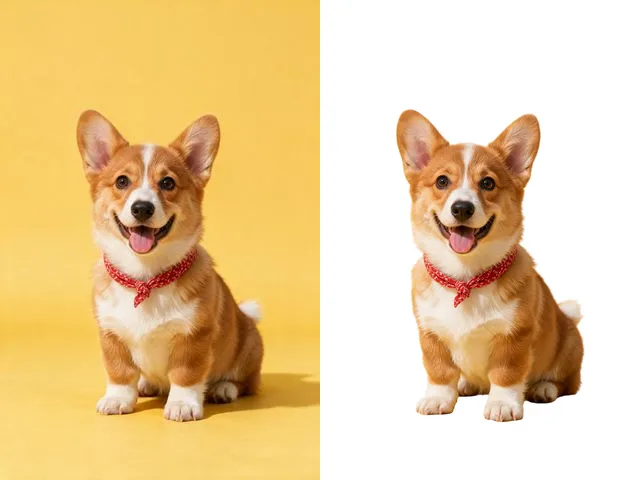 BeforeAfterBackground RemoverUpload an image and get the subject cut out on a transparent background, ready to drop onto anything else.
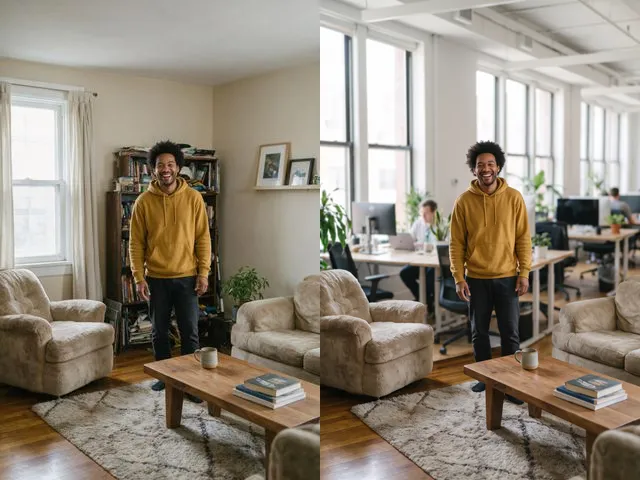 BeforeAfterBackground ChangerKeep your subject and put them somewhere else: a studio, an office, a park, or a beach.
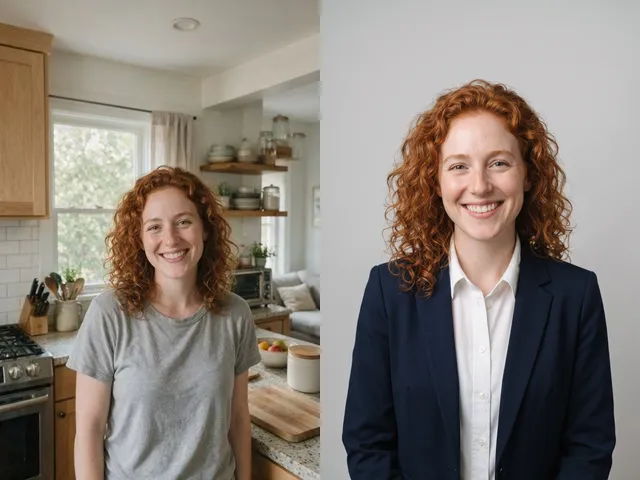 BeforeAfterAI HeadshotPut a decent photo of yourself in business clothes against a clean studio backdrop, without booking a photographer.
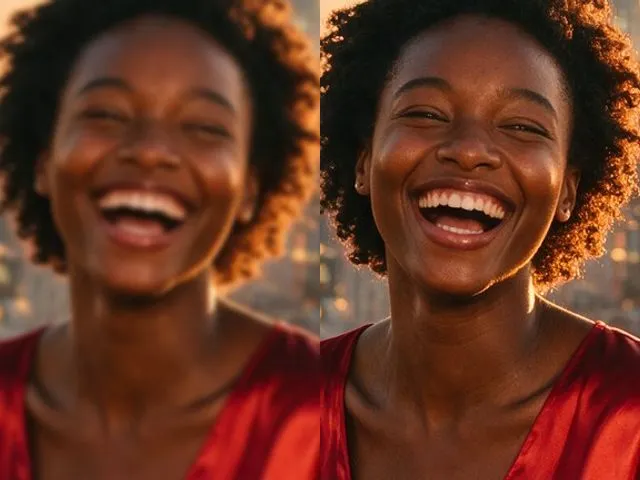 BeforeAfterImage EnhancerSharpen detail, clean up noise, and even out a flat looking photo, without changing what is in the frame.