See a face without the beard
Preview a clean shaven version of a photo, keeping the same face, the same expression, and the same lighting.
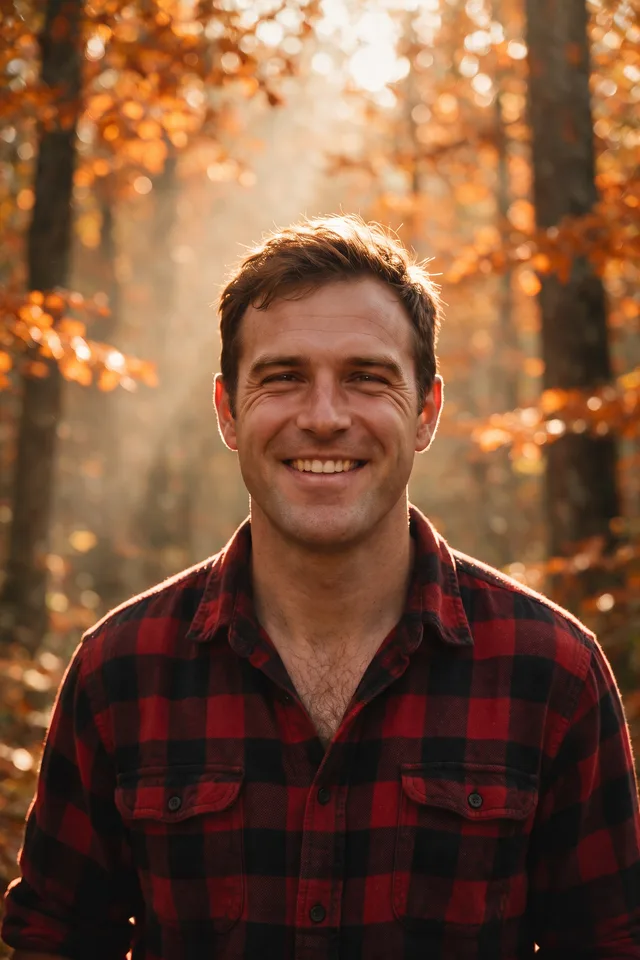
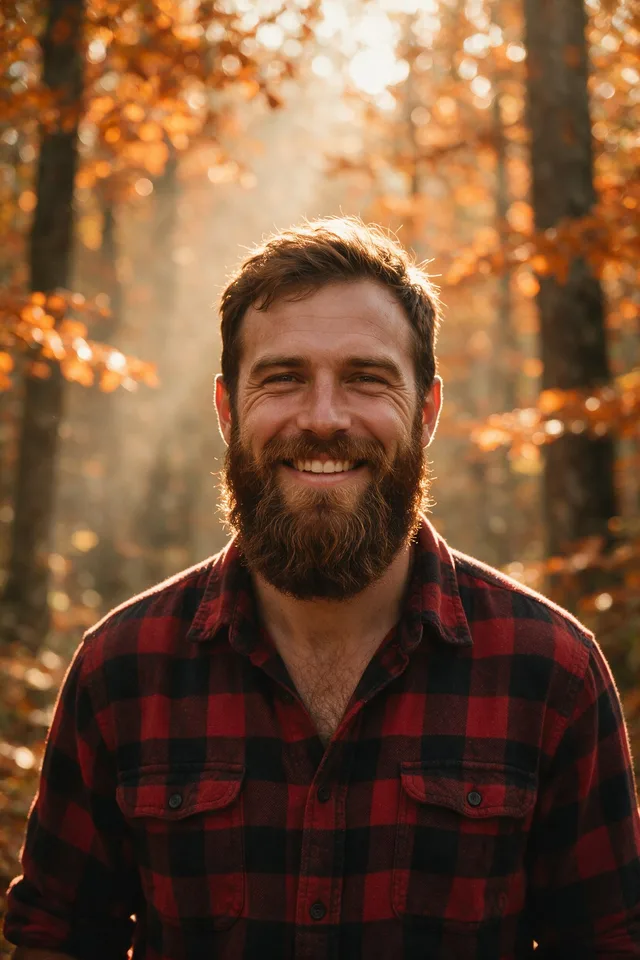
Try it
No photo chosen yet.
Drop a photo here
or
JPG, PNG, or WebP, up to 25 MB and 20 megapixels.
Free to try without an account. Signed in, a run costs 4 credits.
Sign up free for High qualityHow it works
- Add a photo: drag it onto the uploader or pick one from your device.
- An editing model removes the facial hair and reconstructs the jaw and chin underneath it.
- Look at the result, then download it or run another photo through.
These models reconstruct rather than recover: they produce a plausible version of what was probably there, so results vary with the source photo. Run it again or try a different image if the first pass misses.
What to expect
The editing model paints out facial hair and rebuilds the jaw, chin, and upper lip it was covering. This is a preview rather than a photograph: skin under a full beard has never been recorded in the file, so what you get is a plausible jawline for that face rather than the real one. Short stubble and a trimmed beard come back most convincingly, simply because less of the face was hidden. A long dense beard, a beard that merges into clothing or a dark background, and profile or low angle shots are where the shape comes out too narrow, too wide, or subtly not you. The new skin also tends to be smoothed, so the rebuilt area can look younger and cleaner than the rest of the face.
Best results: A sharp, front facing portrait in even light where the whole jaw line is visible.
Common questions
- Is this what I would actually look like clean shaven?
- It is a plausible guess, not a prediction. The chin and jaw under a beard were never in the photo, so the model reconstructs a shape that fits the rest of the face and the light on it.
- Does it work on a moustache or stubble?
- Yes, it removes the facial hair it can see, moustache and stubble included. The less of the face was covered, the closer the result usually is.
- Does it change anything else about the face?
- The instruction asks for the same person, expression, and lighting, and that mostly holds. Smoother than expected skin around the new jaw is the tell to look for.
- Can I use it on a photo of someone else?
- Only with their consent. Editing photos of other people without permission breaks the acceptable use policy, and identity documents are off limits regardless.
- What resolution does the result come back at?
- The same dimensions you uploaded. The editing model works at around one megapixel internally and the result is resized back, so the file matches your original without gaining detail it never had.
Be photographed, any way you like
Save your photographs once, then every look becomes a photograph of you.










Related tools
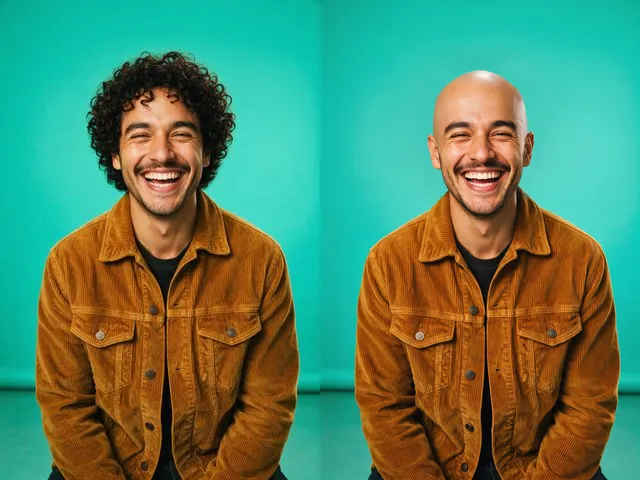 BeforeAfterBald FilterPreview a shaved head version of a photo, keeping the same face, skin tone, and lighting.
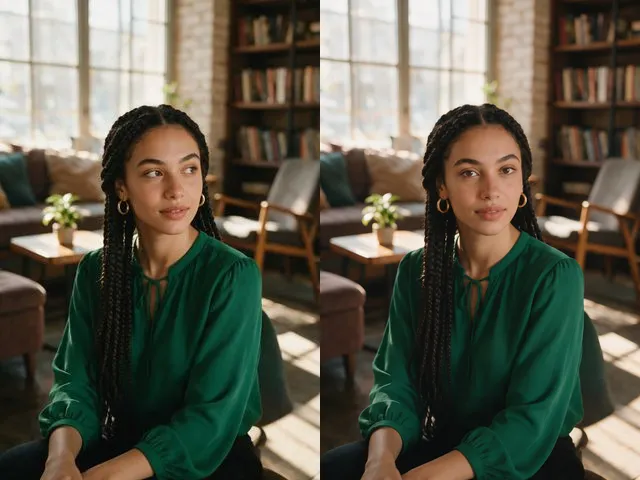 BeforeAfterEye Contact CorrectionNudge the eyes to look into the camera, without moving the head or changing their color.
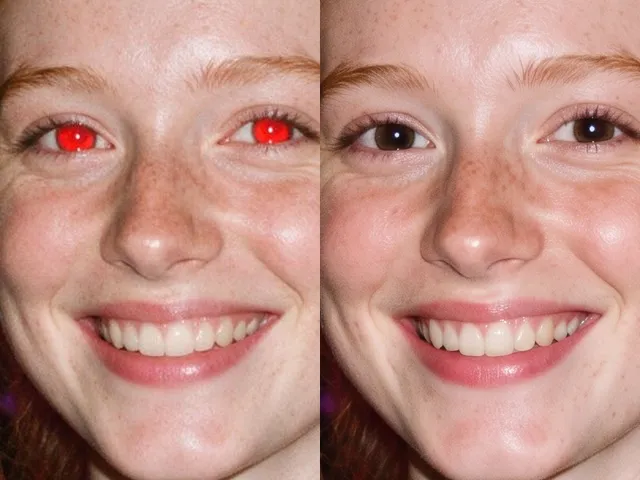 BeforeAfterRed Eye RemoverFix the red flash reflection in the eyes and leave the rest of the photo exactly as it was.
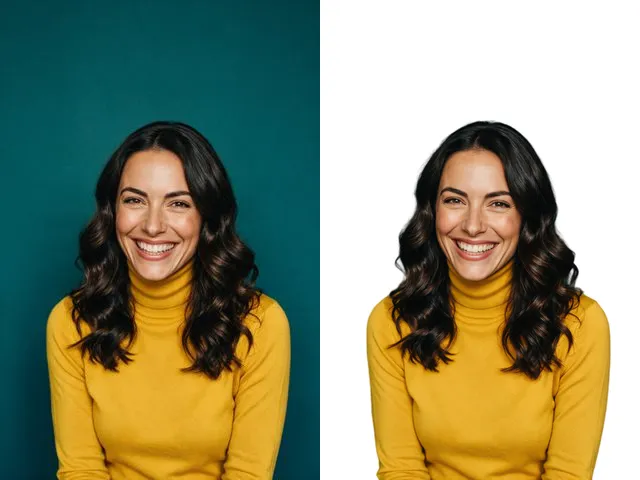 BeforeAfterFace Cut OutIsolate a head and shoulders portrait from its background, with the hair and jaw edges kept clean.