Enhance a photo in one pass
Sharpen detail, clean up noise, and even out a flat looking photo, without changing what is in the frame.

Try it
No photo chosen yet.
Drop a photo here
or
JPG, PNG, or WebP, up to 25 MB and 20 megapixels.
Free to try without an account. Signed in, a run costs 2 credits.
How it works
- Add a photo: drag it onto the uploader or pick one from your device.
- The model makes a single pass over the image, tightening detail and reducing noise.
- Look at the result, then download it or run another photo through.
These models reconstruct rather than recover: they produce a plausible version of what was probably there, so results vary with the source photo. Run it again or try a different image if the first pass misses.
What to expect
One pass that tightens detail, cleans up noise, and gives a flat photo some bite, at the dimensions it arrived with. It suits phone snaps that look slightly mushy, files from an old digital camera, and anything that has been through several rounds of messaging app compression. It is not a color grade and not a filter: crop and composition are untouched, and it cannot rescue exposure that has clipped to pure white or crushed to pure black, because nothing is recorded there to work from. Point it at an already crisp photo and the change is small. Point it at a very noisy night shot and skin can come back waxy, since removing grain means inventing the texture that was underneath.
Best results: A photo that is soft, noisy, or over compressed but still correctly exposed and in focus.
Common questions
- How is this different from the Image Upscaler?
- Same family of model, different job. The enhancer keeps your dimensions and works on quality; the upscaler multiplies the dimensions and redraws detail to fill them.
- Does it change the colors?
- Not deliberately, since it works on detail and noise rather than on tone. Contrast can look a little different once noise is cleaned away, but no look is being applied on top.
- Can it rescue a very dark or overexposed photo?
- Only partly. Areas that are pure black or pure white hold no information at all, so they stay blank whatever the model does. Lift the exposure in an editor first, then enhance.
- Why does skin look waxy in the result?
- That is noise reduction going too far on a grainy source: the grain goes, and the texture underneath has to be invented. Very noisy low light photos are the most likely to show it.
- What happens to the file I upload?
- It is kept only as long as it is useful to you: an anonymous run is deleted after 7 days, and 30 days when you are signed in.
Be photographed, any way you like
Save your photographs once, then every look becomes a photograph of you.










Related tools
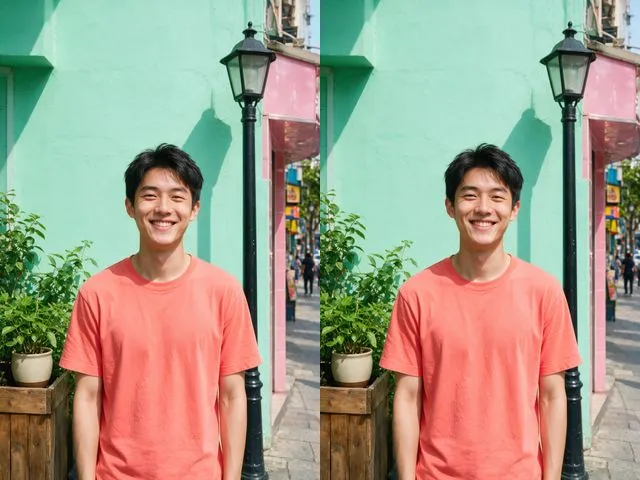 BeforeAfterImage UpscalerEnlarge a small photo and rebuild the detail that a plain resize would smear into soft blocks.
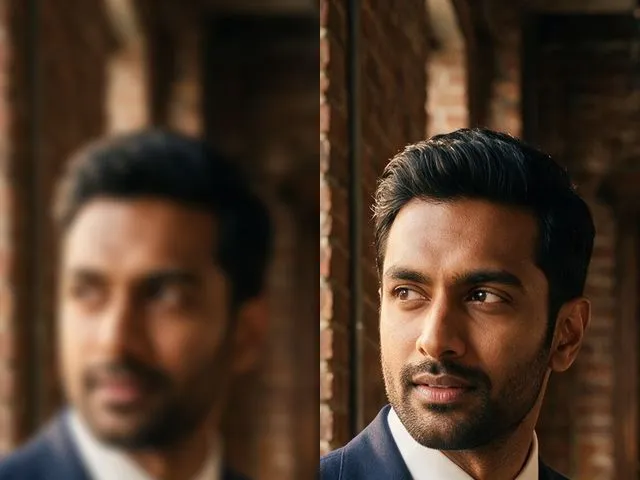 BeforeAfterUnblur ImagePull detail back out of a soft or slightly out of focus shot, with faces handled more carefully than the rest.
 BeforeAfterPhoto ColorizerAdd natural, period plausible color to a monochrome photo, with skin tones kept believable.
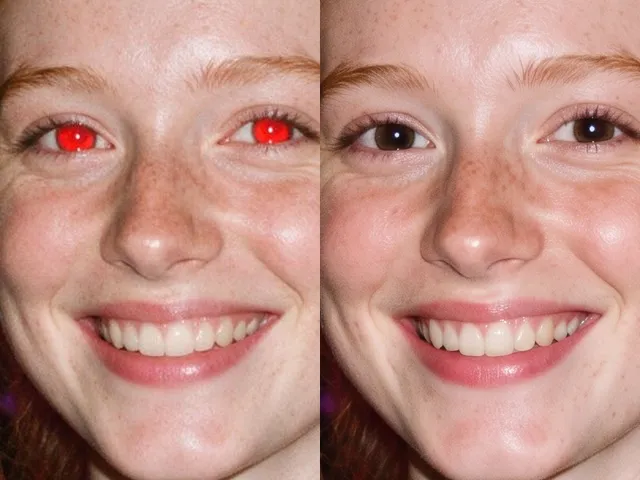 BeforeAfterRed Eye RemoverFix the red flash reflection in the eyes and leave the rest of the photo exactly as it was.