Fix or transform a face in a photo
Small corrections and honest what-if previews on a face, with the rest of the frame left as it was.
Two of these repair something that went wrong at the moment the shutter fired: red eye from a flash, a gaze that landed just off camera. Three show a face changed: without a beard, without hair, or with a different hair colour, which is a preview rather than a photograph, because what is underneath was never recorded in the file. The last two put a face to work: one restyles a snapshot into a studio headshot, the other gives it the plain white background an ID application asks for. Use them on your own photos, or with the consent of the person in them.
14 tools
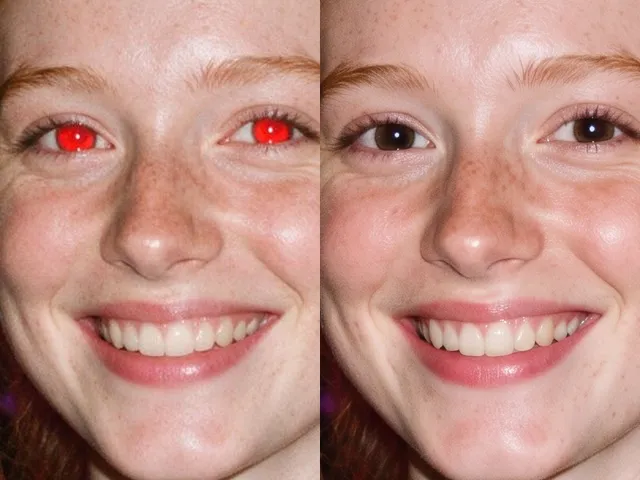 BeforeAfterRed Eye RemoverFix the red flash reflection in the eyes and leave the rest of the photo exactly as it was.
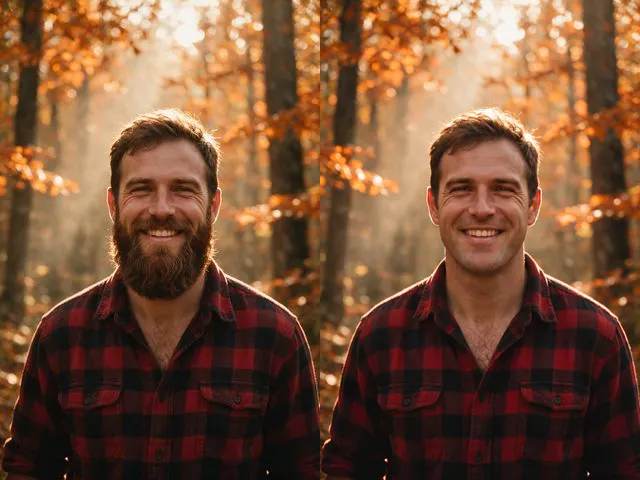 BeforeAfterNo Beard FilterPreview a clean shaven version of a photo, keeping the same face, the same expression, and the same lighting.
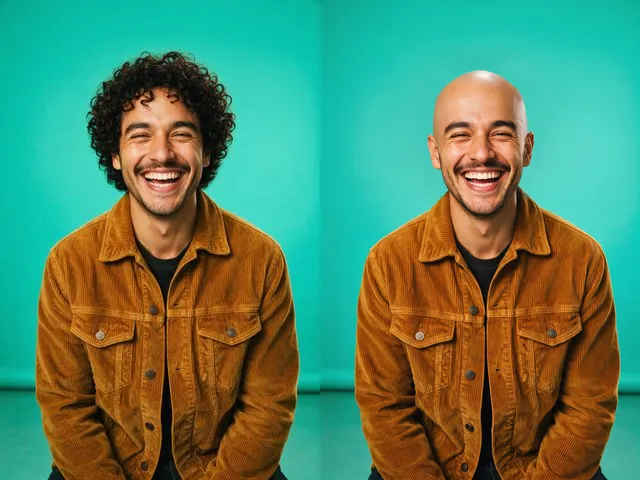 BeforeAfterBald FilterPreview a shaved head version of a photo, keeping the same face, skin tone, and lighting.
 BeforeAfterSmile FilterTurn a stiff expression into a relaxed, natural smile, without touching anything else in the photo.
 BeforeAfterGlasses RemoverTake the eyeglasses out of a portrait, including the reflections and the shadow, and rebuild the eyes underneath.
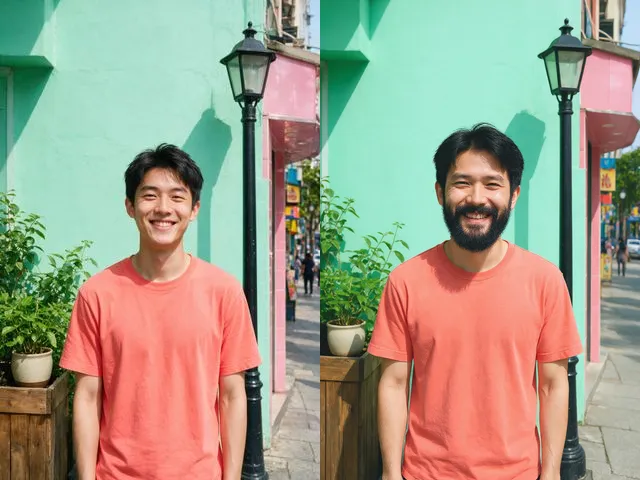 BeforeAfterBeard FilterAdd a full, neatly groomed beard to a photo, in your own hair colour, before you spend a month growing one.
 BeforeAfterOpen Eyes in PhotoFix the one shot where somebody blinked, without retaking it or living with it.
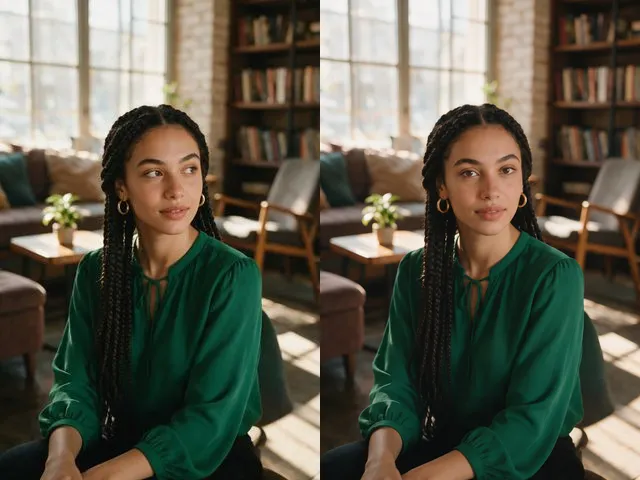 BeforeAfterEye Contact CorrectionNudge the eyes to look into the camera, without moving the head or changing their color.
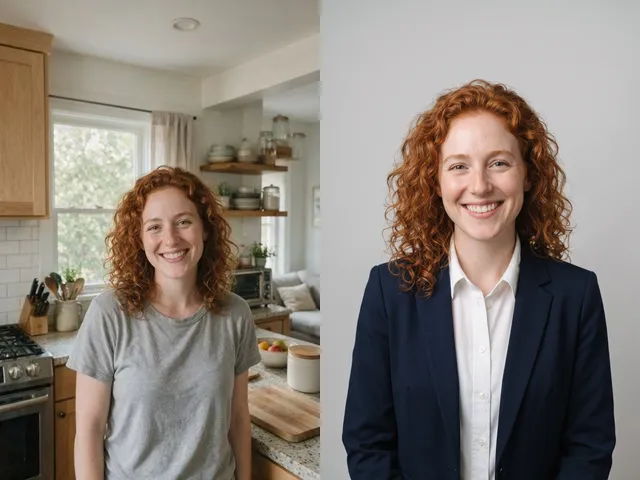 BeforeAfterAI HeadshotPut a decent photo of yourself in business clothes against a clean studio backdrop, without booking a photographer.
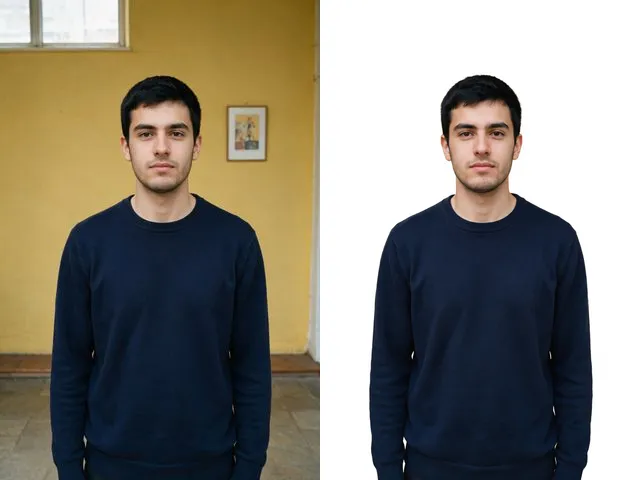 BeforeAfterPassport PhotoTake the photo you already have and give it the flat white background that every ID application asks for.
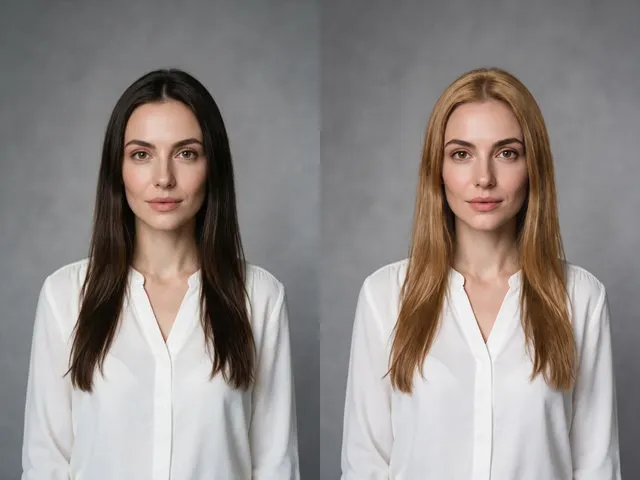 BeforeAfterHair Colour ChangerSee yourself blonde, brunette, red, or silver before you commit to a salon appointment.
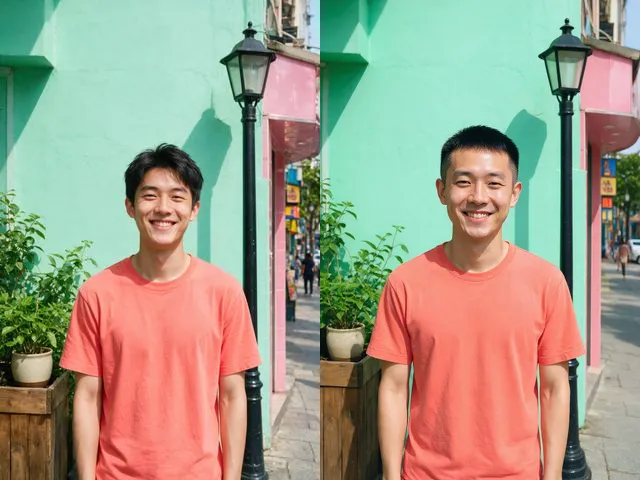 BeforeAfterHairstyle ChangerSee yourself with a buzz cut, a bob, a fringe, or long hair, in the same photo and the same colour you have now.
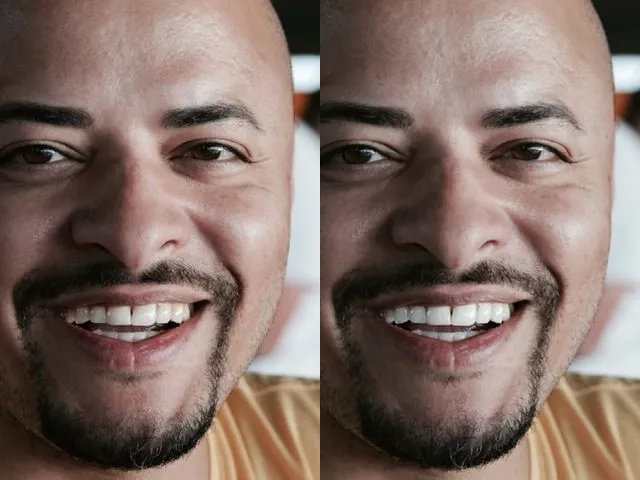 BeforeAfterTeeth WhiteningLift the yellow out of a smile and keep it looking like teeth, not like a row of tiles.
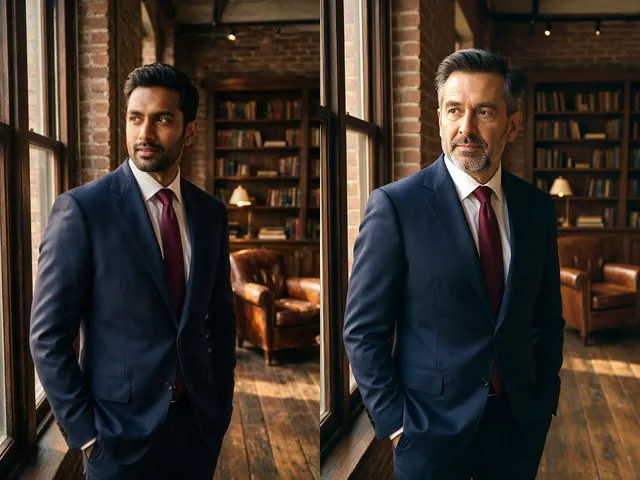 BeforeAfterAge FilterAge a portrait forward or back by about twenty years, and keep it recognisably the same person.