Turn a photo into anime art
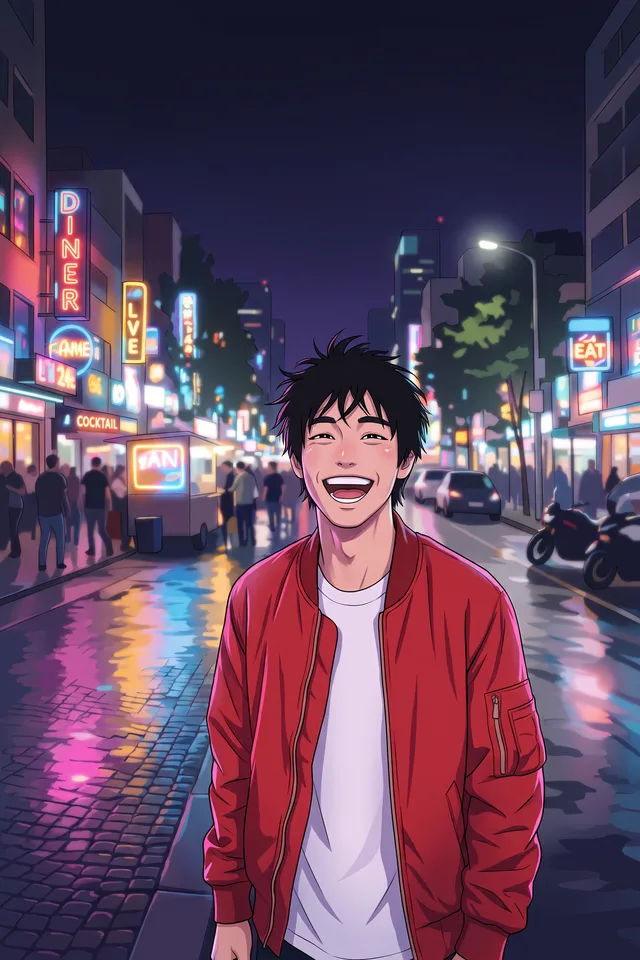
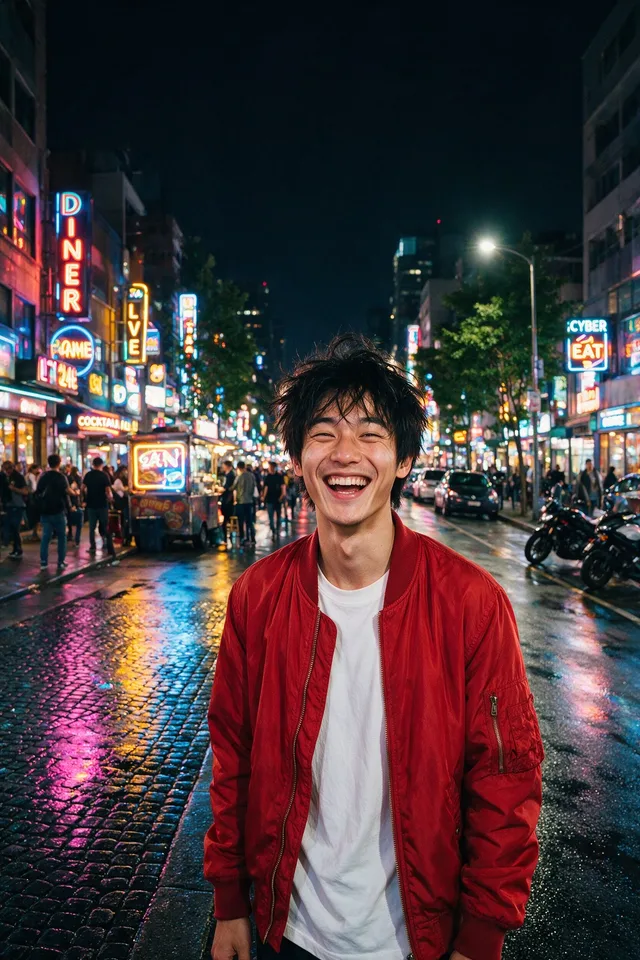
Redraw a photograph as an anime illustration, with the pose and the framing you already have.
Try it
No photo chosen yet.
Drop a photo here
or
JPG, PNG, or WebP, up to 25 MB and 20 megapixels.
Free to try without an account. Signed in, a run costs 4 credits.
Sign up free for High qualityHow it works
- Add a photo: drag it onto the uploader or pick one from your device.
- The model redraws your photo as line art with cel shading, following its composition.
- Look at the result, then download it or run another photo through.
These models reconstruct rather than recover: they produce a plausible version of what was probably there, so results vary with the source photo. Run it again or try a different image if the first pass misses.
What to expect
This is a redraw rather than a filter: nothing is traced over your photograph, so what comes back is a new illustration that follows your pose, framing, hair, and clothing. Recognisability is the thing to judge it on, and it varies. A clear photo of one person, taken from the front and lit evenly, usually comes back as somebody a friend would name. A small face in a group shot comes back as somebody who merely resembles you, because the model had less to work from. Expect the style to simplify: freckles, fine jewellery, patterned fabric, and text on clothing are the details most likely to be smoothed away, and hands are worth checking before you post it anywhere.
Best results: One person, close enough that the face fills a good part of the frame, in even light.
Common questions
- Will it still look like me?
- Somewhere between a portrait and a character. The pose and clothing carry over reliably; how much the face reads as you depends on how large and how clear it was in the original.
- Can I choose an anime style?
- Not in this version. It aims at a clean modern look with soft cel shading rather than imitating any particular studio or artist.
- Does it work on pets or objects?
- Yes, and pets often come out well. It is built with people in mind, so a person in the frame gets the most attention.
- Can I use the result commercially?
- The result is yours as far as we are concerned, and the terms say so. Whether a drawing of a person can be published is a separate question about that person's consent, not about this tool.
- Why did it change my background?
- Backgrounds are simplified on purpose, because a photographic background behind a drawn person looks wrong. If you want your own background kept, cut yourself out first and drop the illustration onto it.
Be photographed, any way you like
Save your photographs once, then every look becomes a photograph of you.










Related tools
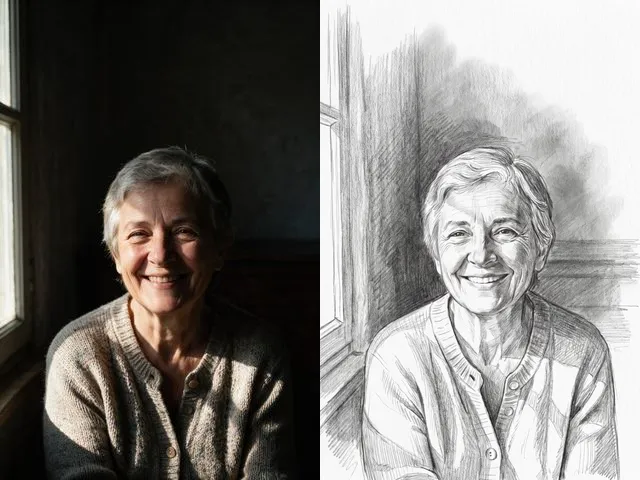 BeforeAfterPencil SketchGet a graphite drawing of your photo, with visible strokes and soft shading instead of pixels.
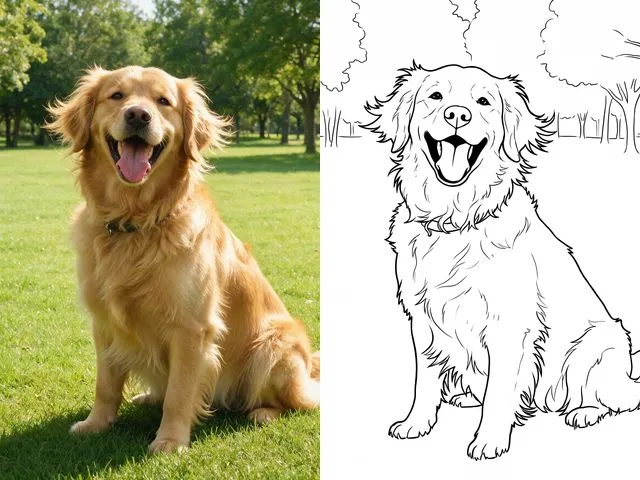 BeforeAfterColoring PageMake a printable colouring page from a photo: bold black outlines, white space, nothing else.
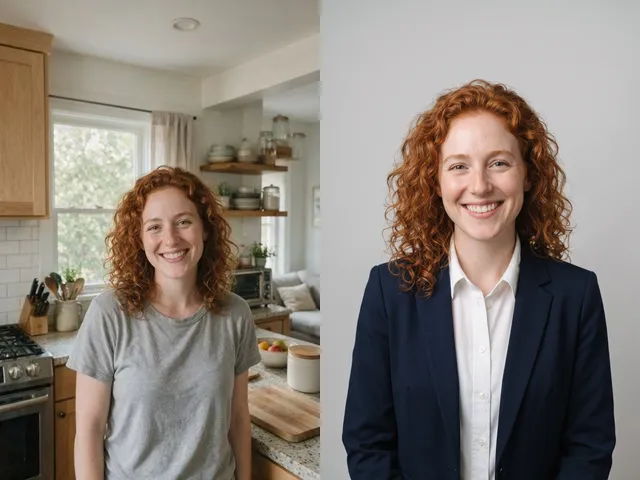 BeforeAfterAI HeadshotPut a decent photo of yourself in business clothes against a clean studio backdrop, without booking a photographer.
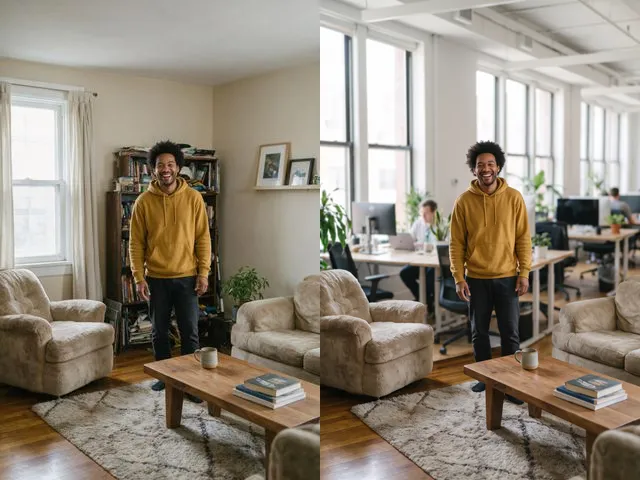 BeforeAfterBackground ChangerKeep your subject and put them somewhere else: a studio, an office, a park, or a beach.