Fix the gaze in a portrait
Nudge the eyes to look into the camera, without moving the head or changing their color.
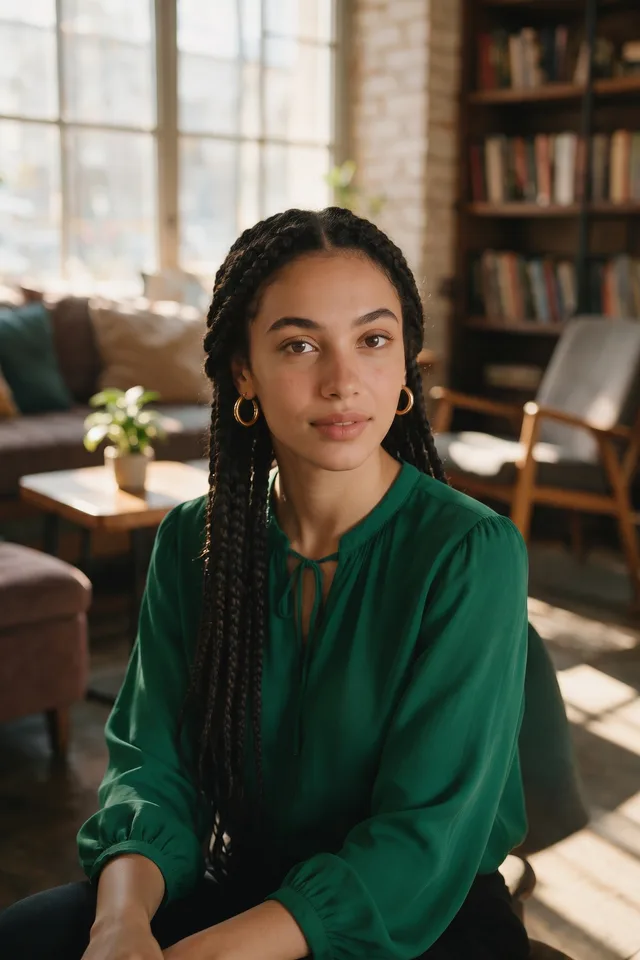
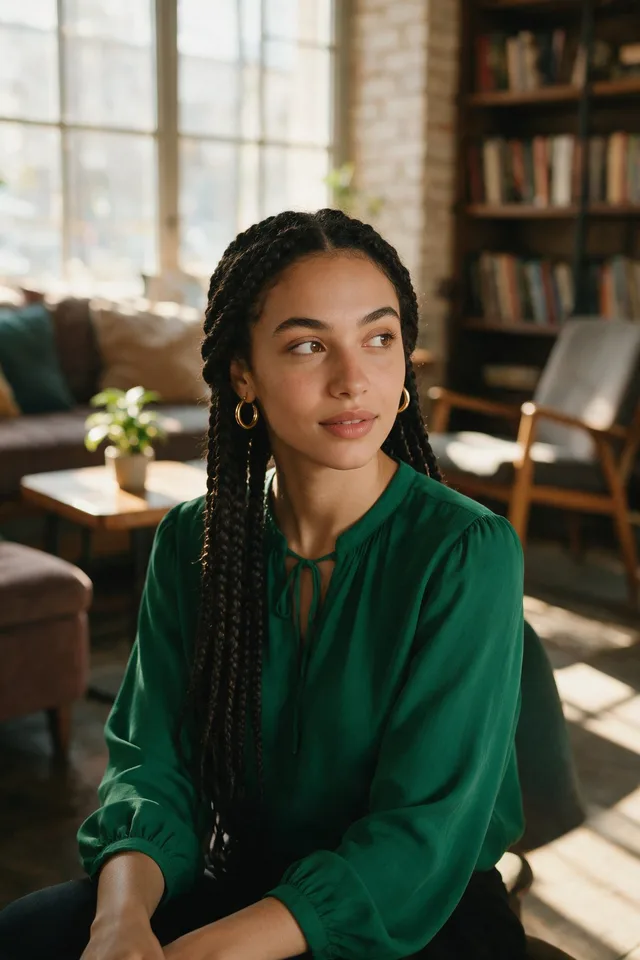
Try it
This tool only changes the eyes you paint over. Pick a photo, brush over the eyes you want looking at the camera, and the rest of the photo is left exactly as it was.
No photo chosen yet.
Drop a photo here
or
JPG, PNG, or WebP, up to 25 MB and 20 megapixels.
Free to try without an account. Signed in, a run costs 15 credits.
How it works
- Add a photo: drag it onto the uploader or pick one from your device.
- Brush over the eyes you want looking at the camera. An editing model redraws that region, and the rest of the photo comes back exactly as you uploaded it.
- Look at the result, then download it or run another photo through.
These models reconstruct rather than recover: they produce a plausible version of what was probably there, so results vary with the source photo. Run it again or try a different image if the first pass misses.
What to expect
This redirects the eyes toward the lens without moving the head, which is the usual fix for a video call screenshot or a group photo where one person glanced away at the wrong moment. Small corrections are its sweet spot: a gaze that is off by a little comes back looking natural. Ask it to turn eyes that were looking far to the side, half closed, or hidden behind glare on glasses and you get the uncanny version, where the eyes meet the camera but the head still reads as facing somewhere else. You brush the eyes you want changed, and that is the only part of the photo the model is allowed to touch: everything else, including anybody else in the frame, comes back as the pixels you uploaded, at the size you uploaded them. Eye color, expression, and head position are meant to stay put and mostly do, though eyes occupy very few pixels in most frames, so zoom in on the result before committing to it.
Best results: A photo where the face is turned roughly toward the camera and both eyes are open and clearly visible. A group photo is fine: you brush one person at a time.
Common questions
- Does it turn the head as well?
- No, the edit is limited to the gaze. That is also its limit: with a head turned well away from the camera, corrected eyes can look stranger than the original glance did.
- Will my eye color change?
- It is meant to stay, and on a clear portrait it does. Eyes that are small in a wide frame are where color and shape can drift, so crop closer and run that instead.
- Does it work through glasses?
- Clear lenses are usually fine. Strong reflections, tinted lenses, or a frame cutting across the eye leave the model guessing at what is behind them.
- Can it open closed eyes?
- No. It redirects a gaze that is already visible, so a blink or a fully closed eye is not something this tool can fix.
- Does it handle more than one person?
- Yes, one person at a time. You brush the eyes you want looking at the camera, and everybody else in the photo comes back untouched, so a group photo is corrected one person per run rather than all at once.
- What do I get back?
- A JPG comes back as a high quality JPG and anything else as a PNG, at the size you uploaded. Only the part you brushed is redrawn by the editing model at 2K, so the rest of the photo keeps every bit of the detail it arrived with.
Be photographed, any way you like
Save your photographs once, then every look becomes a photograph of you.










Related tools
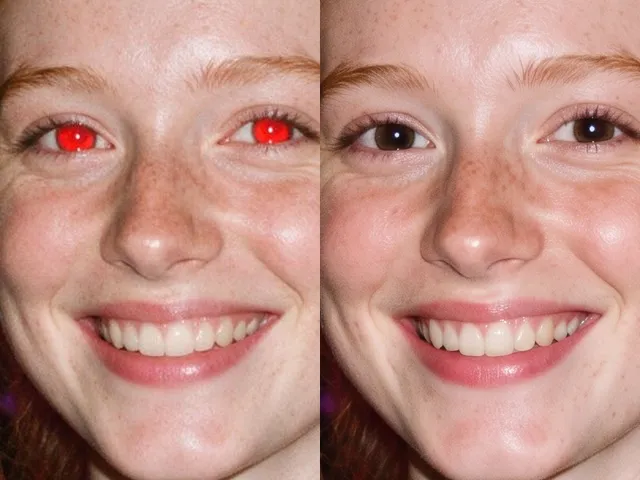 BeforeAfterRed Eye RemoverFix the red flash reflection in the eyes and leave the rest of the photo exactly as it was.
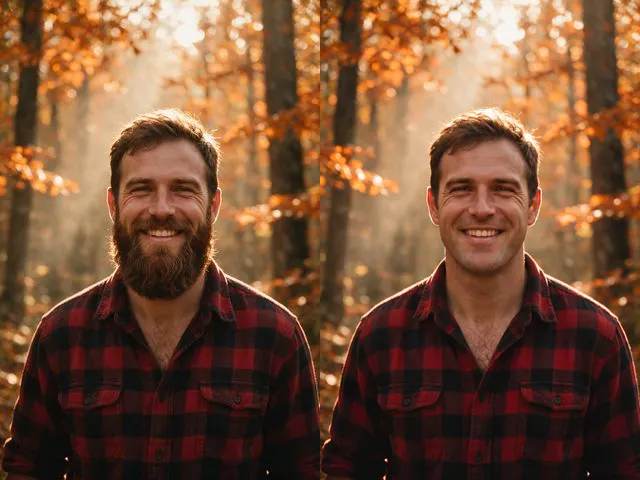 BeforeAfterNo Beard FilterPreview a clean shaven version of a photo, keeping the same face, the same expression, and the same lighting.
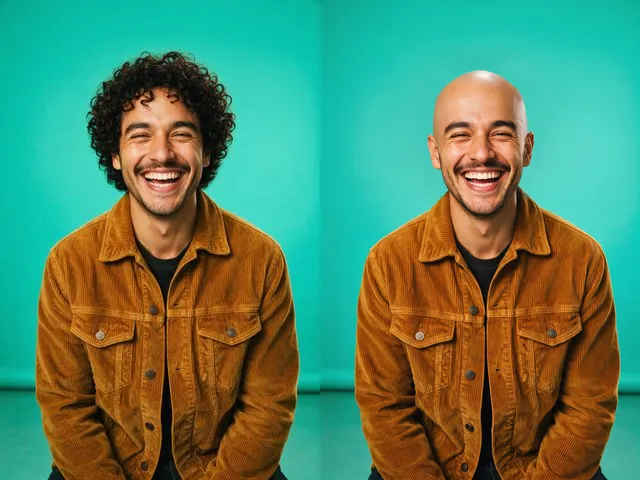 BeforeAfterBald FilterPreview a shaved head version of a photo, keeping the same face, skin tone, and lighting.
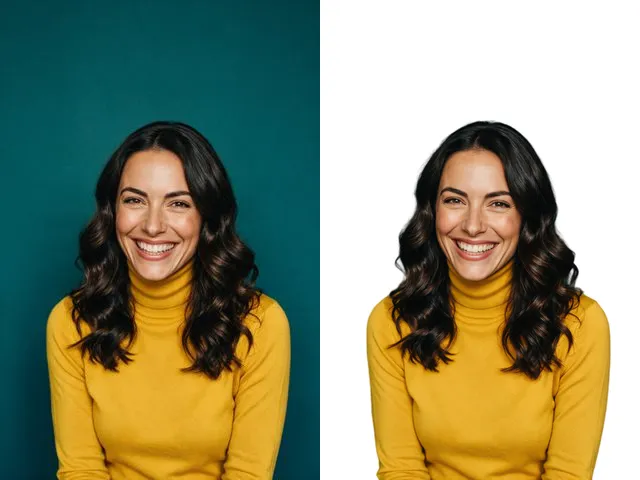 BeforeAfterFace Cut OutIsolate a head and shoulders portrait from its background, with the hair and jaw edges kept clean.