Expand a photo beyond its edges
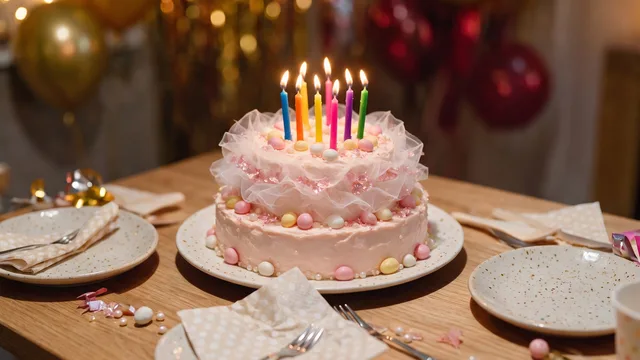
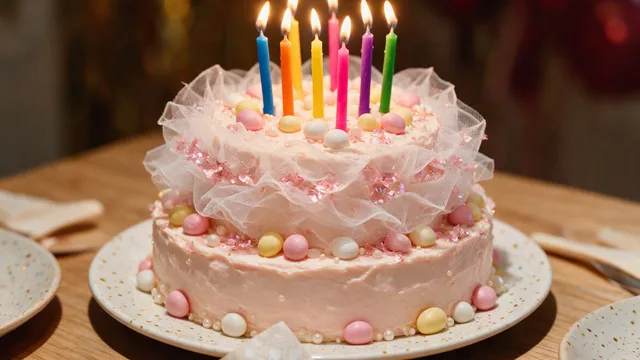
Widen a crop that is too tight, or refit a photo to a square, a story, or a print without cutting anything out.
Try it
No photo chosen yet.
Drop a photo here
or
JPG, PNG, or WebP, up to 25 MB and 20 megapixels.
Free to try without an account. Signed in, a run costs 4 credits.
How it works
- Add a photo: drag it onto the uploader or pick one from your device.
- The model paints new picture beyond your original edges until it fills the shape you picked.
- Look at the result, then download it or run another photo through.
These models reconstruct rather than recover: they produce a plausible version of what was probably there, so results vary with the source photo. Run it again or try a different image if the first pass misses.
What to expect
This is the opposite of cropping: instead of throwing away picture to reach a shape, it invents more of the scene until the shape is filled. That makes it the tool for a portrait photo that has to become a landscape banner, or a shot where somebody's head was cut off by the frame. What it adds is plausible rather than true, so it is at its best continuing simple, continuous things: walls, sky, grass, studio backdrops, water. It is at its worst where it has to guess at structure, which means straight architectural lines that must stay straight, text or logos that continue past the edge, and anything with a rigid pattern. Faces and hands close to the edge are worth checking too, because a half visible one may be completed in a way that is anatomically odd.
Best results: A photo whose edges continue into something simple, with the subject not pressed right up against the side you want to extend.
Common questions
- How much can it add?
- You pick a target shape rather than an amount, and the tool fills whatever is left over around your photo. The more you ask it to invent, the more likely something in there will look wrong, so the modest shapes tend to hold up best.
- What size do I get back?
- Exactly the size of the shape you picked, and each option shows its pixel dimensions on the page before you run it.
- Is any of the new picture real?
- No. Everything outside your original edges is generated. It is a plausible continuation of the scene, not a record of what was actually there, so it is not something to rely on as evidence.
- Can I use it to uncrop a person who was cut off?
- You can try, and the result depends on how much of them is missing. A little shoulder usually works. A missing head or hand is where the model has to invent a person, and that rarely holds up.
- Why does it not just keep my original size?
- Because changing the frame is the point of the tool. If you want more detail at the same shape, Image Upscaler is the one you want.
Be photographed, any way you like
Save your photographs once, then every look becomes a photograph of you.










Related tools
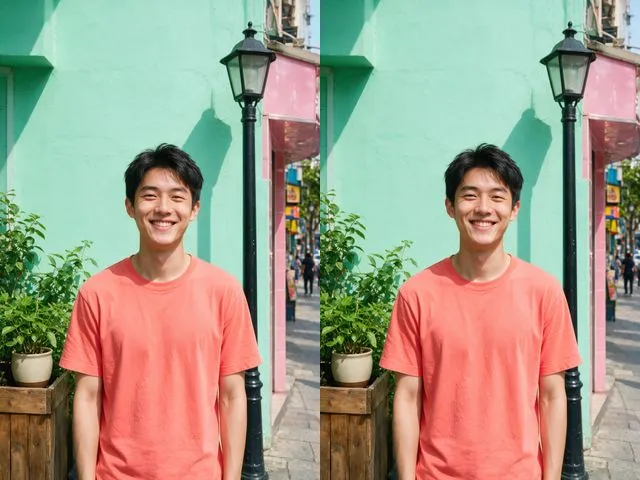 BeforeAfterImage UpscalerEnlarge a small photo and rebuild the detail that a plain resize would smear into soft blocks.
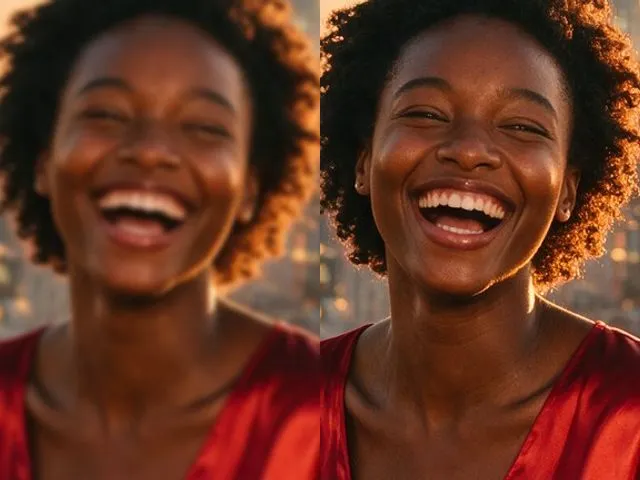 BeforeAfterImage EnhancerSharpen detail, clean up noise, and even out a flat looking photo, without changing what is in the frame.
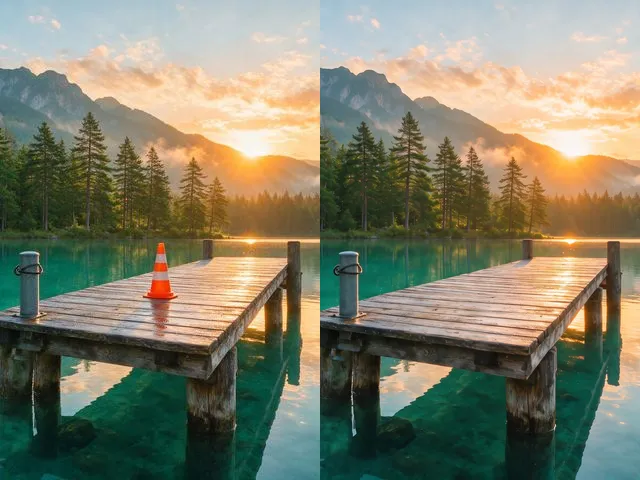 BeforeAfterObject and People EraserMark what you want gone and the model fills the space with what should have been behind it.
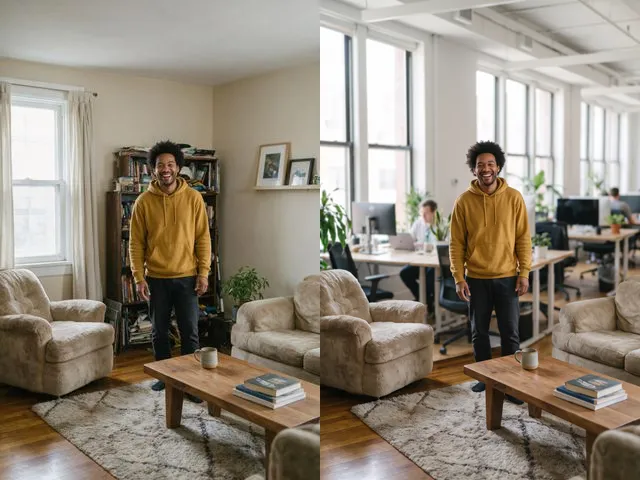 BeforeAfterBackground ChangerKeep your subject and put them somewhere else: a studio, an office, a park, or a beach.