Whiten teeth in a photo
Lift the yellow out of a smile and keep it looking like teeth, not like a row of tiles.
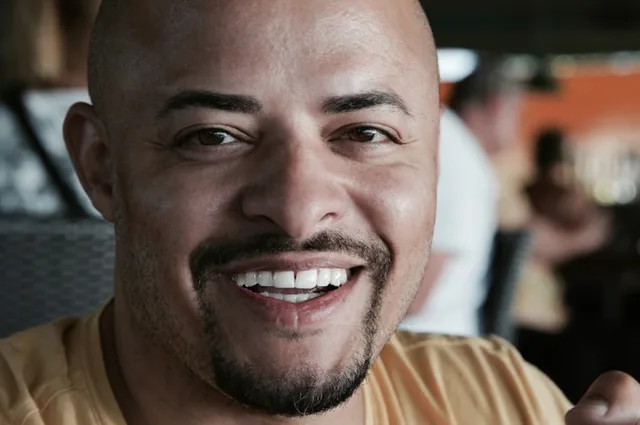
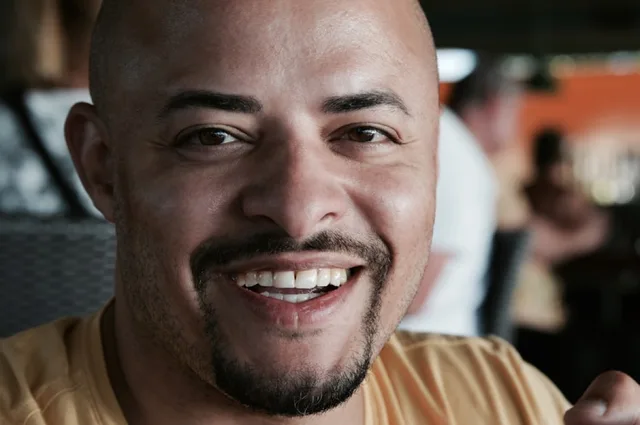
Try it
No photo chosen yet.
Drop a photo here
or
JPG, PNG, or WebP, up to 25 MB and 20 megapixels.
Free to try without an account. Signed in, a run costs 4 credits.
Sign up free for High qualityHow it works
- Add a photo: drag it onto the uploader or pick one from your device.
- An editing model adjusts the colour of the teeth only, and leaves their shape alone.
- Look at the result, then download it or run another photo through.
These models reconstruct rather than recover: they produce a plausible version of what was probably there, so results vary with the source photo. Run it again or try a different image if the first pass misses.
What to expect
Real teeth are not white. They vary slightly from one to the next and go translucent at the biting edge, and a tool that ignores both returns the flat grey white that makes a photo look edited from across a room. The instruction asks for the yellow to be lifted while that variation stays, and it forbids changing the shape, size, spacing, or alignment of any tooth, which is the line between a colour correction and a new smile. It works best on a clear, well lit smile photographed from the front. On a small or blurred mouth there is not much for it to work with, and it will do less rather than invent teeth.
Best results: A clear front facing smile where the teeth are actually in focus.
Common questions
- Will my teeth look fake?
- That is the failure this is written against. The instruction asks for natural variation between teeth and the translucency at the edges to survive, rather than one flat white across the whole smile.
- Does it straighten teeth as well?
- No, and it is told not to. Shape, size, spacing, and alignment all stay as they are. This is a colour change only.
- Will it change my lips or my skin?
- It should not. The instruction names the lips, the gums, and the skin as things to leave alone, because whitening that spills onto them is the other obvious tell.
- Does it work on a photo where I am laughing?
- Yes, usually better than a closed smile, since more of the teeth are visible and in focus.
- Can I use it on a photo of somebody else?
- Only with their consent, like our other face tools. Our acceptable use policy requires it for edits to other people.
Be photographed, any way you like
Save your photographs once, then every look becomes a photograph of you.










Related tools
 BeforeAfterSmile FilterTurn a stiff expression into a relaxed, natural smile, without touching anything else in the photo.
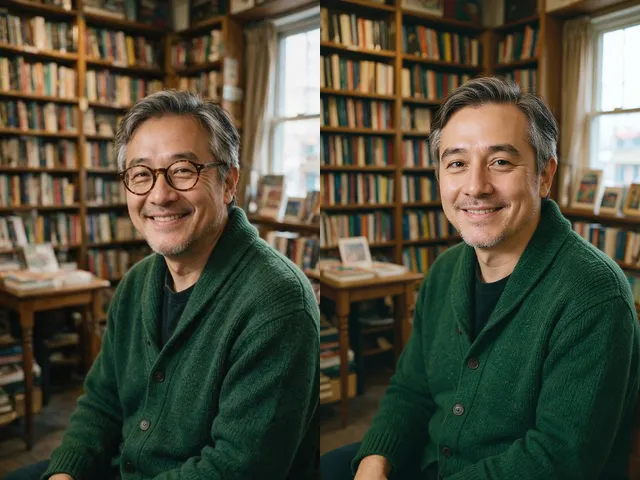 BeforeAfterGlasses RemoverTake the eyeglasses out of a portrait, including the reflections and the shadow, and rebuild the eyes underneath.
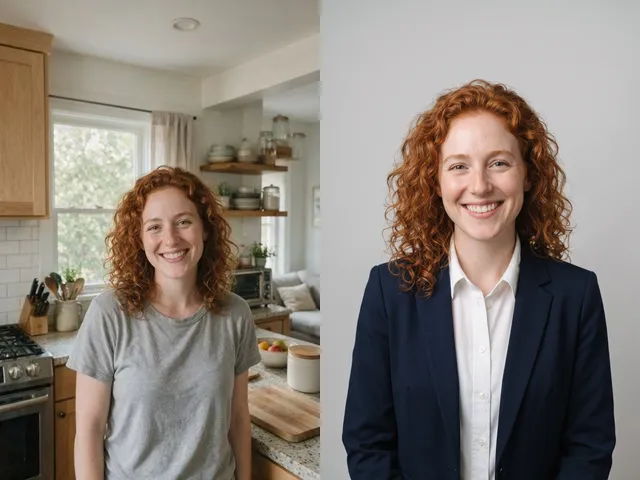 BeforeAfterAI HeadshotPut a decent photo of yourself in business clothes against a clean studio backdrop, without booking a photographer.
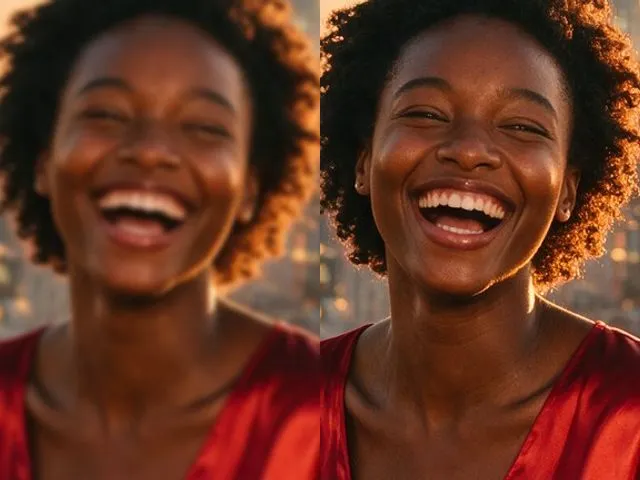 BeforeAfterImage EnhancerSharpen detail, clean up noise, and even out a flat looking photo, without changing what is in the frame.