Remove the background from a photo
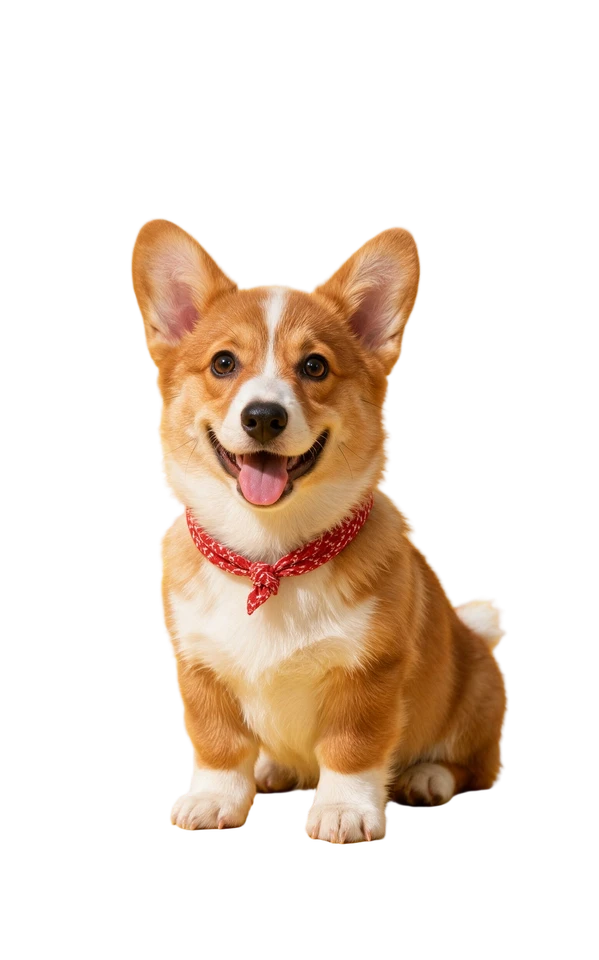
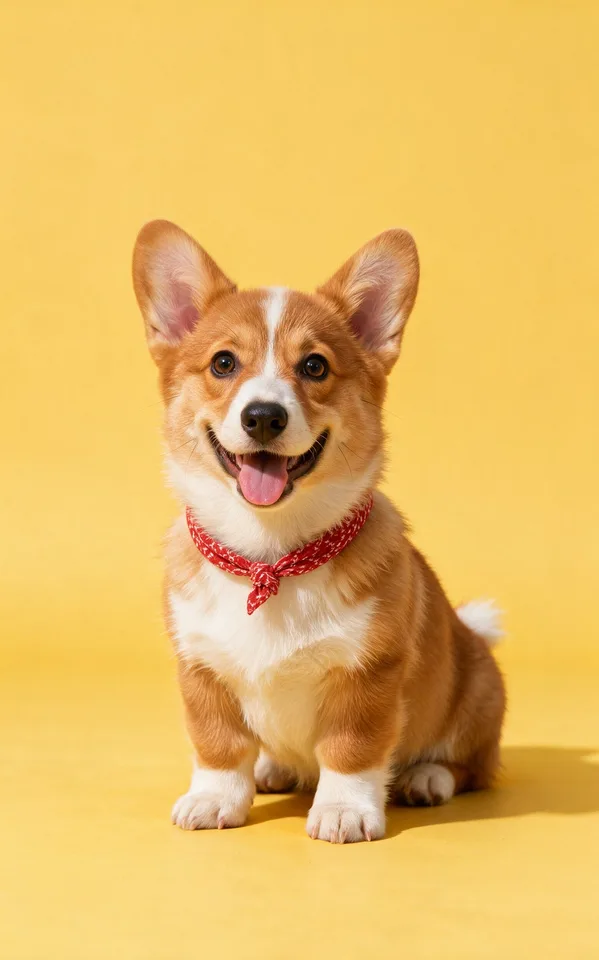
Upload an image and get the subject cut out on a transparent background, ready to drop onto anything else.
Try it
No photo chosen yet.
Drop a photo here
or
JPG, PNG, or WebP, up to 25 MB and 30 megapixels.
Free to try without an account. Signed in, a run costs 1 credit.
How it works
- Add a photo: drag it onto the uploader or pick one from your device.
- The model separates the subject from everything behind it and returns a PNG with real transparency.
- Look at the result, then download it or run another photo through.
These models reconstruct rather than recover: they produce a plausible version of what was probably there, so results vary with the source photo. Run it again or try a different image if the first pass misses.
What to expect
Cutout quality comes down to how clearly the subject reads against what is behind it. A person or a product shot against a wall, a floor, or an out of focus room is close to solved, and the cut runs at a high enough working resolution that the outline holds up when you zoom in. It gets harder with flyaway hair over a busy background, with fur, and with anything you can see through: glass, mesh, chain link, and lace are treated as solid or as gone rather than as partly transparent. A white shirt against a white wall can also confuse the edge, because there is very little there to separate. For a head and shoulders portrait, Face Cut Out runs portrait tuned weights and usually holds the hairline better.
Best results: A photo where the subject is in focus and clearly separated from what is behind it, with even light along its edges.
Common questions
- What file do I get back?
- Pick transparent and the result is a PNG with a real alpha channel, so it drops onto any background. Pick white or black and the transparency is flattened, which means the result comes back as a JPEG.
- How well does it handle hair?
- Broad hair shapes and defined strands usually survive intact. Fine flyaway strands over a detailed background are where it thins out, and the outline there can come back soft or slightly feathered.
- Can I put the subject on a color other than white or black?
- Not in this tool: the choice at run time is transparent, white, or black. Take the transparent PNG into any editor and you can put whatever you like behind it.
- Does it work on products and objects, or only people?
- It runs a general purpose cutout model, so furniture, clothing, food, and pets all work. Transparent and reflective things such as glassware, bottles, and jewelry are the ones worth checking closely.
- What happens to my photo after I download the result?
- Uploads and results are deleted automatically: after 7 days if you ran it without an account, and after 30 days if you were signed in.
- Is there a file size limit?
- JPG, PNG, and WebP files up to 25 MB. Very large images also hit a megapixel ceiling, and the uploader tells you before it sends anything.
Be photographed, any way you like
Save your photographs once, then every look becomes a photograph of you.










Related tools
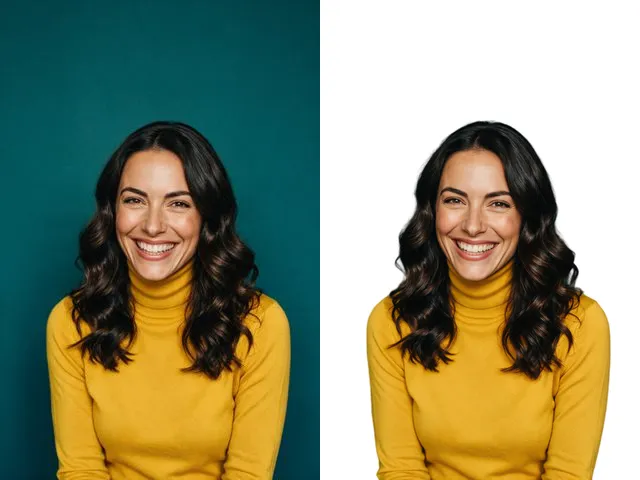 BeforeAfterFace Cut OutIsolate a head and shoulders portrait from its background, with the hair and jaw edges kept clean.
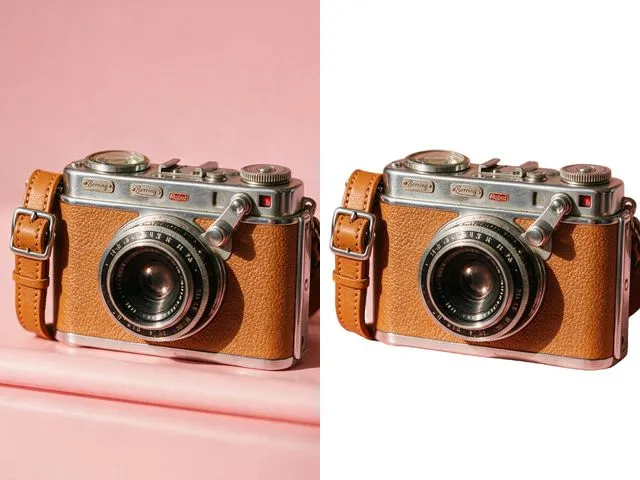 BeforeAfterWhite Background MakerSwap a busy background for a flat white one, the way marketplace listings and ID photo rules usually ask for.
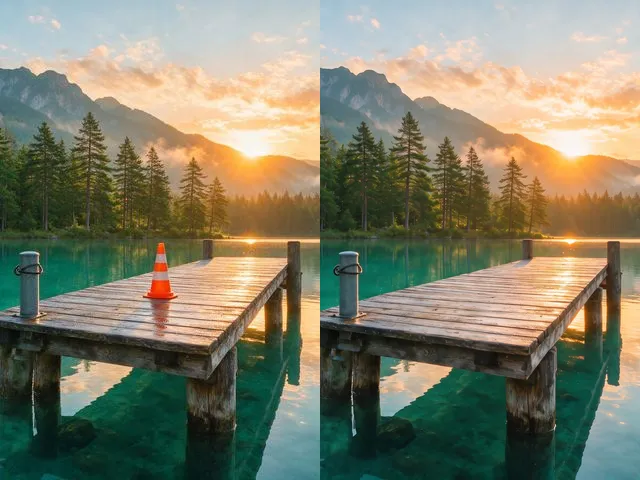 BeforeAfterObject and People EraserMark what you want gone and the model fills the space with what should have been behind it.
 BeforeAfterImage UpscalerEnlarge a small photo and rebuild the detail that a plain resize would smear into soft blocks.