Studio flash
Hard direct flash against a block colour.
8 photos
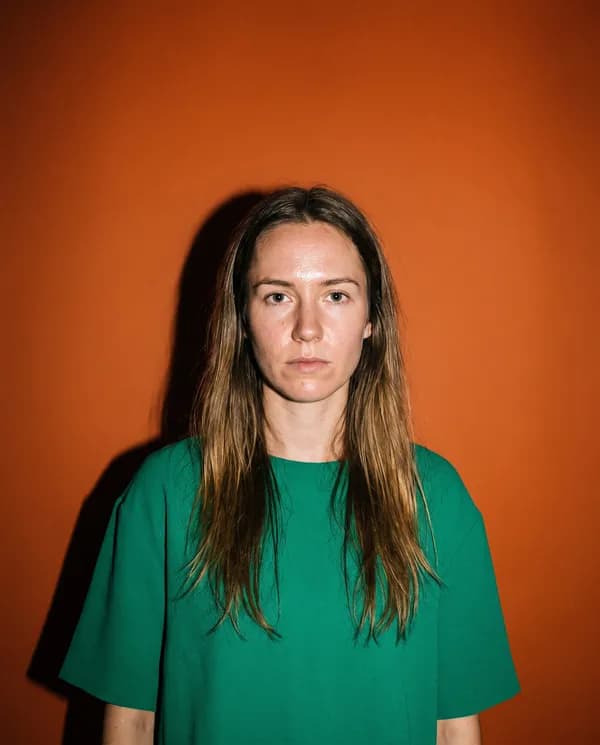
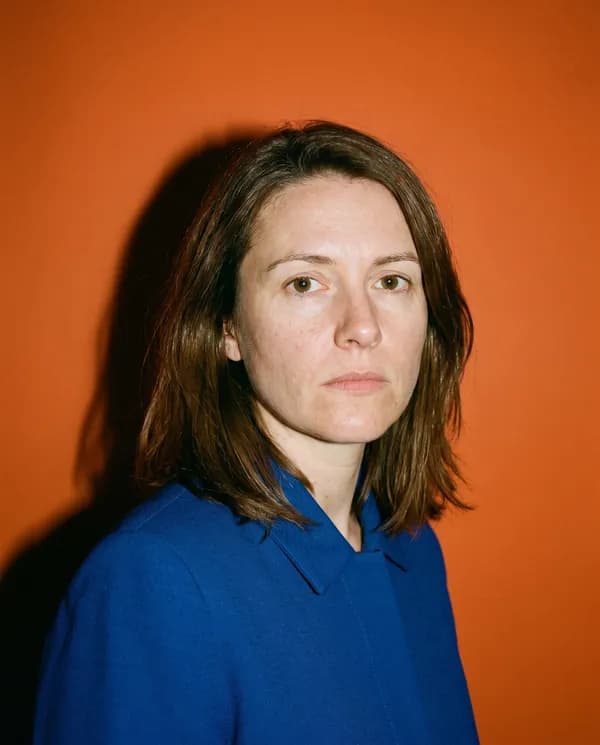
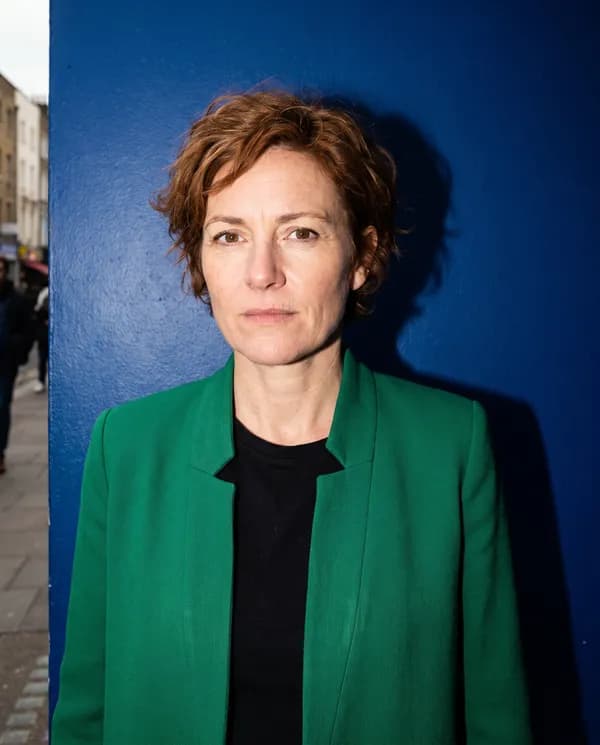
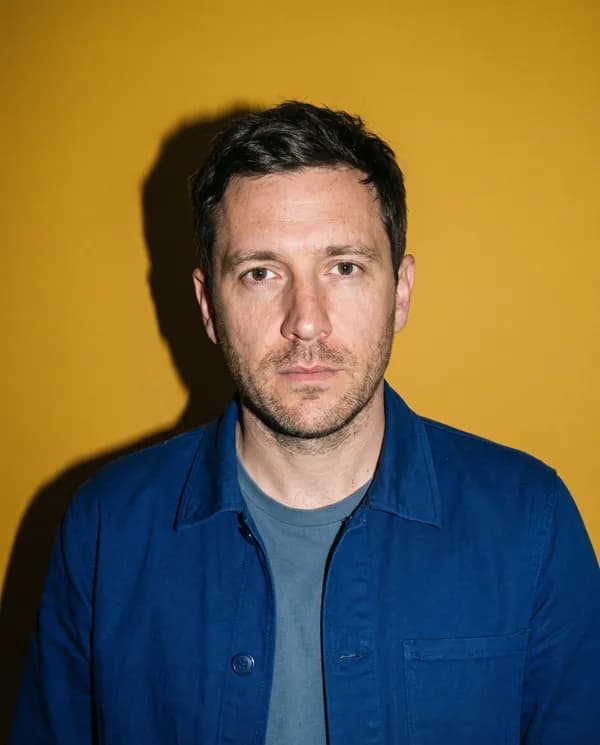
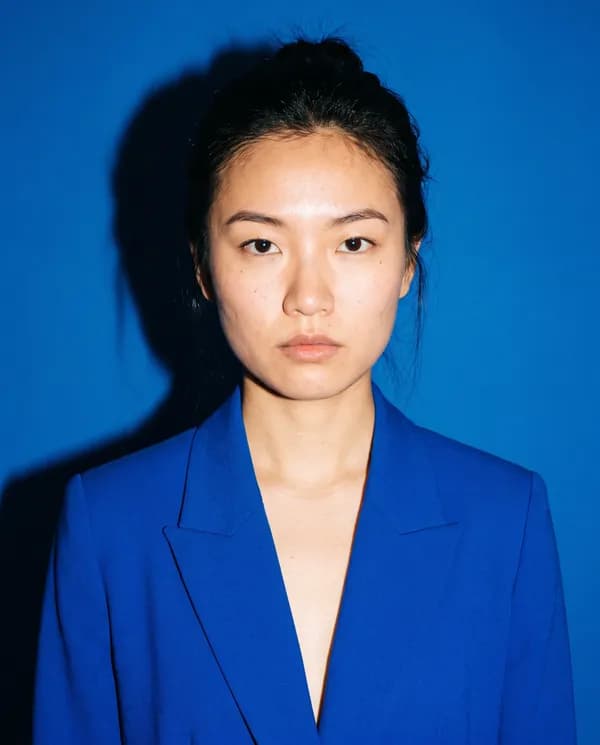
Studio flash takes its cue from street-style photography, the pages shot outside a fashion show rather than inside a studio that had all afternoon to set up. A single bare flash fires straight at the subject, throwing a crisp hard shadow against a saturated colour wall behind them. Nothing here is softened: the light catches skin texture and the edge of a jaw the way a photographer moving fast on a sidewalk would, rather than the flattering glow a longer sitting allows.
The outfit stays deliberately plain: one strong block colour, no pattern, no logo, so the flash and the backdrop carry the image rather than the clothing. Every result frames the subject from the waist up, square to the camera, with a level and unsmiling expression, closer to an editor caught between shows than a red carpet portrait.
This look suits somebody who wants a picture that reads as observed rather than staged, and it depends on the model reading real detail from your face, so a clear, evenly lit source photo makes the biggest difference.
What makes a good photo to start from
Start from a photo with even light across the face and nothing covering it, like sunglasses or a cap, since the hard flash effect depends on the model reading your real features clearly.
What this look will not do
The backdrop colour and the exact angle of the thrown shadow change with every generation, so you cannot request a specific colour or shadow direction.
Questions
- Why does the flash look so much harsher than a normal portrait?
- That harshness is intentional. Studio flash copies the direct, unflattering light of a street-style photograph taken outside a show, not the softened light of a formal studio sitting.
- Can I pick the background colour myself?
- No, the model chooses one saturated block colour for the backdrop on each generation, so results in a set will show different colours rather than one you specify.
- Will it keep the smile from my original photo?
- No, studio flash always renders a level, unsmiling expression to match the editorial style it is based on, whatever expression appears in your source photo.