Change the background of a photo
Keep your subject and put them somewhere else: a studio, an office, a park, or a beach.

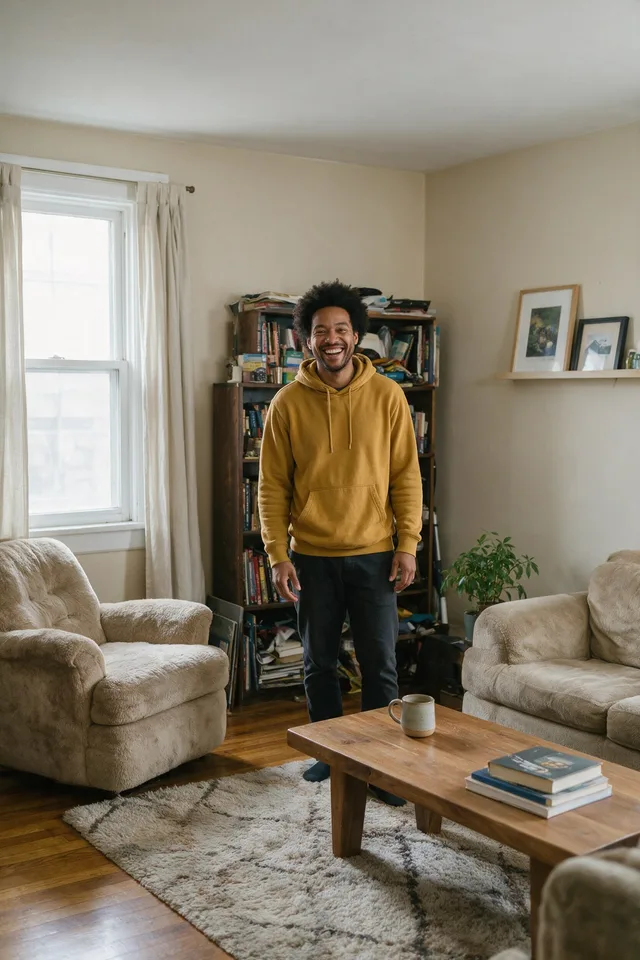
Try it
No photo chosen yet.
Drop a photo here
or
JPG, PNG, or WebP, up to 25 MB and 20 megapixels.
Free to try without an account. Signed in, a run costs 4 credits.
How it works
- Add a photo: drag it onto the uploader or pick one from your device.
- The model separates your subject, generates the scene you picked, and lights the edges to match.
- Look at the result, then download it or run another photo through.
These models reconstruct rather than recover: they produce a plausible version of what was probably there, so results vary with the source photo. Run it again or try a different image if the first pass misses.
What to expect
This is a cutout and a generated backdrop in one step, which is why the edges usually sit better than removing the background yourself and pasting a stock photo behind it: the new scene is rendered around your subject rather than under it, so the light at the outline roughly agrees. The scene comes from a short list rather than a text box, so what you get is predictable and there is no prompt to fight with. Expect the strongest results on a clear subject shot from the front. It is weaker where the original lighting flatly contradicts the scene, a face lit hard from one side dropped onto an evenly lit studio backdrop still reads as two photographs, and it does not attempt to relight your subject to fix that.
Best results: A subject in focus and clearly separated from the current background, lit evenly enough that the new scene can plausibly match.
Common questions
- Can I describe my own background?
- Not in this tool. You pick from the scenes listed on the page, which is what keeps the results predictable and safe to publish. If you want an arbitrary backdrop, run Background Remover and drop the transparent PNG onto whatever you like.
- Does it change my subject?
- It is instructed not to. The person or product should come back with the same face, clothing, and pose. What changes around them is everything else in the frame.
- Why does my photo still look composited?
- Usually the light. If your subject is lit from one side and the scene you chose is evenly lit, the mismatch reads as a cutout no matter how clean the edge is. Picking a scene with similar lighting to the original is the fastest fix.
- What file do I get back?
- A JPEG, because there is no transparency left to preserve once a background has been generated behind your subject.
- What happens to my photo afterwards?
- Uploads and results are deleted automatically: after 7 days if you ran it without an account, and after 30 days if you were signed in.
Be photographed, any way you like
Save your photographs once, then every look becomes a photograph of you.










Related tools
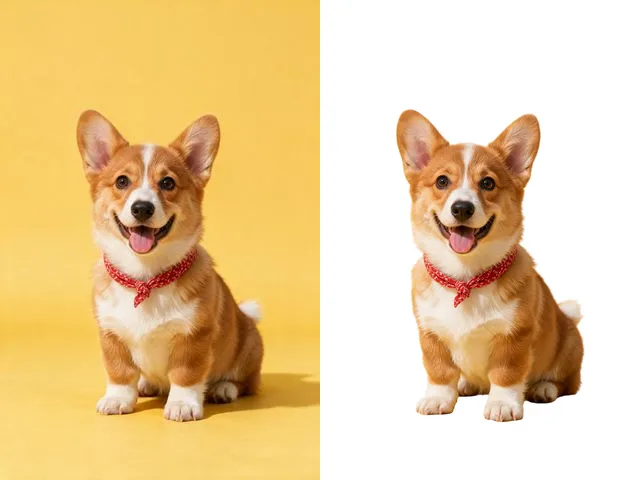 BeforeAfterBackground RemoverUpload an image and get the subject cut out on a transparent background, ready to drop onto anything else.
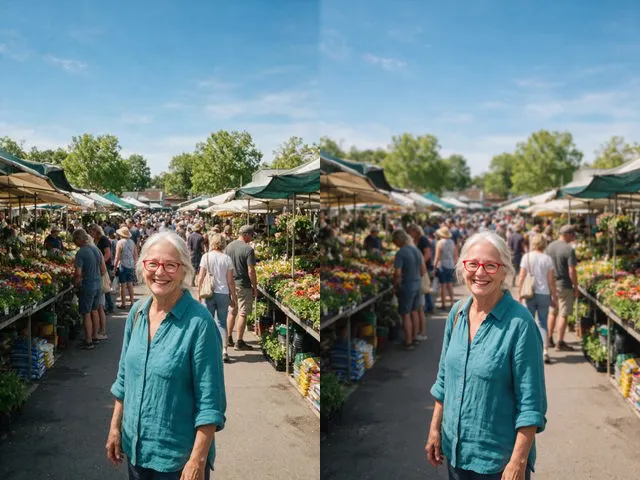 BeforeAfterBackground BlurGet the portrait mode look on a photo that was taken without it: subject sharp, everything behind it soft.
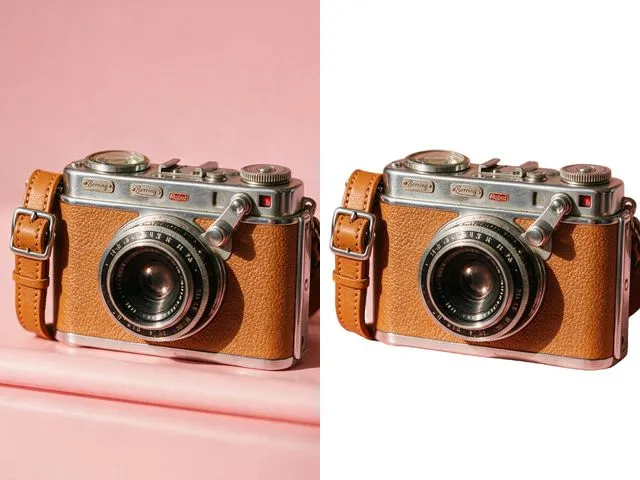 BeforeAfterWhite Background MakerSwap a busy background for a flat white one, the way marketplace listings and ID photo rules usually ask for.
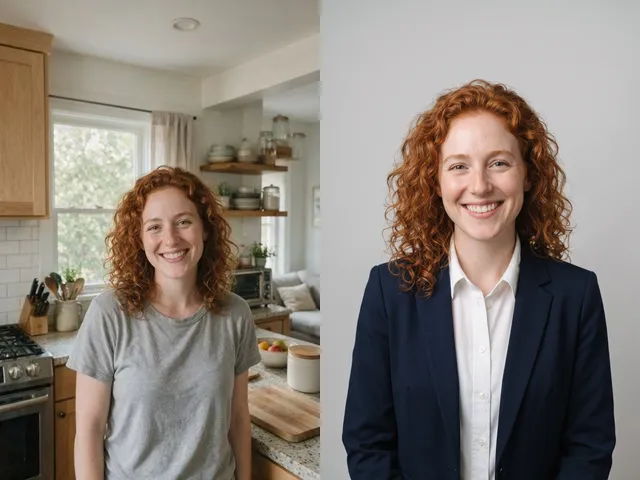 BeforeAfterAI HeadshotPut a decent photo of yourself in business clothes against a clean studio backdrop, without booking a photographer.