Put a photo on a black background
Drop the subject onto flat black, which is what most product shots and profile crops want behind them.
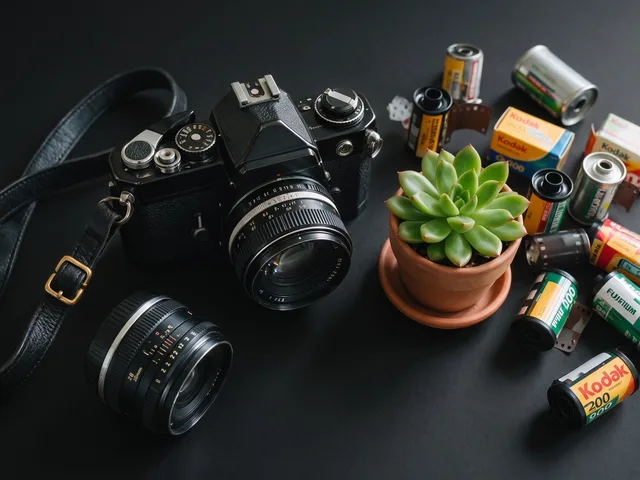
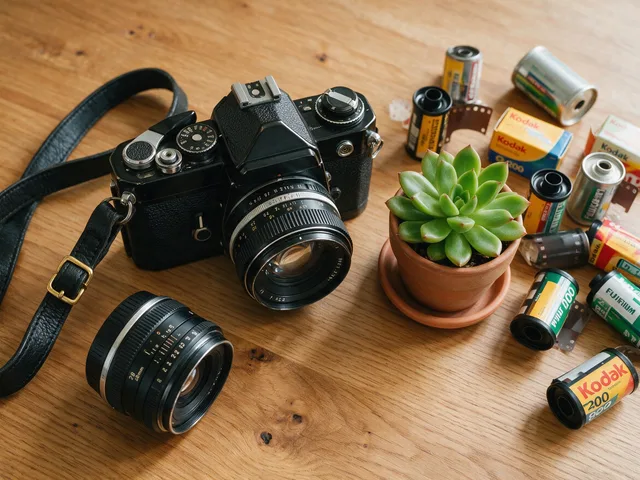
Try it
No photo chosen yet.
Drop a photo here
or
JPG, PNG, or WebP, up to 25 MB and 30 megapixels.
Free to try without an account. Signed in, a run costs 1 credit.
How it works
- Add a photo: drag it onto the uploader or pick one from your device.
- The subject is cut out, then composited onto a flat black backdrop in one pass.
- Look at the result, then download it or run another photo through.
These models reconstruct rather than recover: they produce a plausible version of what was probably there, so results vary with the source photo. Run it again or try a different image if the first pass misses.
What to expect
The same cut as the white version, composited onto flat black instead. Black hides an imperfect edge far better than white does, which makes it the more forgiving of the two on hair and fur, and it suits posters, profile crops, and product shots that want some drama. The cost lands on the other side: dark hair, black clothing, and deep shadow can merge into the new backdrop and read as a silhouette with a piece missing. Some light on the subject from behind or the side is what keeps that from happening. As with the white version the result is flattened, so you get a JPEG rather than a transparent PNG.
Best results: A well lit subject with mid tone or light edges, so its outline does not dissolve into the black behind it.
Common questions
- Why did part of my subject vanish into the background?
- The cut is probably correct: a black jacket against flat black simply has no visible boundary left. Use the white version, or the Background Remover on transparency, when the outline needs to read.
- Is a black background easier to get right than a white one?
- It is easier to get away with. A slightly soft outline is much less noticeable against black, which makes the same cut look cleaner without actually being cleaner.
- Can I get a transparent version instead?
- This page always composites onto black. The Background Remover is the one that lets you choose transparent, white, or black at run time.
- Does it change the subject itself?
- No. Only what sits behind the subject is replaced, so colors, lighting, and detail are left as they were. That is why a photo lit for a bright room can look slightly out of place once it is on black.
- What can I upload?
- JPG, PNG, and WebP files up to 25 MB each, one photo per run.
Be photographed, any way you like
Save your photographs once, then every look becomes a photograph of you.










Related tools
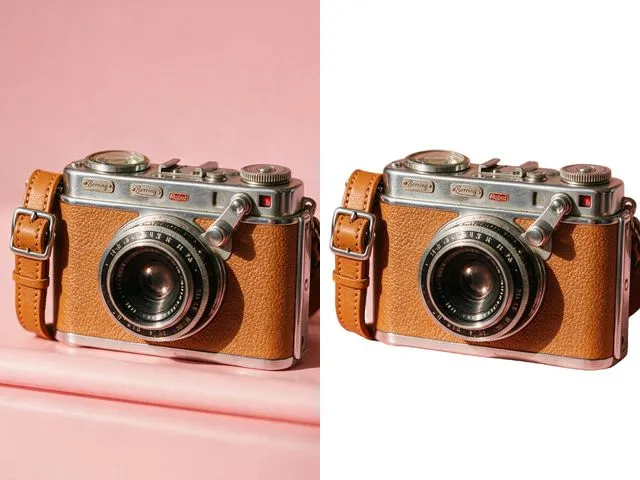 BeforeAfterWhite Background MakerSwap a busy background for a flat white one, the way marketplace listings and ID photo rules usually ask for.
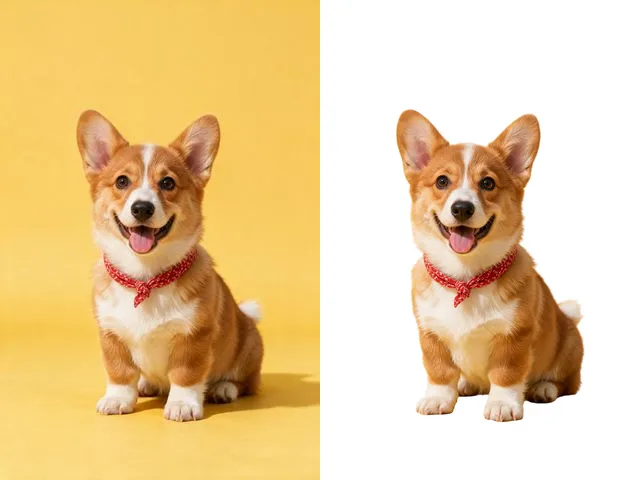 BeforeAfterBackground RemoverUpload an image and get the subject cut out on a transparent background, ready to drop onto anything else.
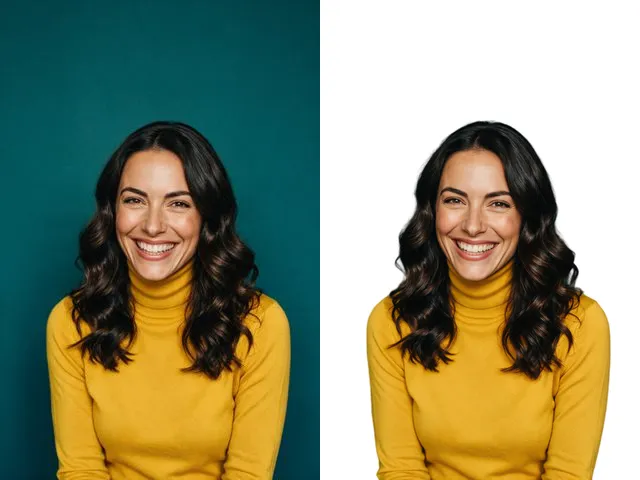 BeforeAfterFace Cut OutIsolate a head and shoulders portrait from its background, with the hair and jaw edges kept clean.
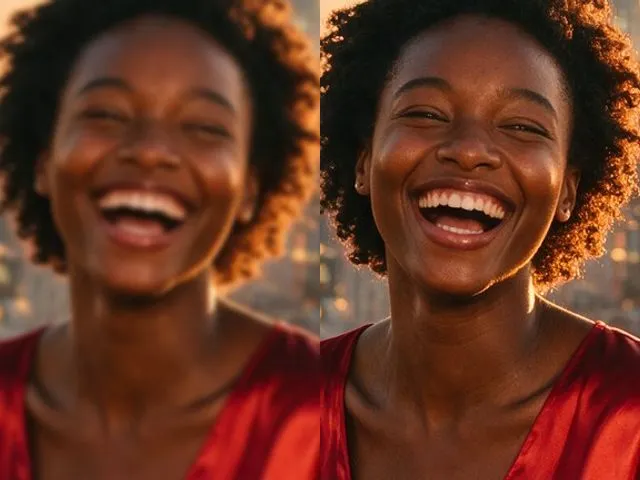 BeforeAfterImage EnhancerSharpen detail, clean up noise, and even out a flat looking photo, without changing what is in the frame.