Turn a photo into a coloring page
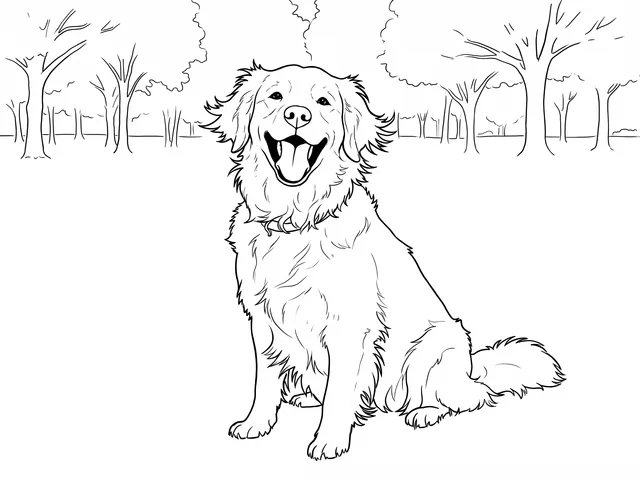
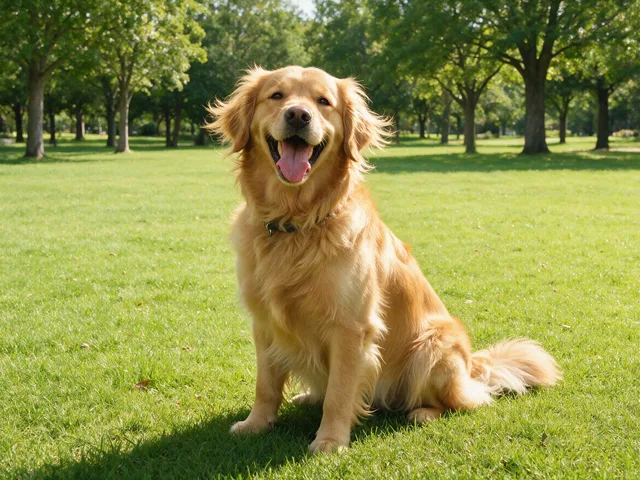
Make a printable colouring page from a photo: bold black outlines, white space, nothing else.
Try it
No photo chosen yet.
Drop a photo here
or
JPG, PNG, or WebP, up to 25 MB and 20 megapixels.
Free to try without an account. Signed in, a run costs 4 credits.
Sign up free for High qualityHow it works
- Add a photo: drag it onto the uploader or pick one from your device.
- The model reduces your photo to clean black outlines with large areas left open.
- Look at the result, then download it or run another photo through.
These models reconstruct rather than recover: they produce a plausible version of what was probably there, so results vary with the source photo. Run it again or try a different image if the first pass misses.
What to expect
Built for printing and handing to somebody with crayons, which sets the rules: bold outlines, no grey, no shading, and areas big enough that a child can stay inside them. Simple photos with a clear subject work best, a pet, a face, a house, a bicycle. Busy scenes come back as a tangle of lines that nobody enjoys colouring, so crop to the thing you care about first. Detail is deliberately thrown away: fur becomes a shape rather than strands, and small background objects tend to disappear entirely, which is what makes the page usable rather than exhausting.
Best results: A photo of one clear subject against a simple background, ideally cropped close before you upload it.
Common questions
- Will it print well on a home printer?
- That is what it is aiming at: black lines on white, no grey, so nothing turns muddy. It comes back at the size you uploaded, so start from a reasonably large photo if you plan to print A4.
- Is it suitable for young children?
- Mostly, and it depends on your photo. Simple subjects give large open areas that are easy to colour. A detailed scene gives thin, fiddly shapes that a small child will find frustrating.
- Can I use my child's photo?
- Yes, and it is one of the nicer uses. Your photo is deleted automatically afterwards, after 7 days without an account and 30 days with one.
- Why did small details disappear?
- On purpose. A colouring page needs areas big enough to colour inside, so fine texture is dropped rather than drawn as a hundred small lines.
- Can I sell the pages it makes?
- As far as we are concerned the result is yours. If the photo was of somebody else, or of somebody else's artwork, that is a question about their rights rather than about this tool.
Be photographed, any way you like
Save your photographs once, then every look becomes a photograph of you.










Related tools
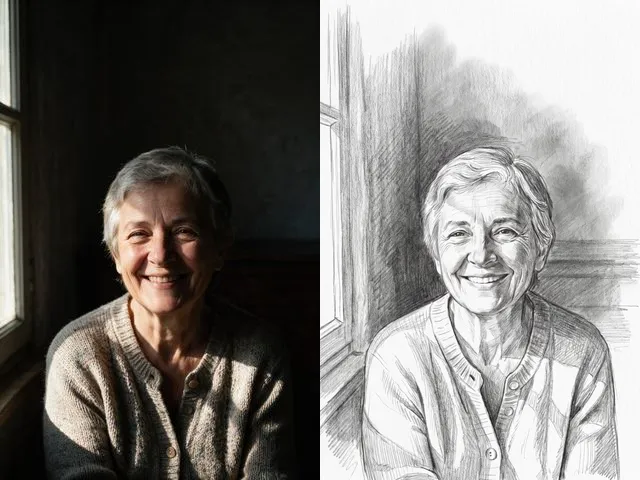 BeforeAfterPencil SketchGet a graphite drawing of your photo, with visible strokes and soft shading instead of pixels.
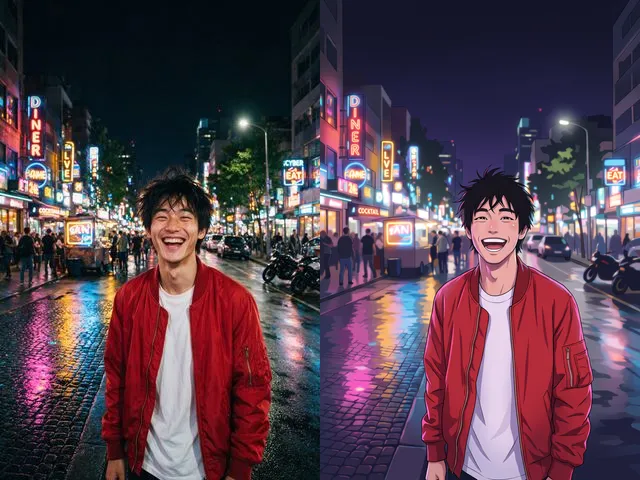 BeforeAfterPhoto to AnimeRedraw a photograph as an anime illustration, with the pose and the framing you already have.
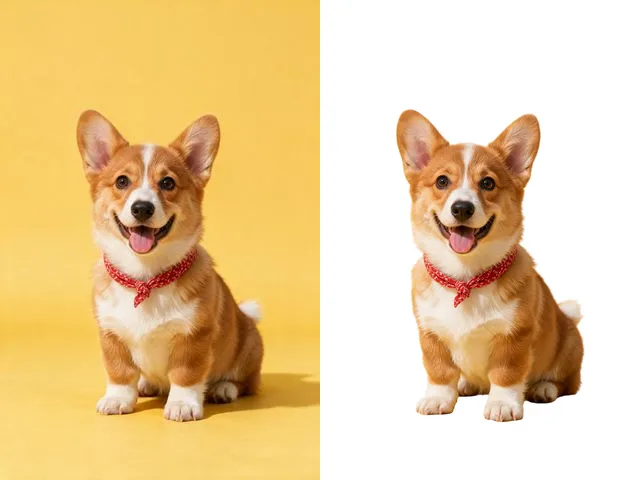 BeforeAfterBackground RemoverUpload an image and get the subject cut out on a transparent background, ready to drop onto anything else.
 BeforeAfterImage UpscalerEnlarge a small photo and rebuild the detail that a plain resize would smear into soft blocks.